How to hide page description of a content in a docs site in GitBook
Here is how to hide page description of a content in a docs site in gitbook
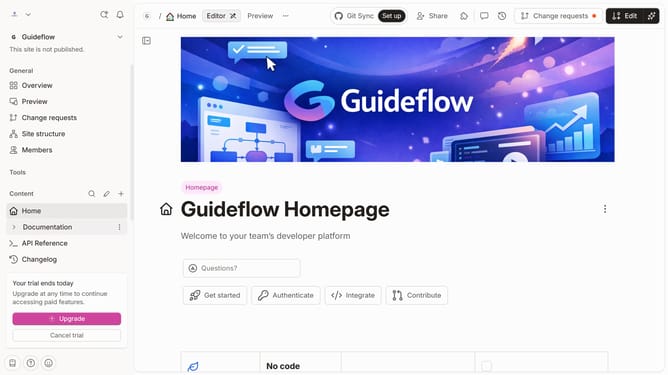
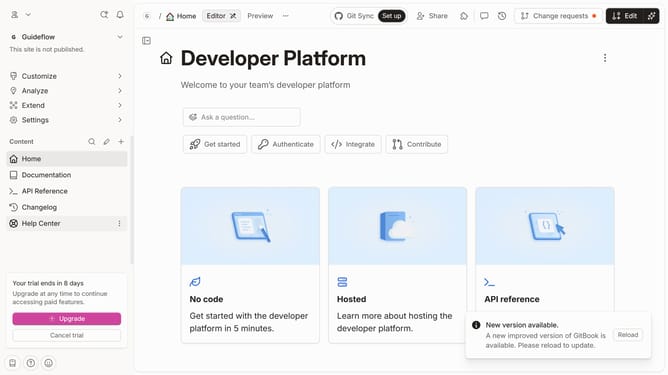
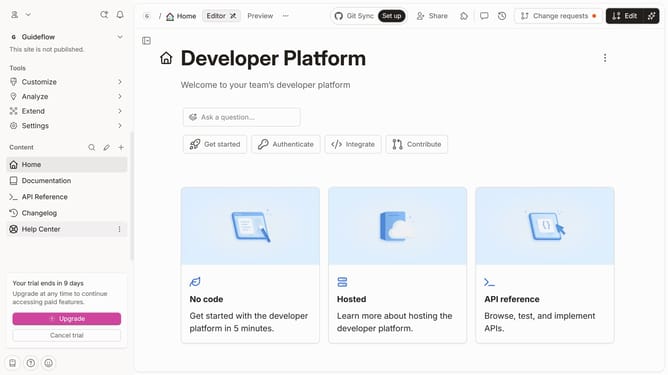
- First click on the content you want to manage in the left sidebar
- Then click on the "Edit" button in the top right corner
- Next, click on "Page options" to open the options menu
- After that, toggle off the switch labeled as "Page description"
- Finally click on the "Merge" button in the top menu
Why should you hide page description of a content in a docs site in GitBook
GitBook is an intuitive, collaborative platform designed for creating and documenting content effectively.
One of its powerful features is the ability to hide page descriptions in a documentation site. This feature streamlines the user interface, allowing readers to focus on the essential content without distraction.
By hiding page descriptions, you can create a cleaner look which enhances the user experience and professional appearance of your documentation.
This approach is particularly beneficial when dealing with extensive documentation, ensuring that the main content remains the focal point.
Last update