How to add a select column in a table in homepage in Gitbook
Here is how to add a select column in a table in homepage in gitbook
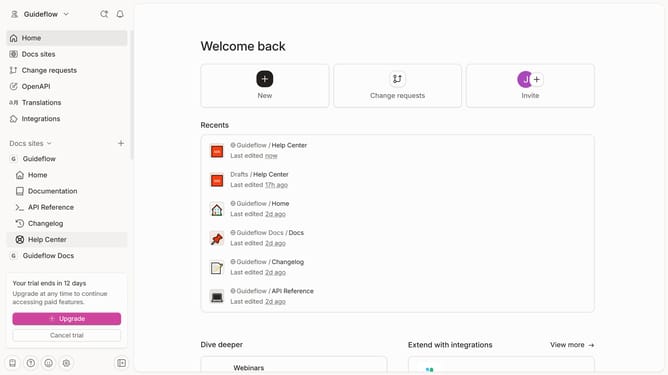
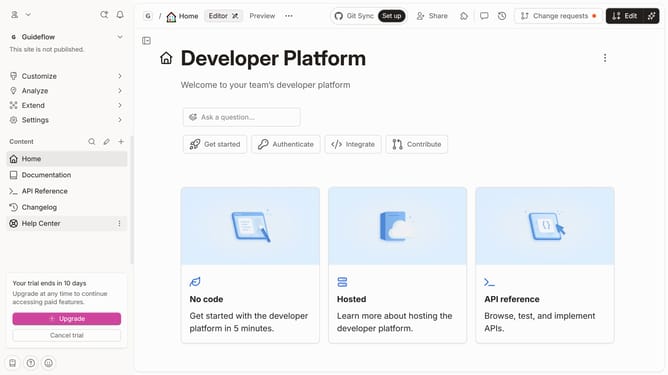
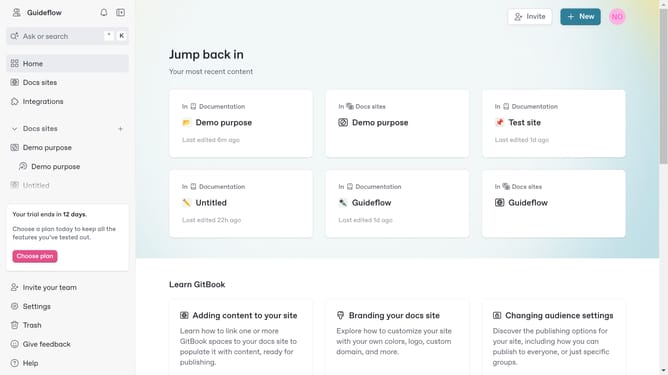
- First click on the "Home" link in the left sidebar.
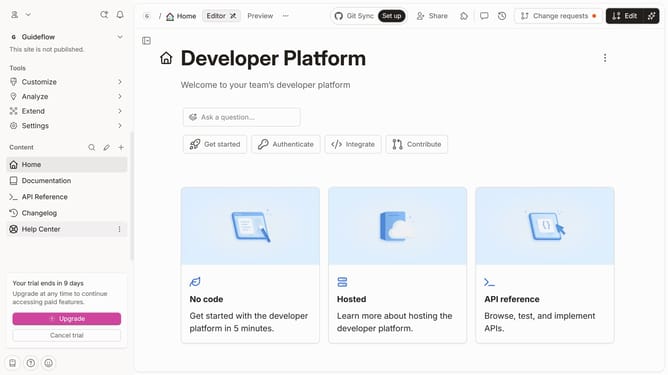
- Then click on the "Edit" button in the top header.
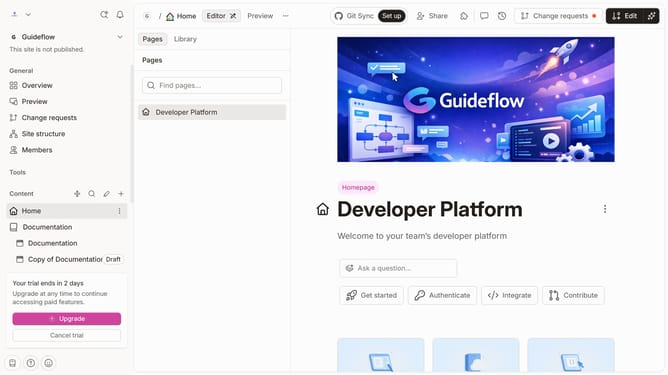
- Then click on the "3 dots" icon for block options.
- Then click on "Add column" in the sidebar menu.
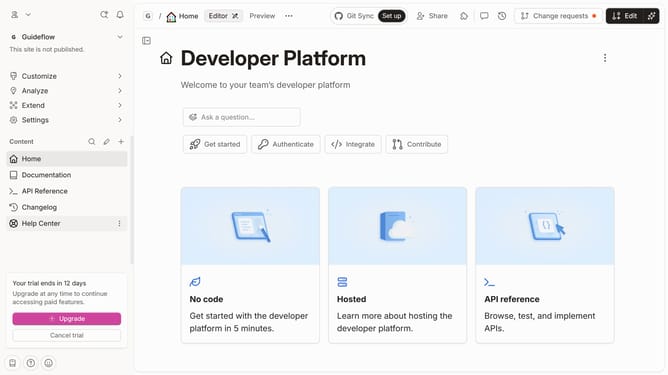
- Then select "Select" from the dropdown menu.
- Finally click on the "Merge" button in the top right corner
Why should you add a select column in a table in homepage in Gitbook
GitBook is a collaborative and user-friendly platform designed to simplify documentation and knowledge sharing.
Incorporating a select column into a table on the homepage in GitBook enhances this functionality by offering users the ability to customize data display and improve interaction with content.
This feature allows for a tailored information experience, making it easier for users to sift through data efficiently, promoting an organized and engaging navigation process.
Utilizing select columns thus enhances the user experience by supporting clarity and quick decision-making in content interaction.
Last update