How to mention a user in a help center category in Gitbook
Here is how to mention a user in a help center category in gitbook
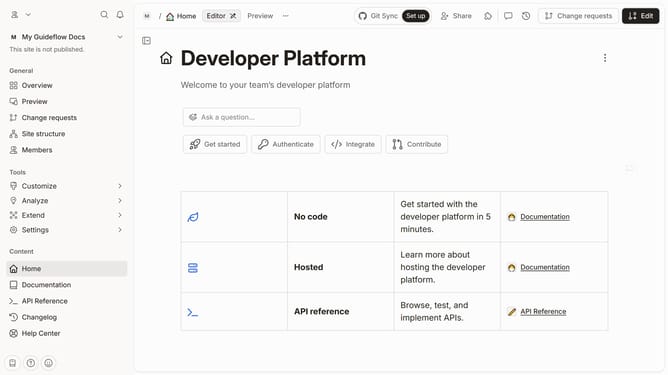
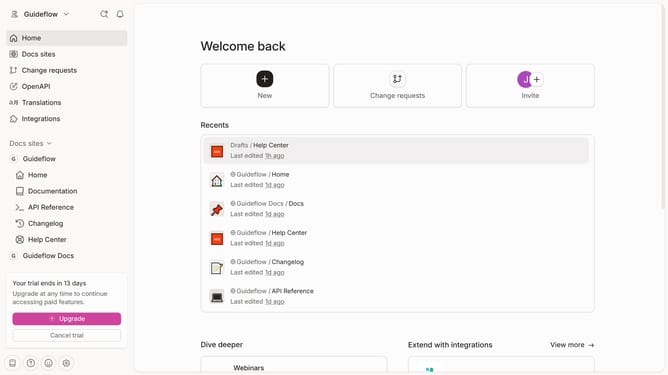
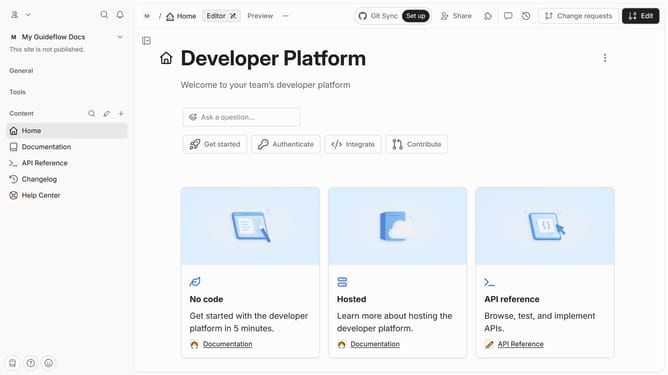
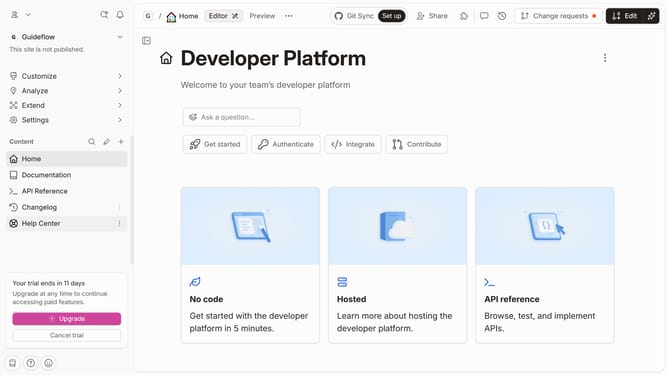
- First click on "Help Center" item in the sidebar
- Then click on "Edit" button in the header
- Next click on "Mention users" button
- Then select a user from the dropdown menu
- Finally click on "Merge" button in the header
Why should you mention a user in a help center category in Gitbook
GitBook is an intuitive platform designed to streamline documentation and collaboration.
When mentioning a user in a help center category, GitBook allows for effortless communication among team members. This feature enhances collaboration by ensuring that the right people are alerted to important updates or queries.
Utilizing this feature not only increases efficiency but also ensures accountability and fosters a collaborative environment, making team interactions more productive and timely.
Last update