How to add more options in selector field in a help center category in Gitbook
Here is how to add more options in selector field in a help center category in gitbook
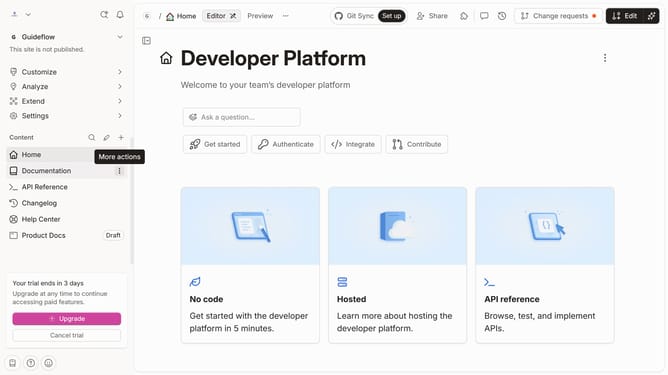
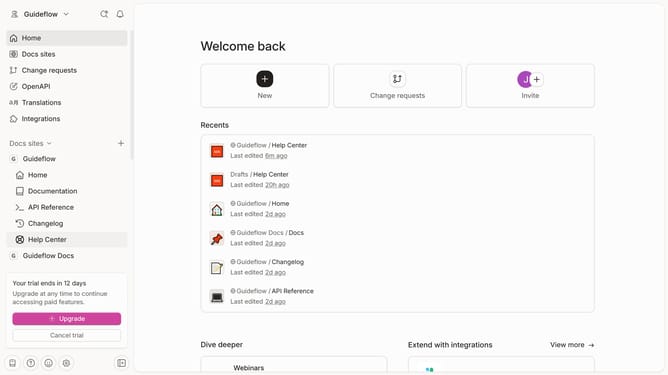
- First click on "Help Center" in the left sidebar
- Then click on the "Edit" button in the top header
- Then click on the "three dots icon" next to the selector field
- Then click on "Edit option" in the dropdown menu
- Then click on "Select or add option" in the sub-menu and enter your additional option
- Then click on "+ Add "Tutorials" in the input field
- Finally click on the "Merge" button in the top menu
Why should you add more options in selector field in a help center category in Gitbook
GitBook is a powerful platform designed to help authors organize and present documentation effectively.
One stellar feature is the ability to add more options in the selector field within a help center category. This enhancement allows for a more tailored user experience by providing customized options based on user needs.
Using this feature ensures clarity and efficiency, making your documentation more navigable and user-centric. It's a simple yet effective way to enhance the help center's utility and cater to a broader audience.
Last update