How to identify when live editing is not available in Gitbook
Here is how to identify when live editing is not available in gitbook
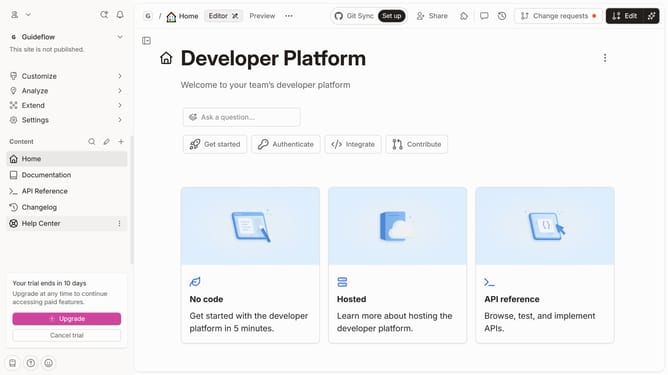
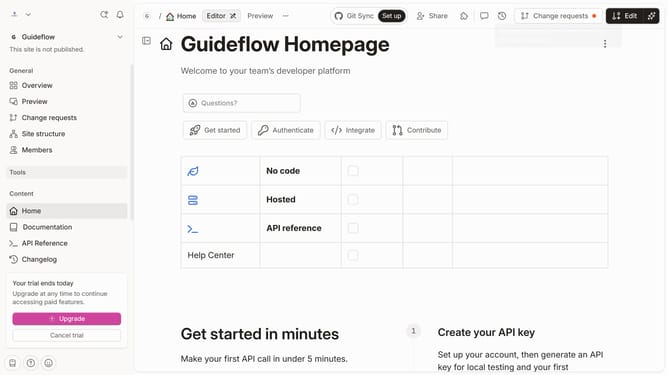
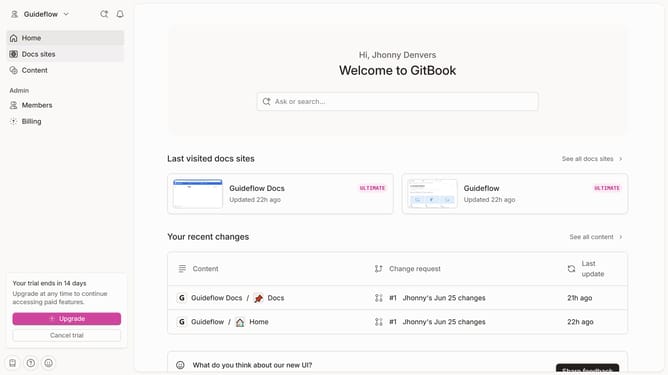
- First click the site card you want to check
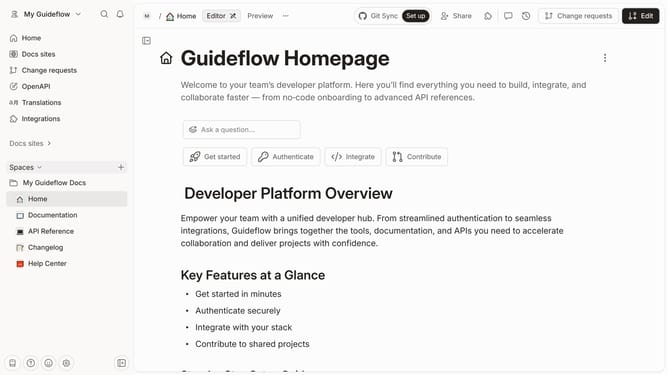
- Then click on the "Start editing content" button in the site overview section
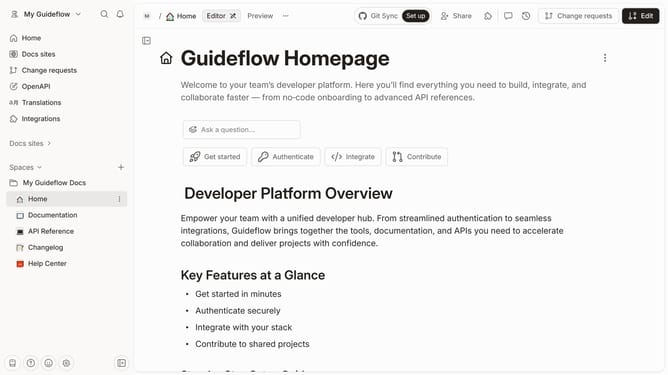
- The first sign live editing is not available when it is on "Read-only" mode
- To enable live editing, click the "Actions" button
- Finally click on "Unlock live edits" option in the page context menu
Why should you identify when live editing is not available in Gitbook
GitBook simplifies documentation by enabling collaborative creation and editing in real time.
However, there might be instances when live editing is unavailable, which can be identified by checking if the edit icon is inactive or grayed out.
Recognizing this ensures smooth coordination among team members, allowing them to adjust their workflow and possibly switch to alternate methods or waiting for permissions, enhancing productivity and avoiding confusion.
This awareness aids in maintaining seamless communication and efficient documentation processes.
Last update