How to add a task list in homepage tab in Gitbook
Here is how to add a task list in homepage tab in gitbook
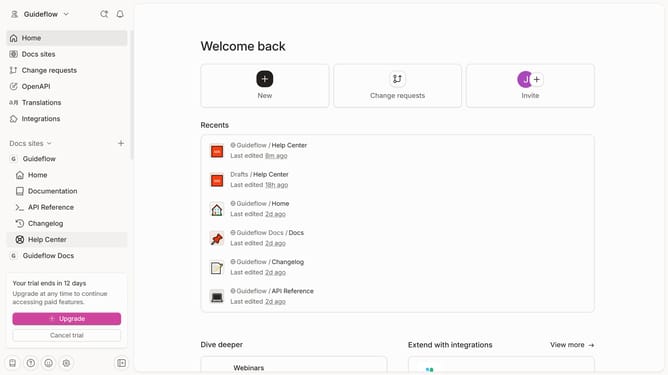
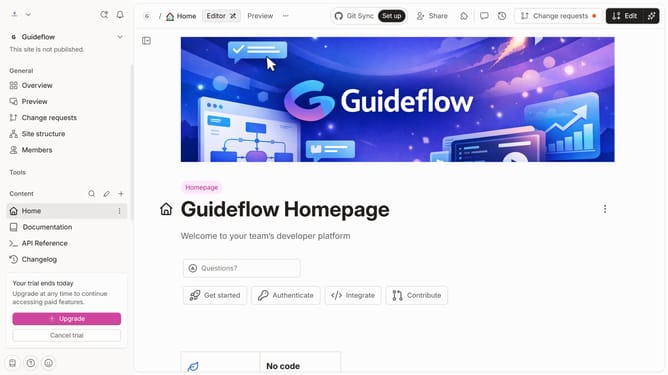
- First, click on the "Home" item in the left sidebar
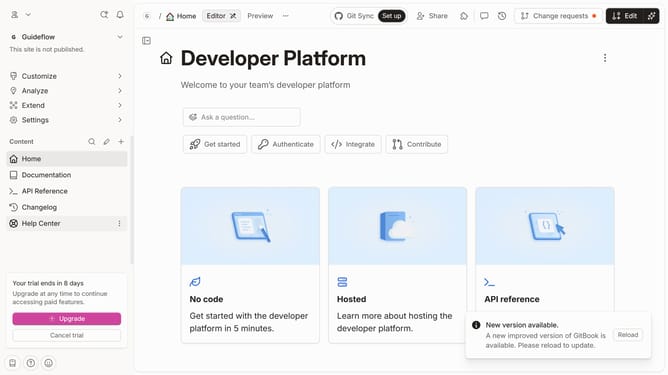
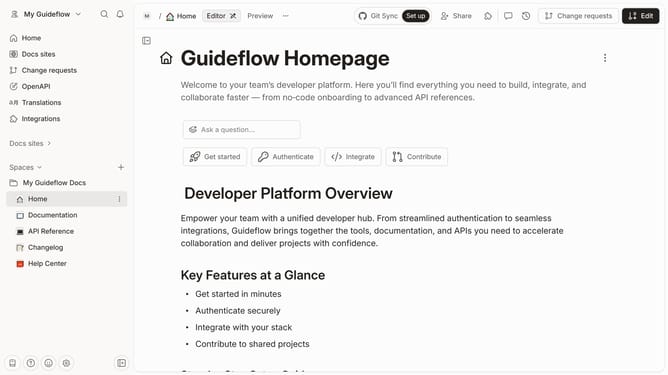
- Then, click on the "Edit" button in the top right corner of the header
- Next, click on the "Click for block options" icon
- After that, click on "More blocks" in the sidebar menu
- Then, select "Task List" from the expanded options
- Next, click on the text input area and enter your list
- Finally, click on the "Merge" button in the top right header
Why should you add a task list in homepage tab in Gitbook
Gitbook is a powerful platform for creating, writing, and organizing documentation collaboratively.
Adding a task list to the homepage tab in Gitbook allows you to streamline project management and enhance your workflow directly within your documentation environment.
This feature helps in efficiently allocating tasks and tracking progress, ensuring that all team members remain aligned and up to date.
By integrating task lists, you not only boost productivity but also foster collaboration, making project management a seamless experience.
Last update