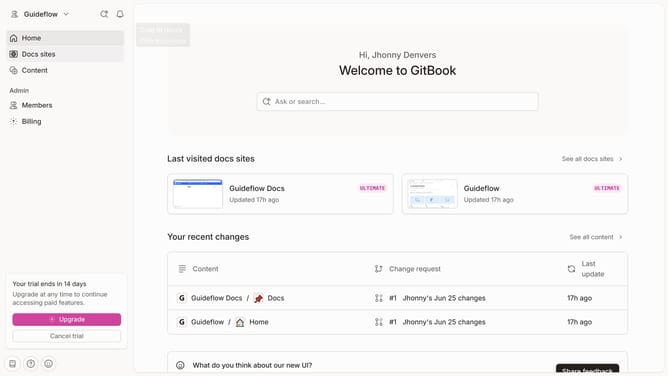
How to insert a quote in homepage in Gitbook
Here is how to insert a quote in homepage in gitbook
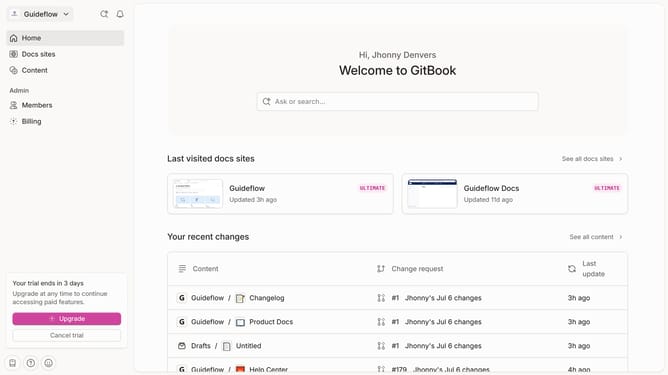
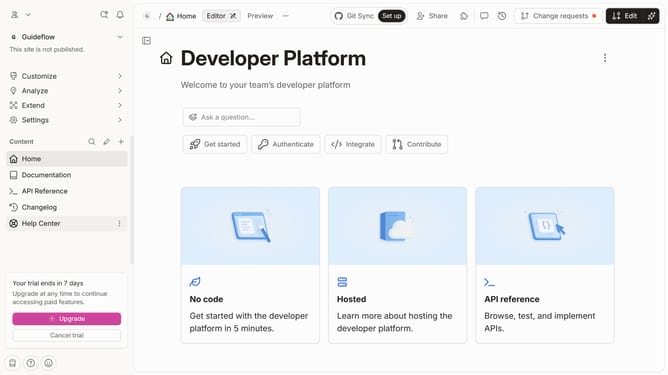
- First click on the "Home" item in the left sidebar
- Then click on the "Edit" button in the header
- Next click on the dots icon to reveal block options
- Then select "More blocks" from the dropdown menu
- Then select "Quote" from the expanded options
- Next click on the text area to add content
- Finally click on the "Merge" button in the header
Why should you insert a quote in homepage in Gitbook
Gitbook is a powerful platform designed to help users create, manage, and share rich documentation seamlessly.
Inserting a quote into the homepage in Gitbook is a fantastic way to add a personal touch or emphasize key insights relevant to your content. This feature allows users to highlight important messages or themes, making the homepage not only informative but also engaging.
Using quotes is beneficial as it helps in capturing attention and setting the tone for the rest of the content, enhancing the overall reading experience on your Gitbook homepage.
Last update