How to download file from help center in Gitbook
Here is how to download file from help center in gitbook
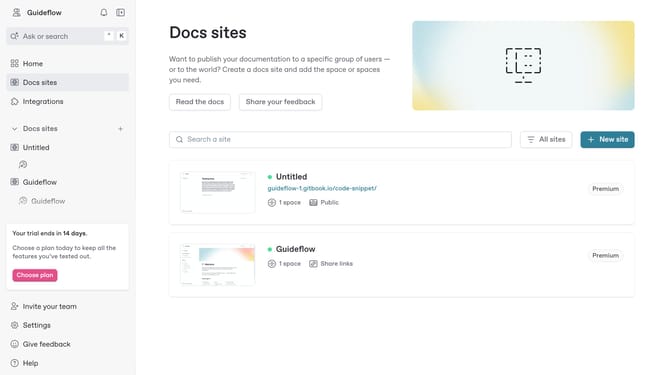
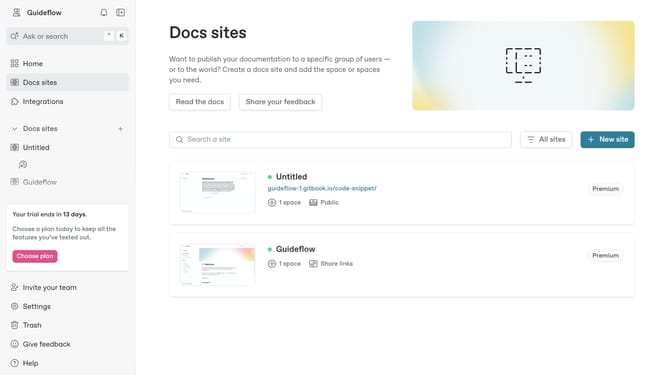
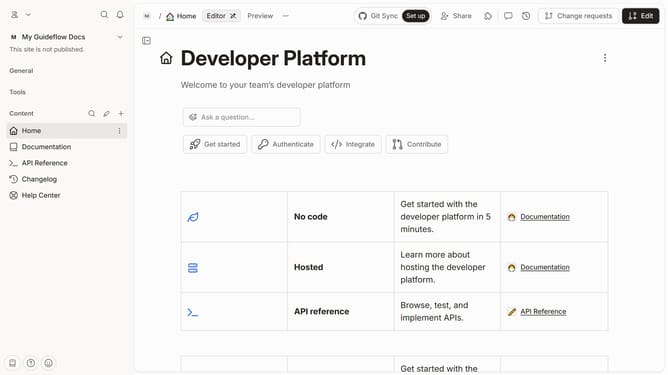
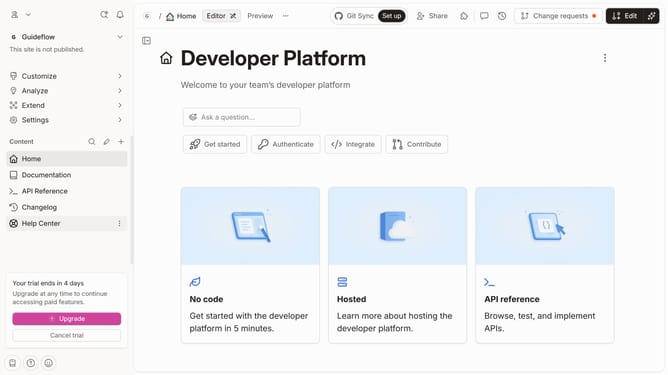
- First click on "Help Center" in the sidebar
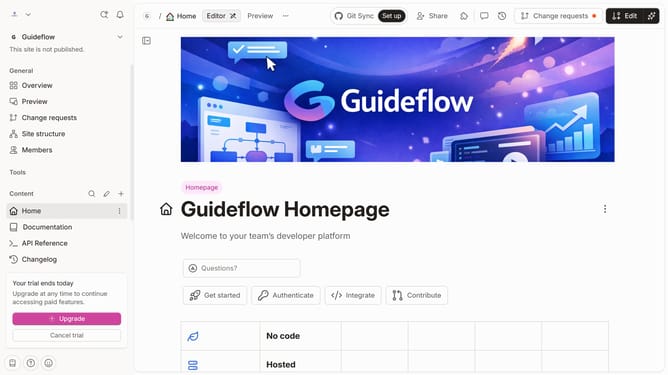
- Then click on the "Edit" button in the header
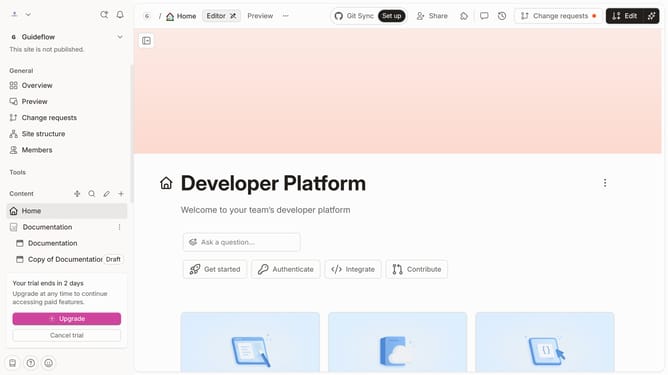
- Then click on the file document
- Then click on the "Download" button
- Finally click on the "Merge" button in the header
Why should you download file from help center in Gitbook
Gitbook is a powerful platform designed to streamline the creation and sharing of documentation.
Downloading files from the help center within Gitbook is a straightforward feature that ensures you have essential resources at your fingertips.
This capability is particularly beneficial for users seeking immediate access to comprehensive guides and documents, making problem-solving more efficient and empowering teams with valuable information.
Leveraging this feature saves time, improves collaboration, and enhances productivity by providing quick access to crucial documents.
Last update