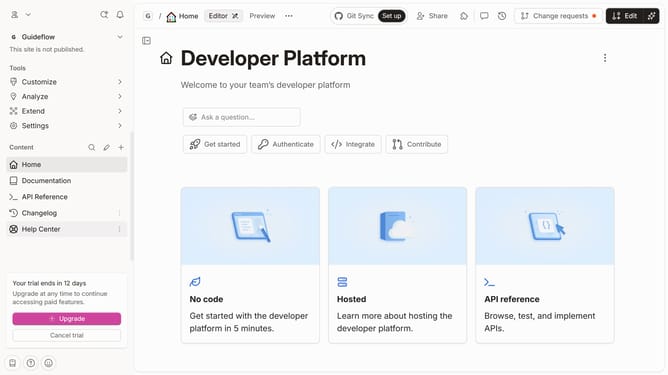
How to add header in a docs site in Gitbook
Here is how to add header in a docs site in gitbook
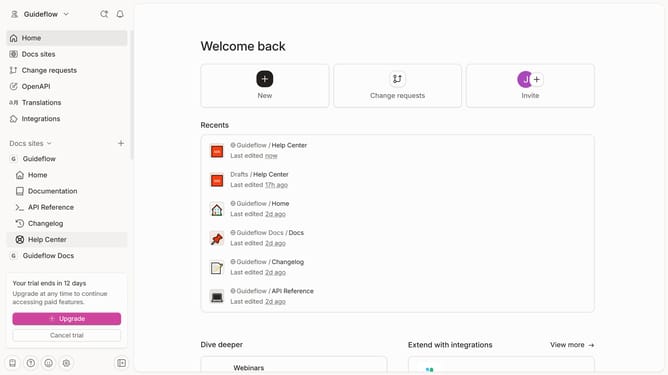
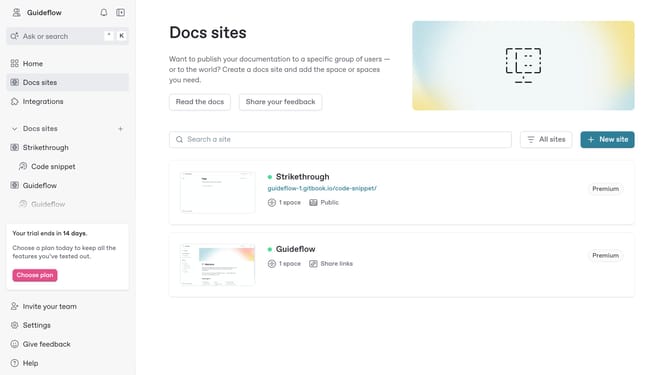
- First click on "Docs sites" in the left sidebar
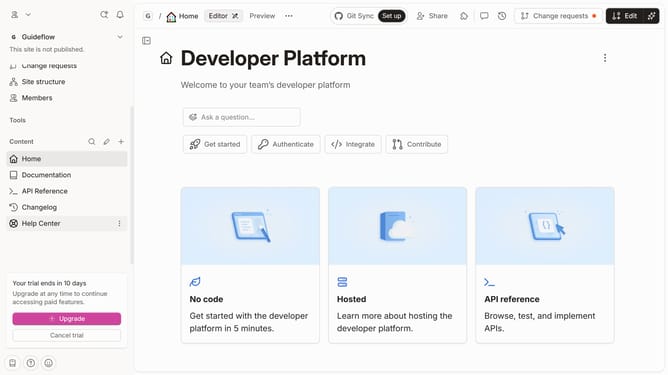
- Then, click on the docs content block
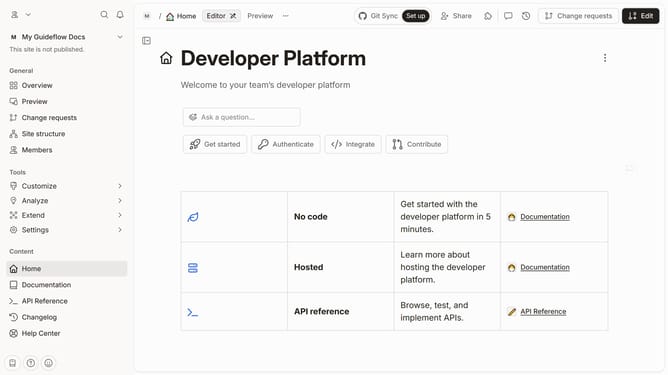
- Then click on the "Customize" option in the left sidebar
- Next, click on the "Layout" section
- Then click on the toggle button to enable it
- Finally click on the toggle button for "Header" to enable it
Why should you add header in a docs site in Gitbook
GitBook is a versatile platform designed to simplify the documentation process for teams and individuals.
One of its standout features is the ability to effortlessly add headers to a documentation site, enhancing navigation and structure.
Adding headers not only organizes content but also improves user experience, making information easy to find.
This feature empowers creators to present their knowledge in a clear, concise manner, ensuring readers stay engaged and informed.
Last update