How to add a dropdown field in a help center category in Gitbook
Here is how to add a dropdown field in a help center category in gitbook
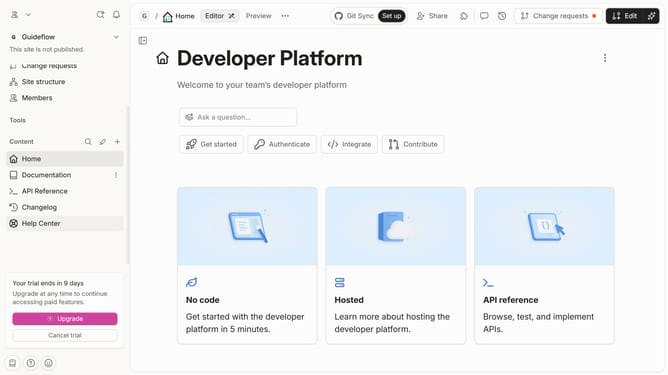
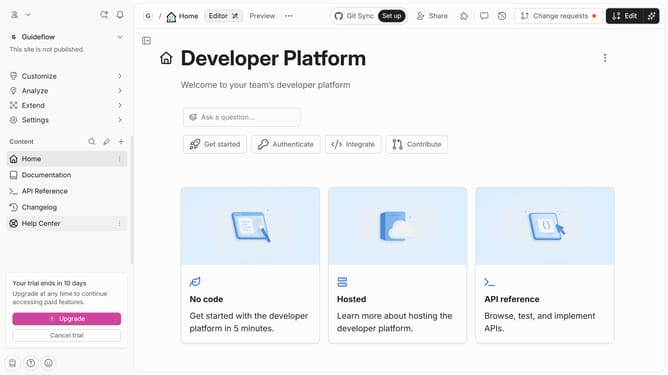
- First click on the "Help Center" item in the left sidebar
- Then click on the "Edit" button in the top header
- Next click on the "+ Add field" button in the category card
- Then select the "Select" option from the dropdown menu
- Next click on the "Select an option" button in the card
- Next click "Select or add option" to edit your first option for the dropdown
- Finally click on the "Merge" button
Why should you add a dropdown field in a help center category in Gitbook
GitBook is a versatile platform designed to facilitate seamless team documentation and knowledge sharing.
Adding a dropdown field in a help center category in GitBook enhances the user experience by organizing content efficiently. This feature enables users to swiftly navigate through vast information, making it more accessible and easier to digest.
By using dropdowns, teams can present detailed content in a compact form, reducing page clutter and aiding users in finding relevant information quickly. A structured help center ensures increased engagement and satisfaction among users, making communication more effective.
Last update