How to add a checkbox field in a help center category in Gitbook
Here is how to add a checkbox field in a help center category in gitbook
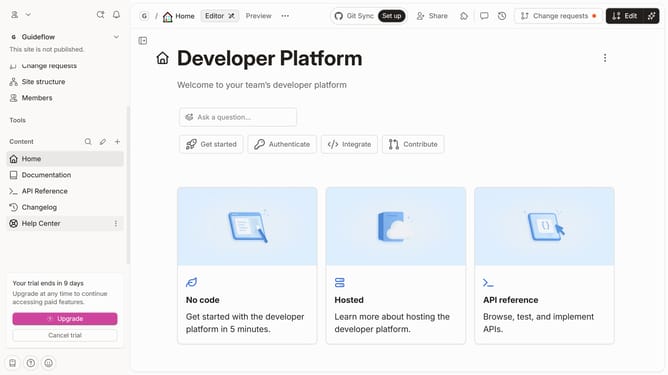
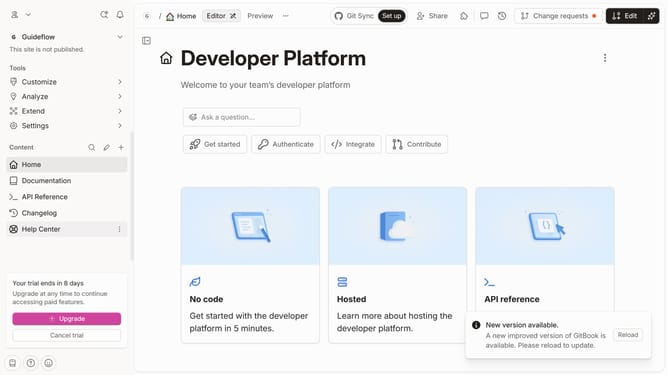
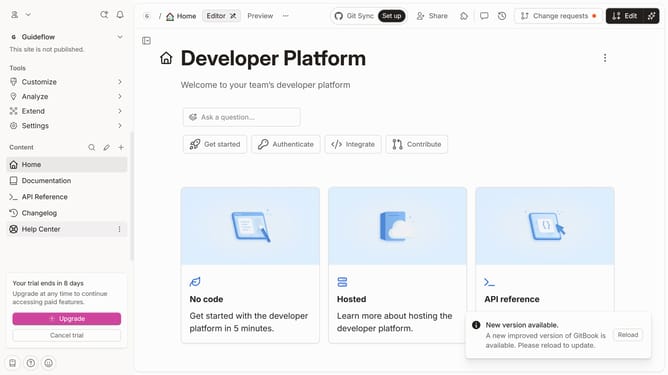
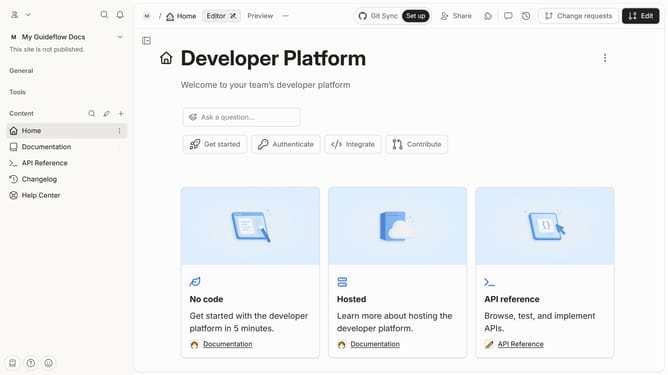
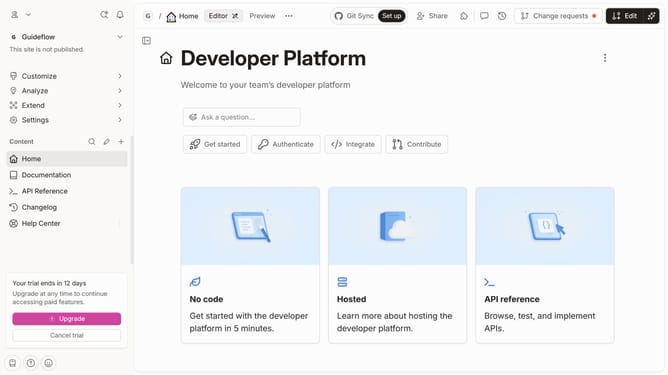
- First click on "Help Center" in the left sidebar
- Then click on the "Edit" button in the header
- Next, click on the "+ Add field" button in the "Admin" section
- Finally, select "Checkbox" from the dropdown menu in the "Admin" section
- Finally, click on the "Merge" button
Why should you add a checkbox field in a help center category in Gitbook
Gitbook is a collaborative platform designed to document everything from personal notes to entire knowledge bases.
Adding a checkbox field in a help center category in Gitbook is a simple yet effective feature that enhances user interactions. It allows users to indicate completed tasks or agree with statements, ensuring smoother collaboration and precise tracking of progress within a team.
This feature improves user experience by making documents interactive and engaging, ultimately contributing to enhanced communication and streamlined workflows.
Last update