How to delete a tab in homepage in Gitbook
Here is how to delete a tab in homepage in gitbook
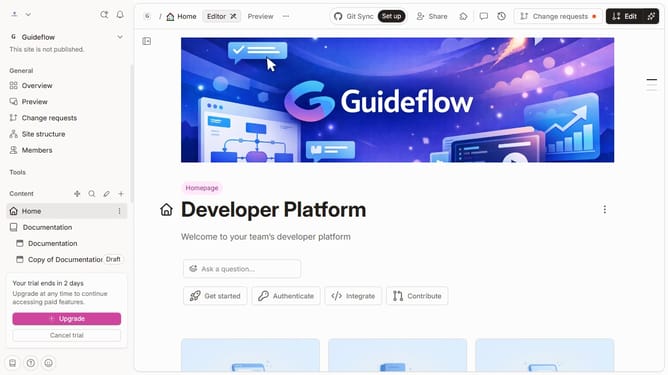
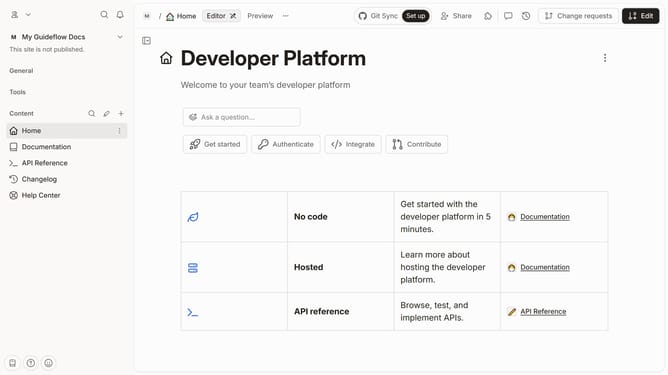
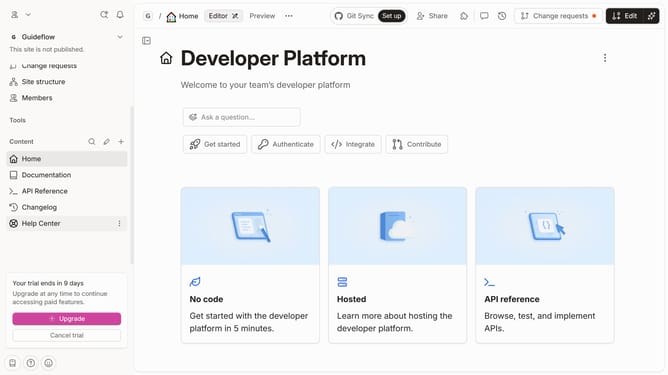
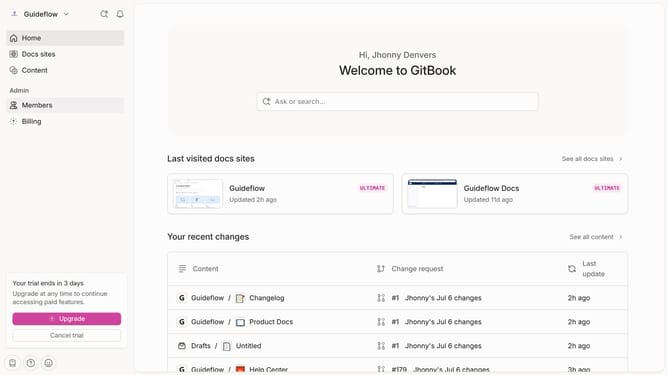
- First, in the left sidebar, click on "Home"
- Then, in the top right header, click on the "Edit" button
- Next, in the tab options, click on the dots icon to show options
- Then select the "Delete" option from the dropdown menu
- Finally, in the top action bar, click on the "Merge" button
Why should you delete a tab in homepage in Gitbook
Gitbook is a powerful platform designed to streamline the creation and sharing of documentation.
The ability to delete a tab from the homepage in Gitbook is a feature that enhances user experience by allowing customizable organization of your workspace.
By removing tabs you no longer need, you can maintain a cleaner and more focused interface, which aids in productivity and clarity.
This feature ensures your most relevant content is easily accessible, fostering an efficient environment for both creators and readers.
Last update