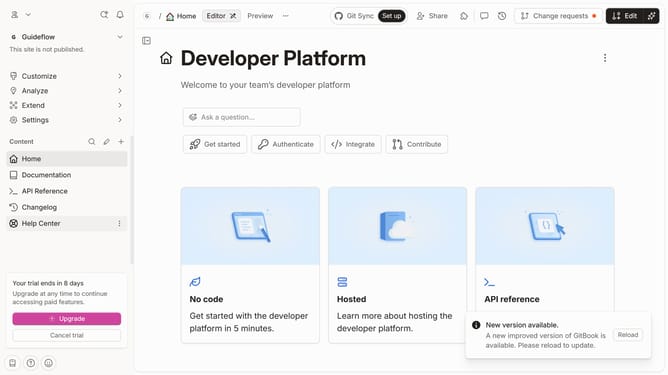
How to remove member in Gitbook
Here is how to remove member in gitbook
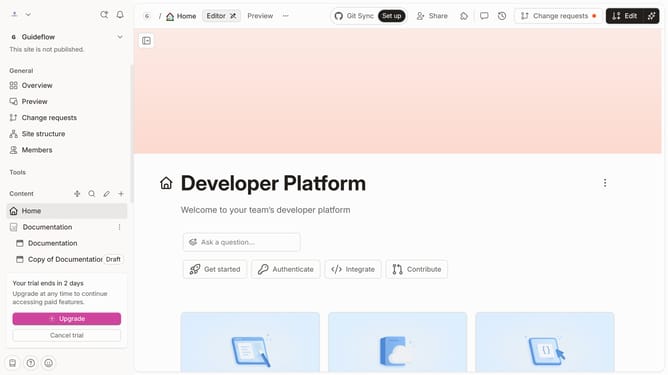
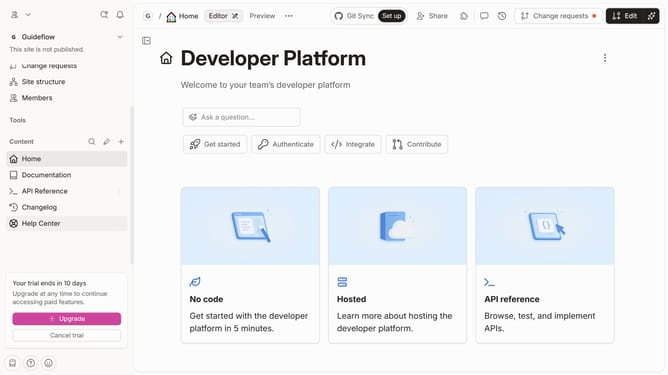
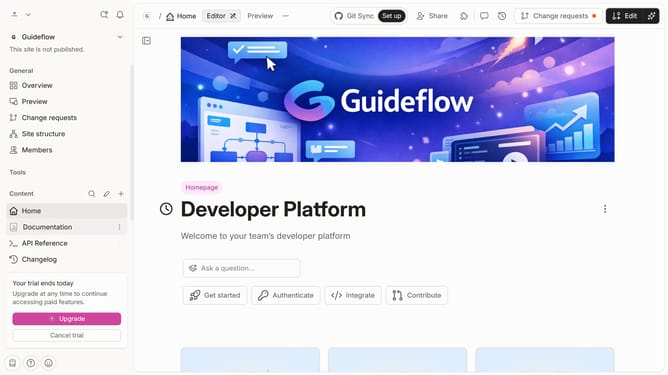
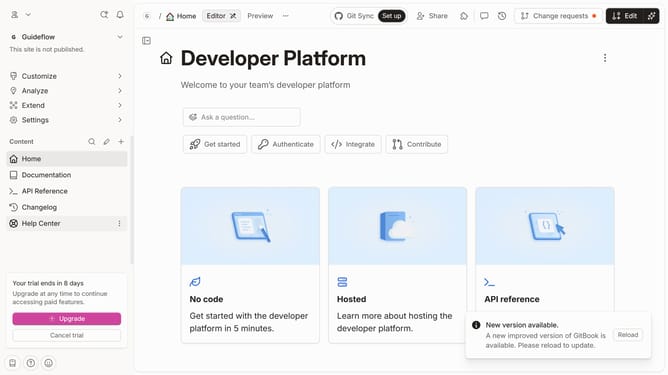
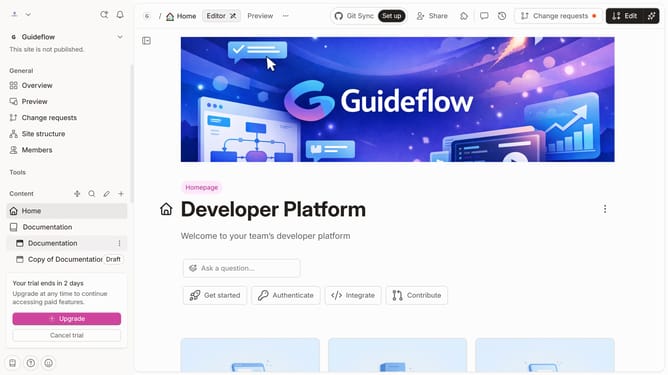
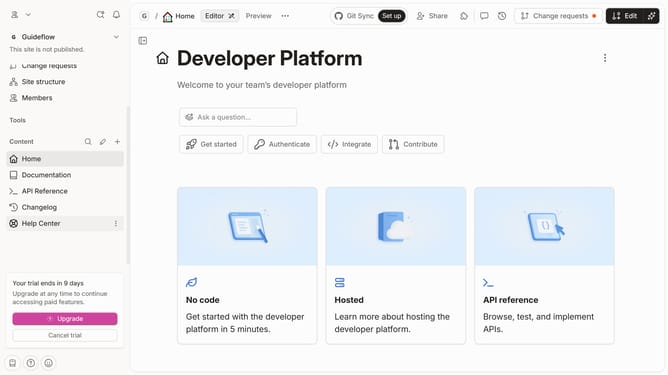
- First click on "Members" in the left sidebar
- Then click on the three dots icon associated email address you want to remove
- Then click on the "Remove member" option from the dropdown menu
- Finally click on the "Delete" button in the confirmation dialog
Why should you remove member in Gitbook
GitBook is a collaborative platform designed to create, organize, and manage documentation with ease.
One of the valuable features of GitBook is the ability to manage team members effectively, including the option to remove members when necessary.
This feature ensures that only the most relevant contributors remain, which helps in keeping the team focused and the collaborative process efficient.
By swiftly updating team composition, projects stay aligned with strategic goals, fostering a more streamlined and organized workflow environment.
Last update