How to add options in a selector column in help center in Gitbook
Here is how to add options in a selector column in help center in gitbook
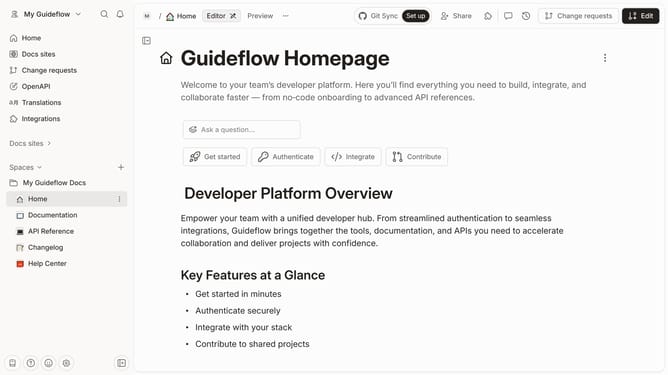
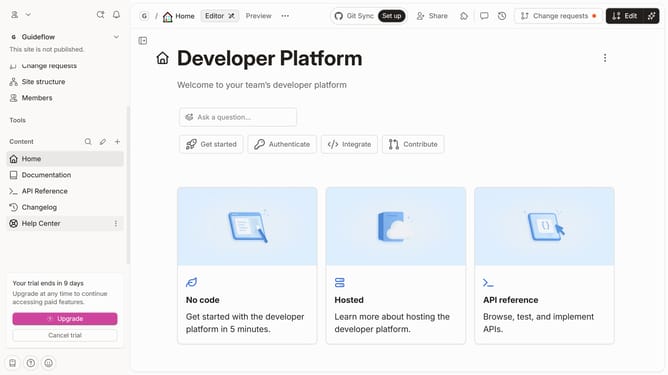
- First click on the "Help Center" link in the sidebar
- Then click on the "Edit" button in the header
- Then click on the "+" icon to add an option
- Then click on the "Select or add option" input field and enter your option
- Then click on "+ Add " button
- Finally click on the "Merge" button in the top menu
Why should you add options in a selector column in help center in Gitbook
Gitbook is a versatile platform designed to streamline the creation and sharing of documentation.
Adding options in a selector column within the help center on Gitbook enhances the user experience by allowing for customizable dropdowns that can cater to varied user needs.
This feature brings a tailored interaction, enabling users to navigate through content more intuitively and effortlessly.
Embracing this dynamic approach means that documentation becomes not only informative but interactive, enriching the user journey.
Last update