How to adjust cover image size for homepage in Gitbook
Here is how to adjust cover image size for homepage in gitbook
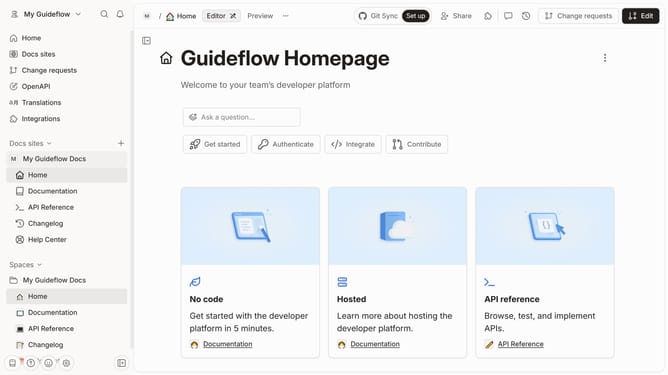
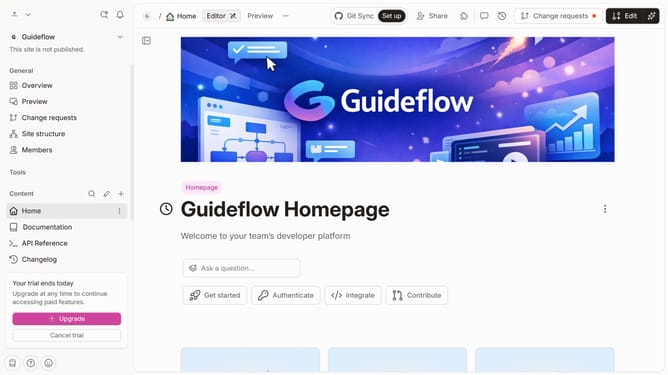
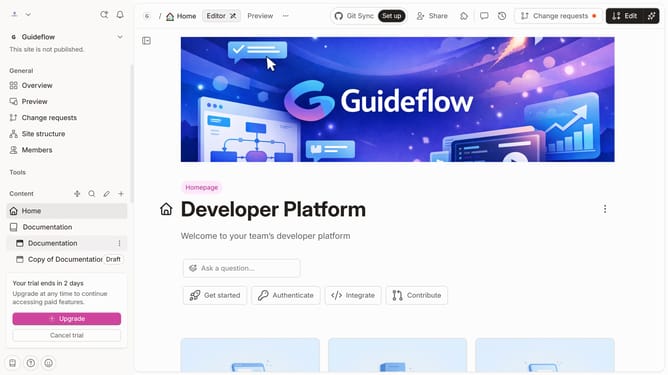
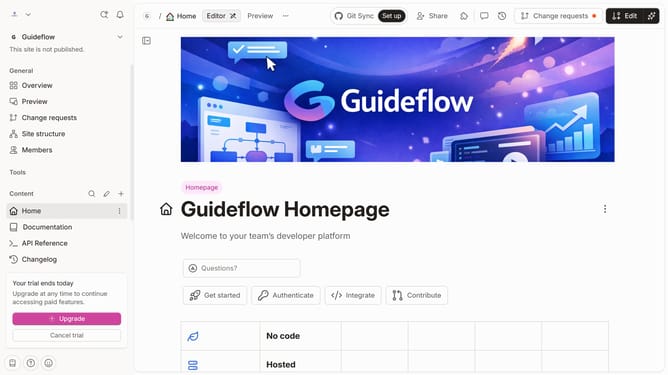
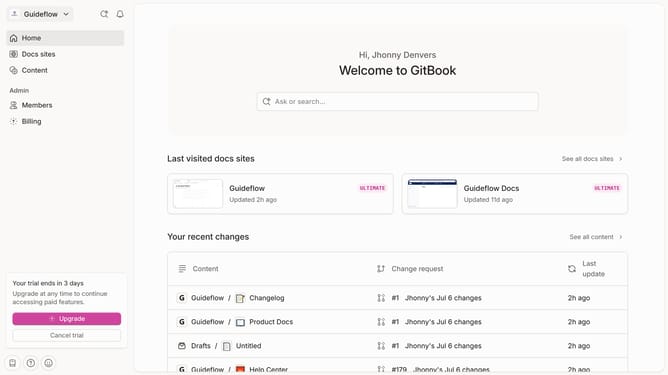
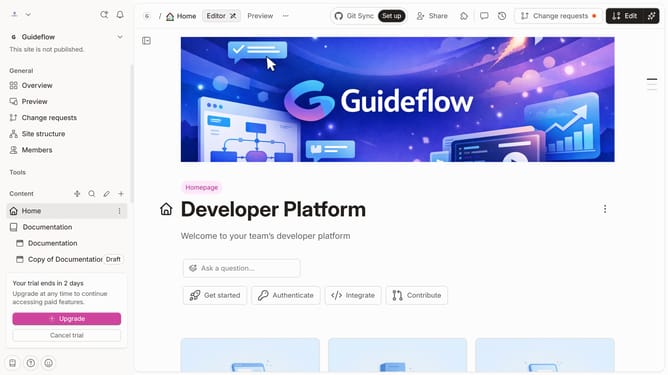
- First click on the "Home" link in the sidebar
- In the header, click on the "Edit" button
- Click on the "Page options" button
- Select an option under "Images"
- Finally, click on the "Merge" button
Why should you adjust cover image size for homepage in Gitbook
Gitbook is a powerful platform designed to streamline documentation for teams and projects.
One of its standout features is the ability to adjust the cover image size on your homepage.
By customizing the cover image size, users can enhance the visual appeal of their documentation, making it more engaging and aligned with their brand.
This flexibility not only strengthens the first impression but also ensures that the presentation of information is both aesthetically pleasing and highly professional.
Last update