How to show hidden table column in help center in Gitbook
Here is how to show hidden table column in help center in gitbook
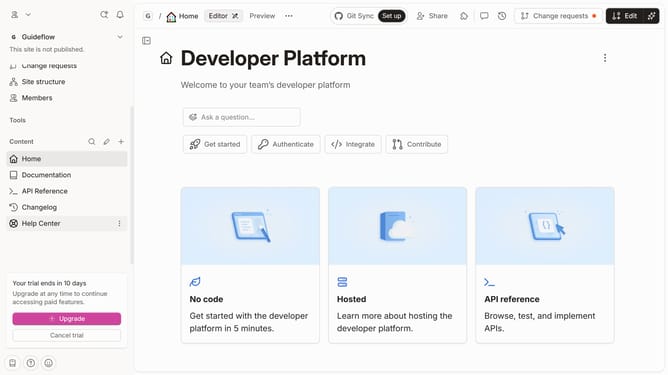
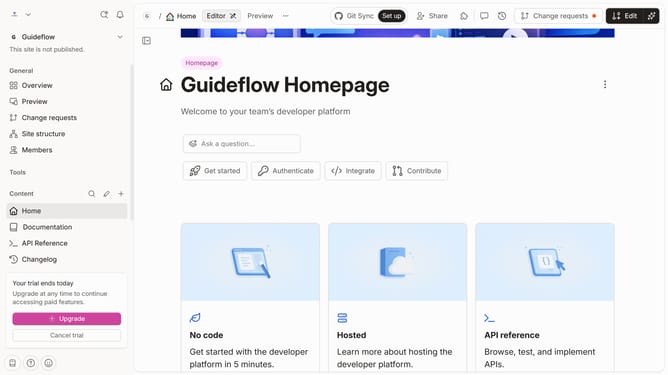
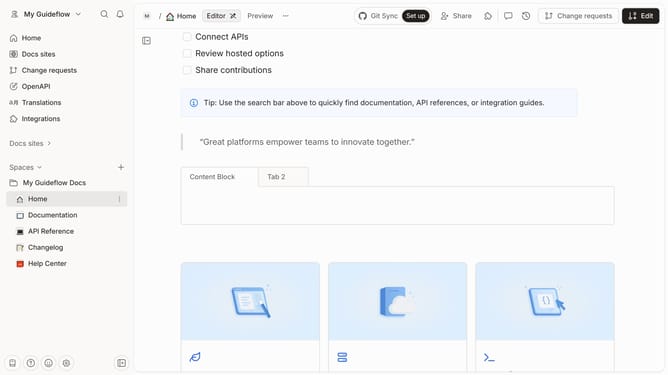
- First click on "Help Center" item in the left sidebar
- Then click on "Edit" button in the top menu
- Next click on the block options icon to show the menu
- Then click on the checkbox next to the column that you wanted to unhide
- Finally click on the "Merge" button in the top menu
Why should you show hidden table column in help center in Gitbook
Gitbook is a powerful platform designed to make documentation and knowledge sharing efficient and accessible.
Its ability to show hidden table columns in the help center is a feature that enhances user experience by providing flexibility and control to content creators.
This feature is especially beneficial for teams aiming to deliver comprehensive, customized content to their audience.
By enabling the display of hidden columns, users can maintain clarity while still having all necessary information at their fingertips, ensuring content is both concise and thorough.
Last update