How to insert links in Gitbook
Here is how to insert links in gitbook
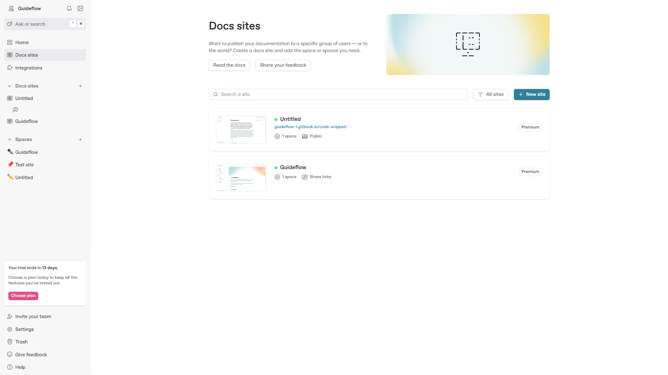
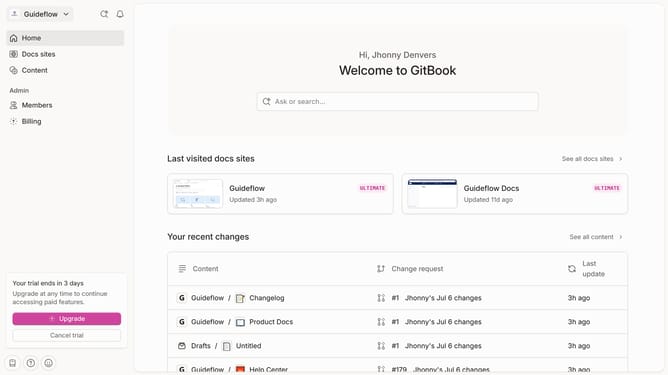
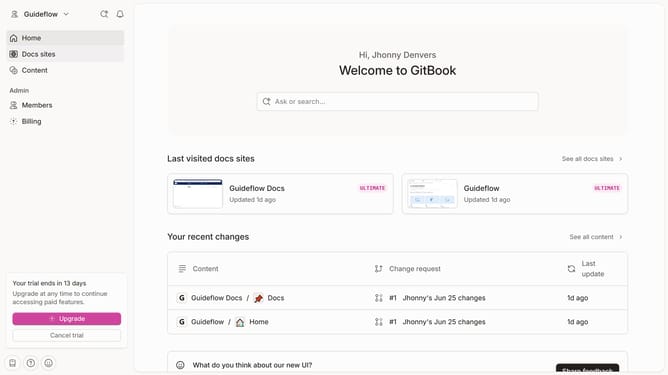
- First click on the site card you want to add a link in the docs list
- Then click on the "Start editing content" card in the main content area
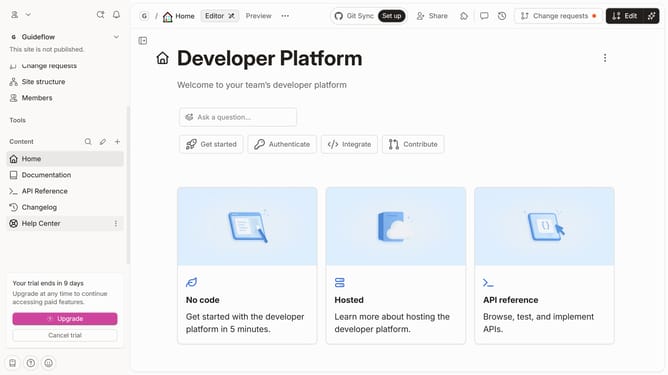
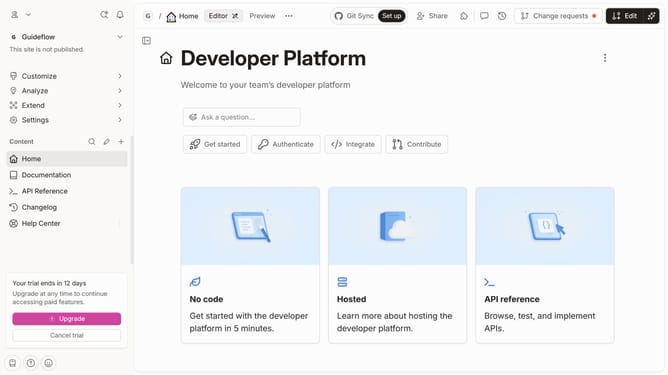
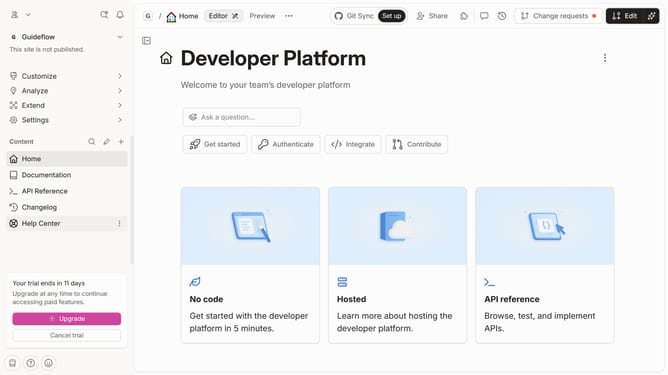
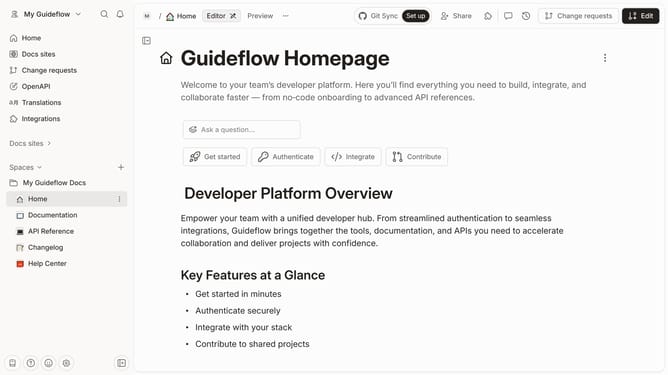
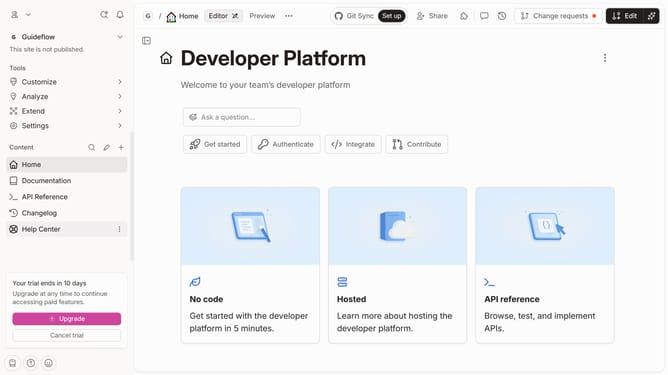
- Next click on the "Edit" button in the top navigation bar
- Click on the text field to enter your text
- Next select the text you want to add a link
- Click on the "Link" button located at the toolbar that appears above the text
- Click in the URL input field and type or paste the URL you want to link
- Select the "Link to" option in the drop down
- Click on the "Merge" button in the top right corner
- Finally click the the text to test if the link works
Why should you insert links in Gitbook
Gitbook is a modern documentation platform, designed to create interactive and efficient documentation seamlessly.
Inserting links in Gitbook enhances the navigability and interconnectedness of your content, allowing readers to access related information swiftly.
By skillfully embedding links, you foster a more engaging and informative experience, enabling users to explore and grasp complex topics effortlessly.
This feature not only optimizes the flow of information but also significantly enriches the overall value and usability of your documentation.
Last update