How to create team in Gitbook
Here is how to create team in gitbook
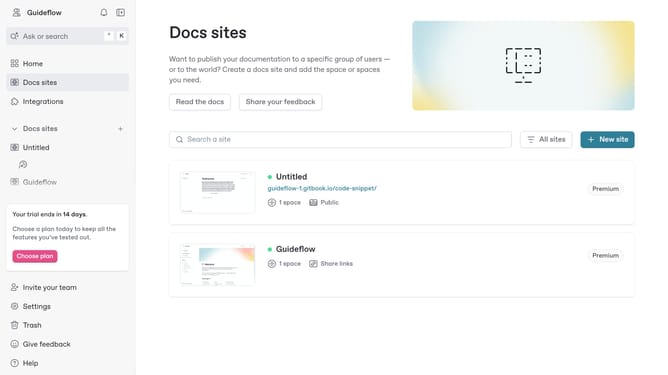
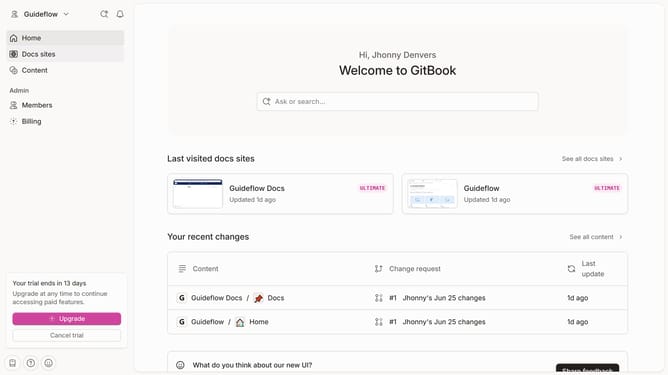
- First click on the dropdown in the top header
- Then click on "Settings" in the menu
- Next, select "Teams" from the sidebar
- After that, click on the "+ Create new team" button
- Then, enter your team name into the "Name" input field
- Finally click on the "Create team" button
Why should you create team in Gitbook
Gitbook is an intuitive platform designed to streamline collaborative work by transforming documents into well-structured, insightful documentation.
Creating a team in Gitbook ensures that everyone is on the same page and can seamlessly contribute to shared projects. This feature allows team members to collaborate effectively, manage their tasks with ease, and maintain consistent communication within the platform.
Using the team feature in Gitbook enhances productivity by fostering a cohesive work environment where all contributions are visible and valued, ultimately leading to a more organized and efficient workflow.
Last update