How to create a new page in Gitbook
Here is how to create a new page in gitbook
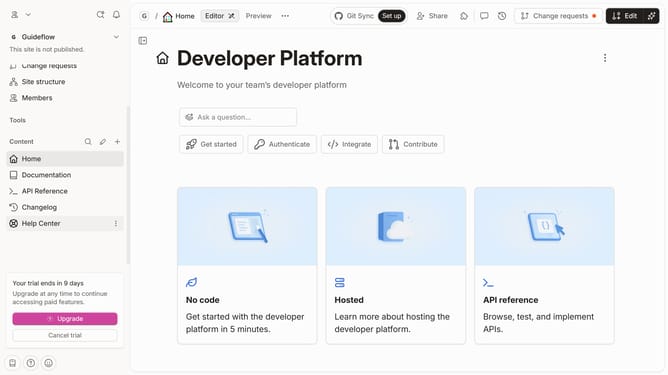
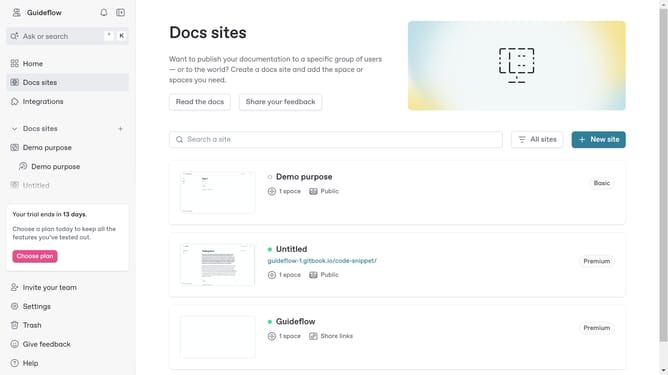
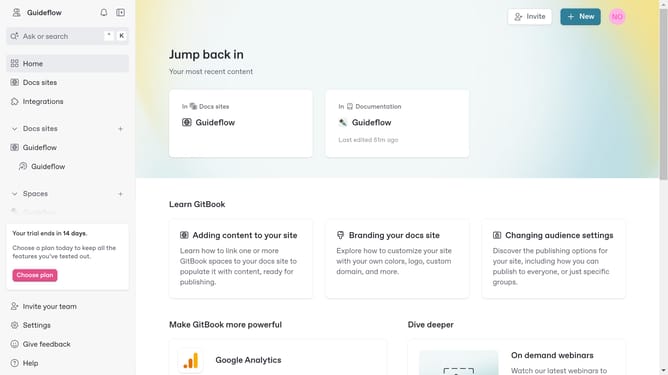
- First click the site card you want to edit
- Then click on the "Start editing content" button in the Overview section
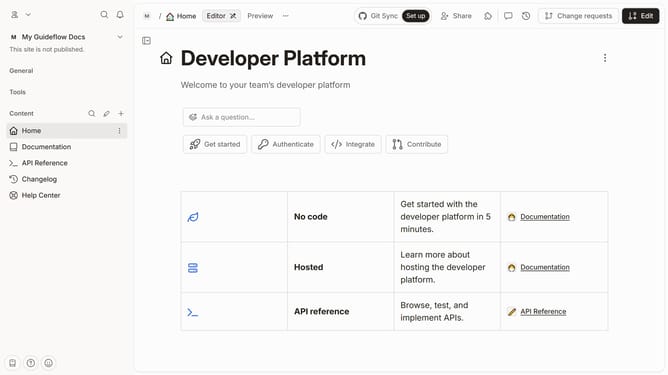
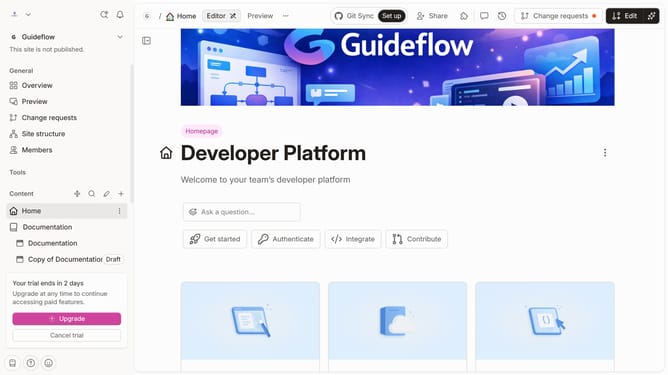
- Click on the "Edit" button in the top right corner of the page
- In the top navigation bar, click on the "Pages" tab
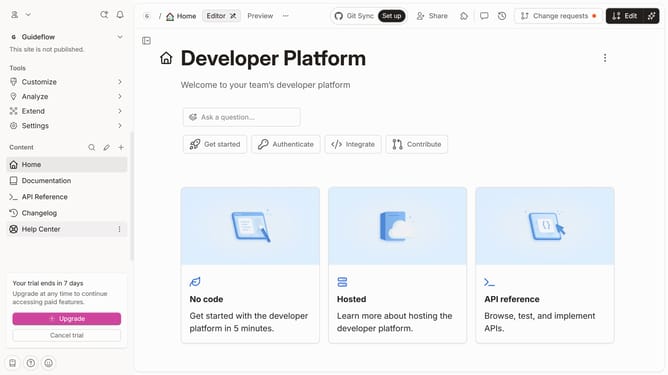
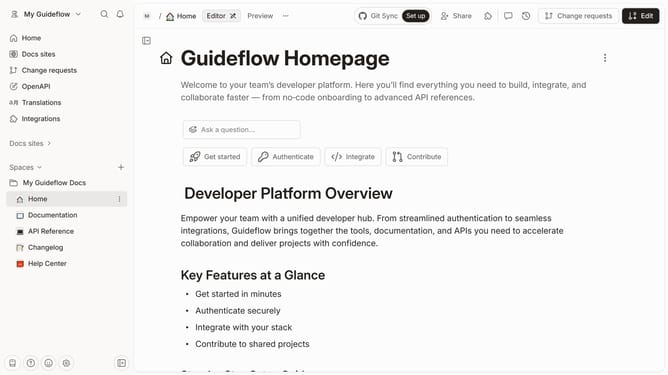
- Click on the "Add new..." button in the left sidebar
- From the dropdown menu, click on the "Page" option
- Click on the "More actions" button (three dots) next to "Page 1" in the left sidebar
- Here you will find different options to edit your page
- Click on the "Merge" button once satisfied to save your edit
Why should you create a new page in Gitbook
GitBook is a dynamic platform designed for creating, sharing, and authoring online documentation.
The feature of creating a new page in GitBook offers seamless integration, allowing users to expand their documentation effortlessly.
Utilizing this feature, users can ensure their content stays organized, current, and accessible to collaborators.
Incorporating new pages into your project helps in aligning documentation structure with evolving project needs, ultimately enhancing communication and clarity.
Last update