How to hide page title in homepage in Gitbook
Here is how to hide page title in homepage in gitbook
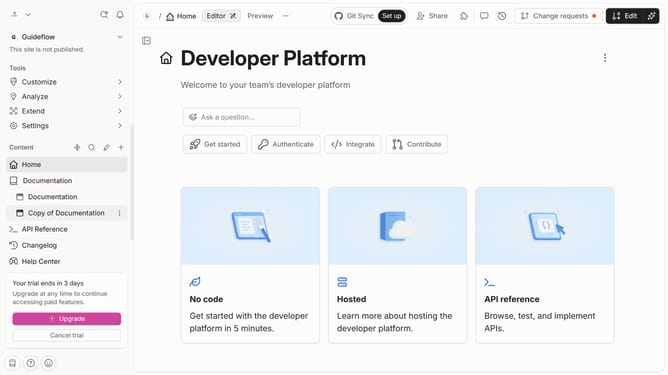
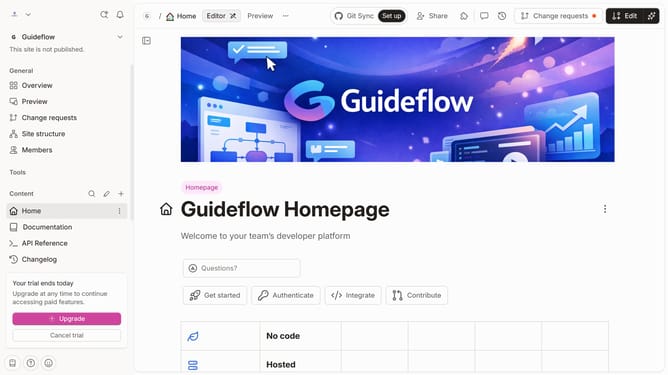
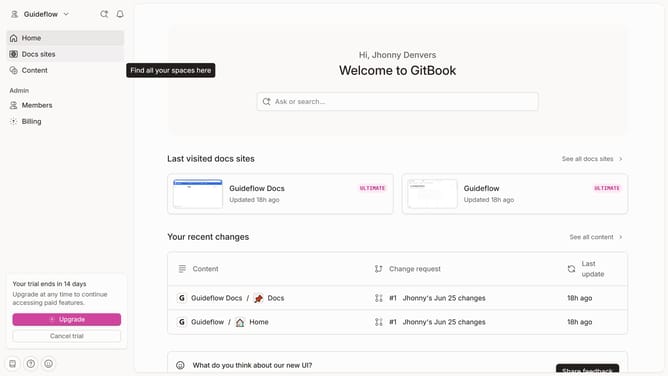
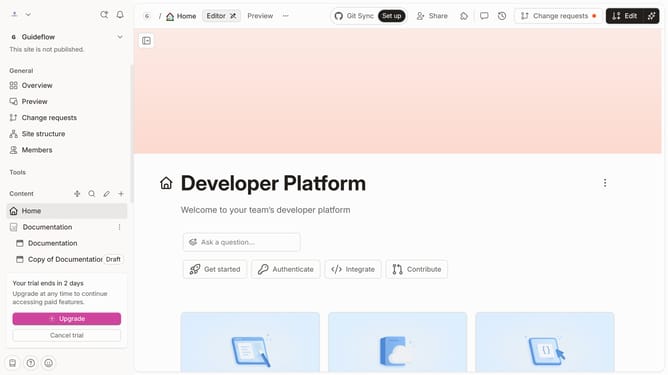
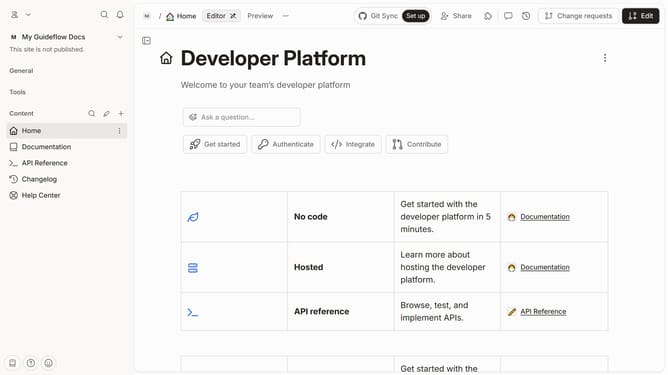
- First click on "Home" in the sidebar navigation
- Then click on the "Edit" button in the top right corner
- Next click on "Page options" to open the page settings
- Then click on the toggle switch OFF across "Page title"
- Finally click on the "Merge" button in the top menu
Why should you hide page title in homepage in Gitbook
Gitbook is an intuitive platform designed to transform your documentation into a delightful reading experience.
One noteworthy feature is the ability to hide the page title on your homepage. This allows for a cleaner, more focused layout, enhancing the visual appeal.
Utilizing this feature makes your content the true star, stripping away unnecessary distractions and highlighting the most important information for your readers, which can significantly elevate user engagement.
Last update