How to move a space in Gitbook
Here is how to move a space in gitbook
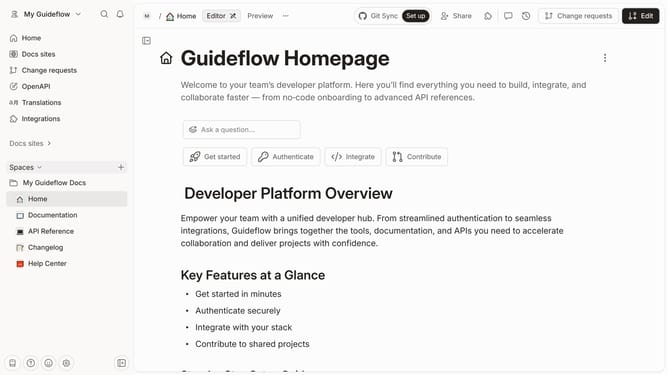
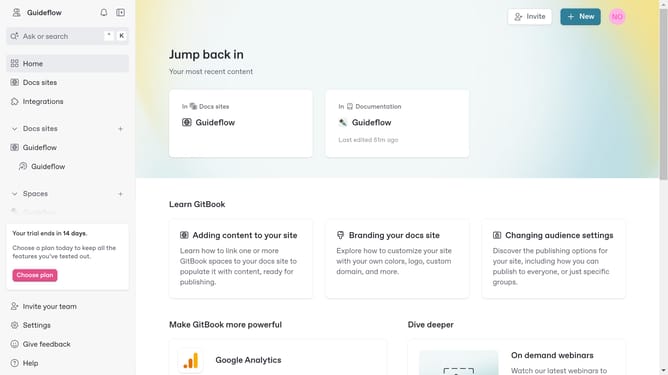
- First click on the "Spaces" item in the left sidebar menu
- Then click on the "Action" button of the space you want to move
- Next click on the "Move space to..." option from the context menu
- Then click the collection where you want your space to be transferred
- Finally click on the "Move" button in the confirmation dialog
Why should you move a space in Gitbook
Gitbook is a versatile tool designed for creating and managing documentation seamlessly.
Moving a space in Gitbook provides an organized structure for your documentation needs. It allows you to reorder spaces easily, enabling better navigation and accessibility.
This feature is beneficial when restructuring content to improve the user experience or when categorizing related topics. By efficiently managing spaces, Gitbook helps maintain clarity, ensuring that readers can find information swiftly and effortlessly.
Last update