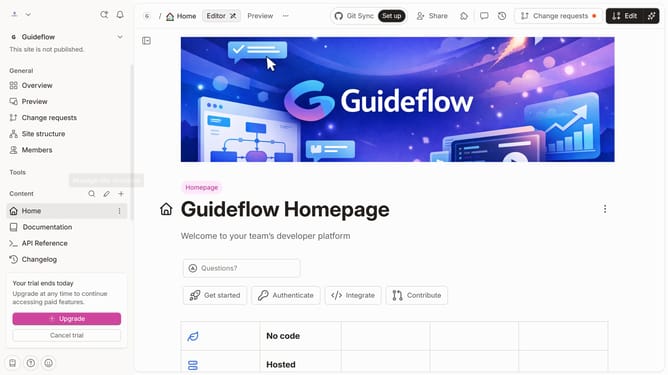
How to add a call to action in the announcement in a docs site in Gitbook
Here is how to add a call to action in the announcement in a docs site in gitbook
- First, click on "Docs sites" in the left sidebar
- Then click on the doc site you want to manage
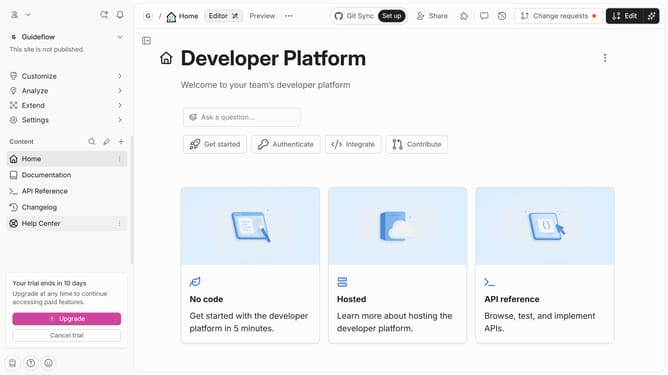
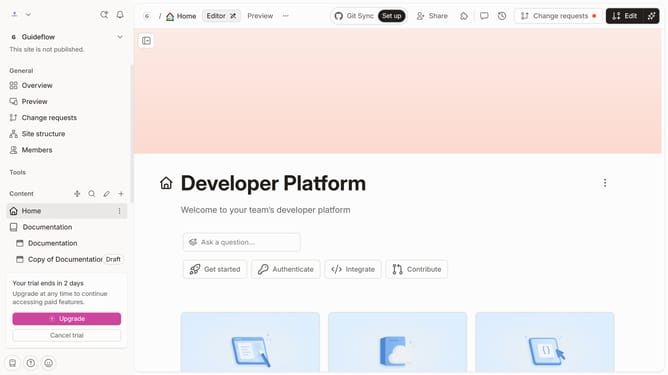
- Next, click on "Customize" in the tools section of the sidebar
- After that, click on "Layout" in the sidebar
- Then, click the "Call to action" input field and enter your call to action
- Finally, click on the "Save" button
Why should you add a call to action in the announcement in a docs site in Gitbook
Gitbook is a collaborative platform for creating elegant and organized online documentation.
Adding a call to action in the announcements of a docs site on Gitbook takes user engagement to the next level. By integrating this feature, you guide readers seamlessly through your content with clear, actionable steps.
This not only amplifies user interaction but also increases the overall effectiveness of your documentation by directing attention to what’s most important.
By strategically placing these prompts, you can enhance the reader's journey, ensuring they have a cohesive and interactive experience.
Last update