How to add a rating column in a table in homepage in Gitbook
Here is how to add a rating column in a table in homepage in gitbook
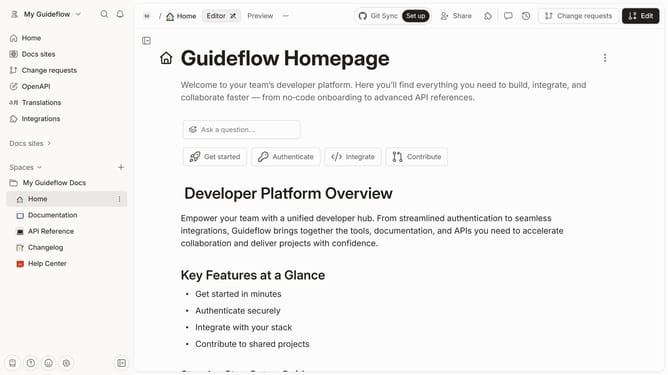
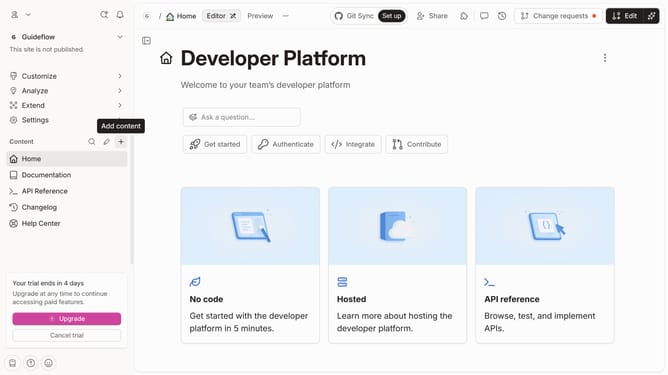
- First click on the "Home" link in the sidebar
- Then click on the "Edit" button in the top menu
- Next, click on the "Click for block options" icon
- Then select "Add column" from the dropdown menu
- Then select "Rating" from the context menu
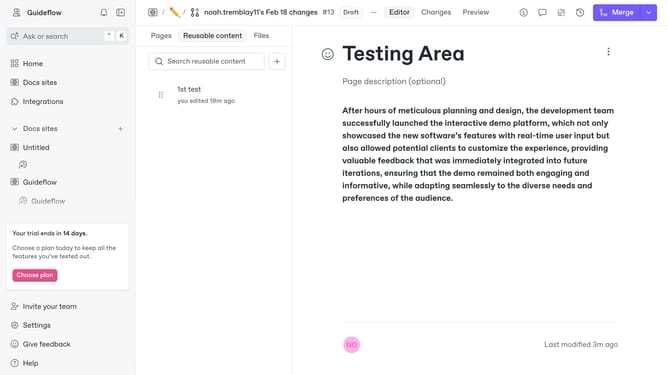
- Finally click on the "Merge" button in the top menu
Why should you add a rating column in a table in homepage in Gitbook
GitBook is a powerful platform designed to help teams document everything from products to processes seamlessly.
Adding a rating column in a table on your homepage in GitBook enhances your documentation by providing immediate, intuitive feedback about content quality or user preference. This feature allows viewers to easily grasp which entries in your documentation are the most useful or relevant, making navigating through information smoother and more efficient.
Implementing this column promotes user engagement and encourages participation, offering valuable insights that can guide content improvement and strategic decisions effectively.
Last update