How to rename tab in homepage in Gitbook
Here is how to rename tab in homepage in gitbook
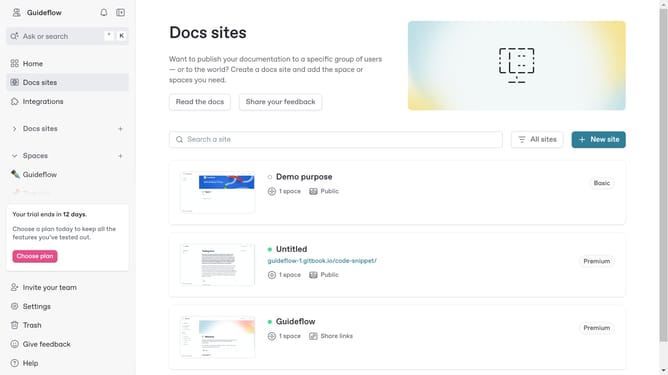
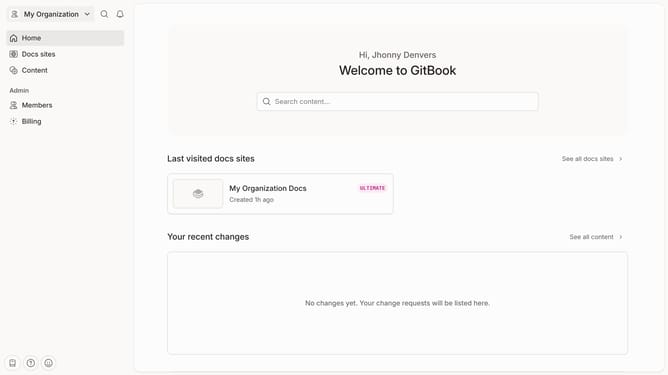
- First click on "Home" link in the sidebar
- Then click on the "Edit" button in the header
- Next, click on the tab that you want to edit and change its name
- Finally click on the "Merge" button in the header
Why should you rename tab in homepage in Gitbook
Gitbook is a versatile platform designed to streamline the process of creating and managing documentation.
Renaming a tab on your homepage in Gitbook is a straightforward feature that enhances user navigation and experience. This capability allows you to customize your interface according to the evolving needs of your documentation.
By giving descriptive and relevant names to your tabs, you improve clarity and accessibility for your audience, ensuring they can easily find the information they need.
This personalization not only enhances user engagement but also reflects the dynamic nature of your content management, presenting a well-organized and professional appearance.
Last update