How to delete an organization in Gitbook
Here is how to delete an organization in gitbook
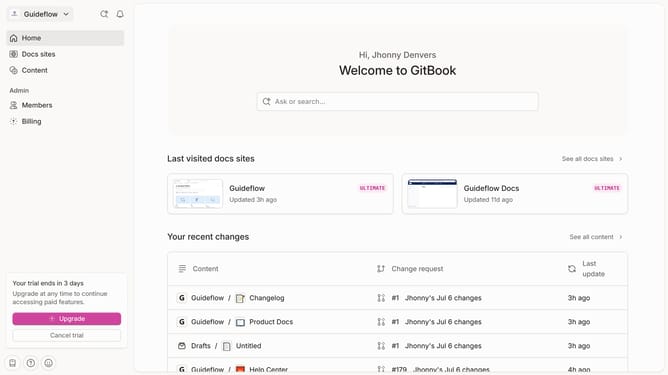
- First, click on the "My Organization" dropdown in the header
- Then, click on the "Settings" option in the opened dropdown menu
- Next, click on the "General" link in the sidebar
- After that, click on the "Delete organization" button
- Then, click on the checkbox next to the first agreement
- Then, click on the checkbox next to the second agreement
- Next, type "My Organization" in the input field
- Finally, click on the "Delete" button
Why should you delete an organization in Gitbook
Gitbook is a collaborative tool designed to create and share beautiful documentation.
Deleting an organization in Gitbook ensures a more streamlined workspace by allowing users to remove unnecessary or inactive groups effortlessly.
This feature is beneficial in simplifying account management and enhancing efficiency by reducing visual clutter.
Utilizing this capability in Gitbook aids in maintaining an organized and current documentation environment, thereby enhancing productivity.
Last update