How to add a paragraph in homepage tab in Gitbook
Here is how to add a paragraph in homepage tab in gitbook
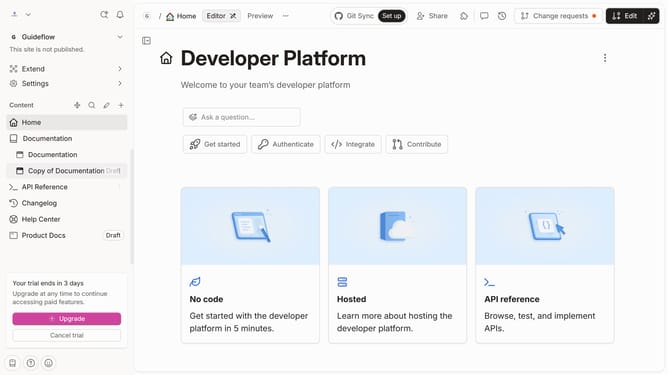
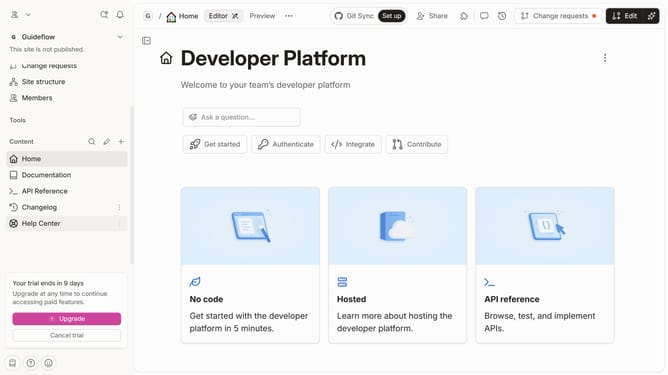
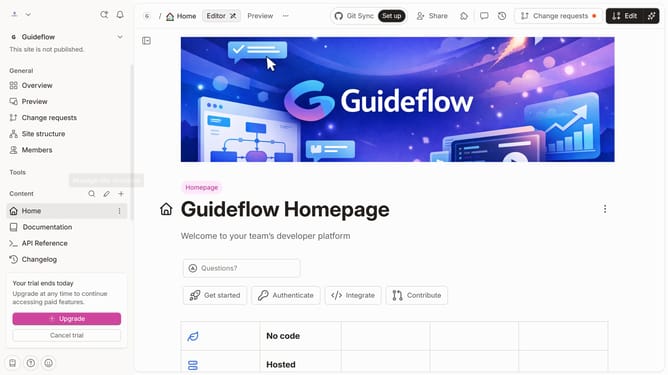
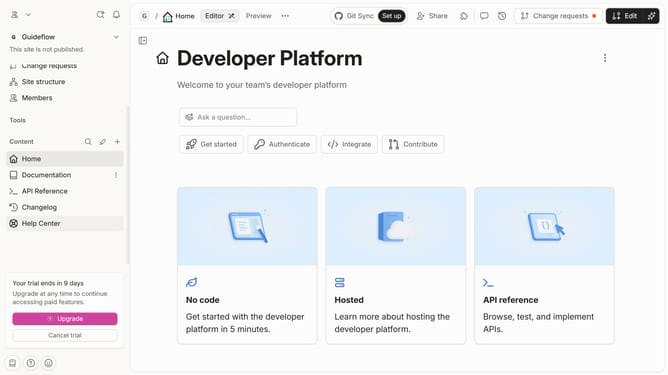
- First click on "Home" link in the sidebar
- Then, in the header, click on the "Edit" button
- Next, click on the dots icon for block options
- After that, select "Paragraph" from the pop up menu
- Then, click on the "tab content" section and enter your text
- Finally, click on the "Merge" button in the header
Why should you add a paragraph in homepage tab in Gitbook
GitBook is a versatile platform for creating, managing, and distributing documents collaboratively.
Adding a paragraph to the homepage tab in GitBook is a simple yet powerful feature that allows you to tailor the initial view and make vital information immediately accessible to your audience.
This feature enhances user engagement and provides clarity by offering thoughtfully curated content at first glance.
Additionally, it ensures that important updates or messages are effortlessly communicated to all users, enhancing the overall coherence and professionalism of your documentation.
Last update