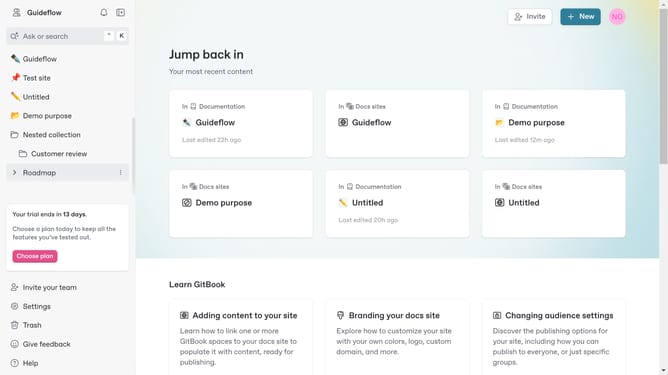
How to invite new members in Gitbook
Here is how to invite new members in gitbook
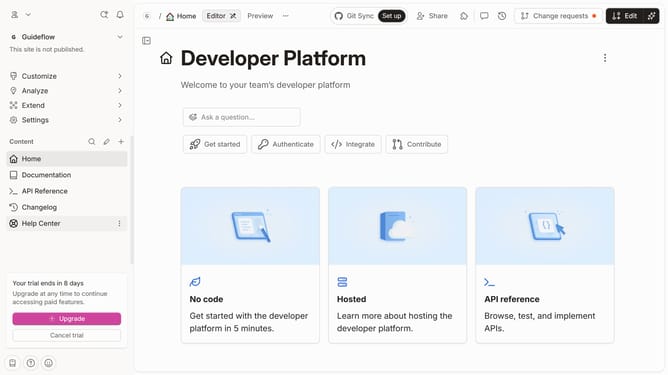
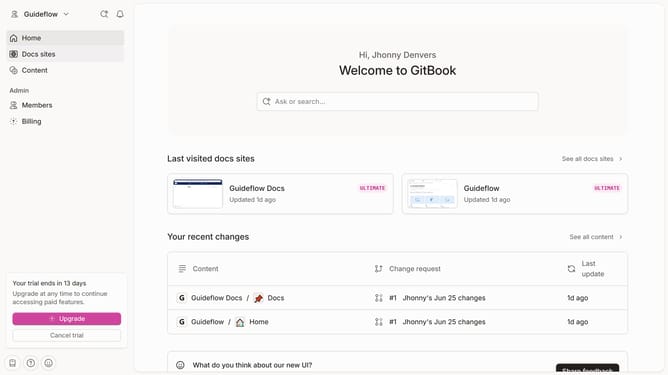
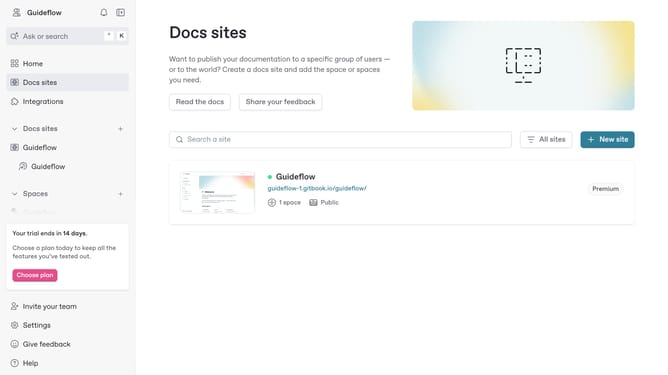
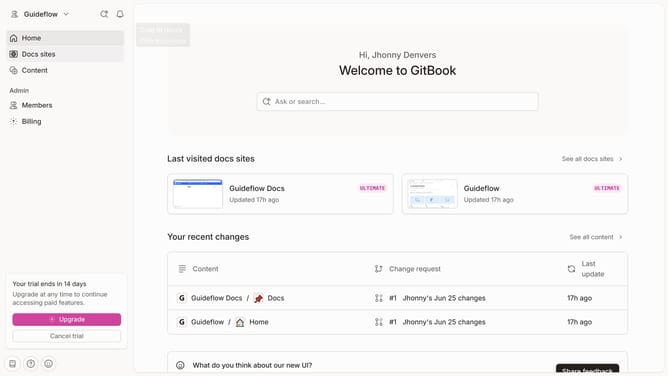
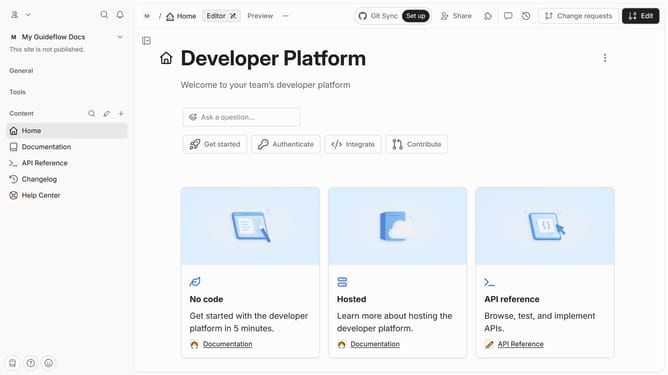
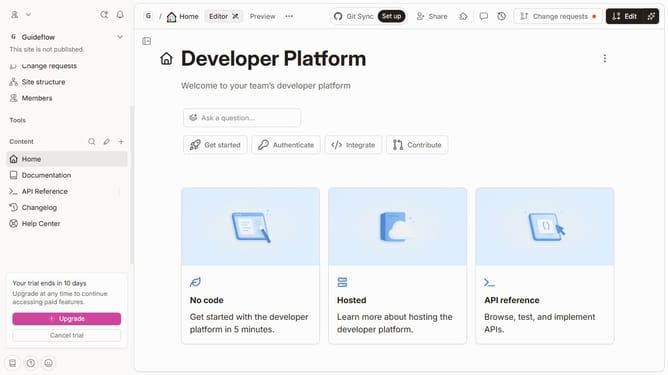
- First click on the dropdown icon in the top header
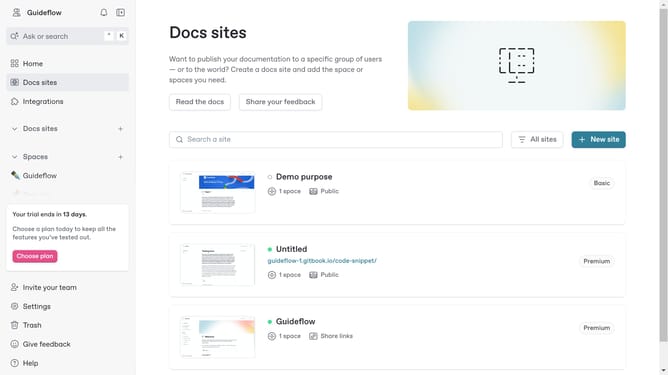
- Then select "Invite your team" from the dropdown menu
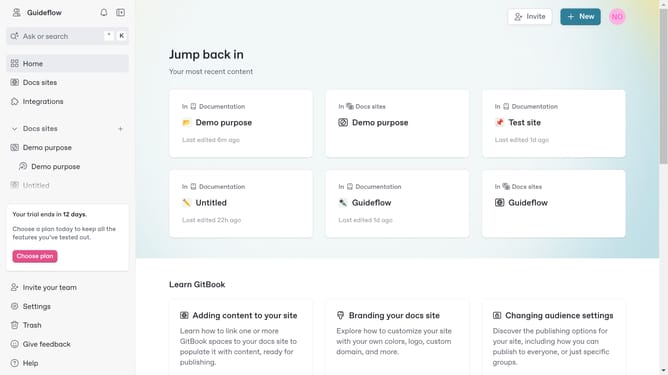
- Next, click on the email addresses field and enter teammates' email address
- Finally click on the "Invite" button to confirm inviting teammates
Why should you invite new members in Gitbook
GitBook serves as a collaborative documentation platform designed to enhance team communication and knowledge sharing.
Inviting new members to GitBook is a simple yet powerful feature. By expanding your team, you enable a diverse range of ideas and contributions, fostering a more robust documentation process.
This feature facilitates seamless collaboration, ensuring that every team member can access, edit, and improve documentation, leading to enhanced productivity and up-to-date information.
Last update