How to add a link in the announcement in a docs site in Gitbook
Here is how to add a link in the announcement in a docs site in gitbook
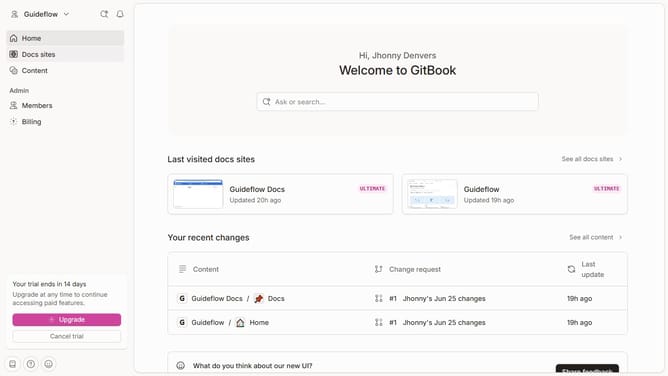
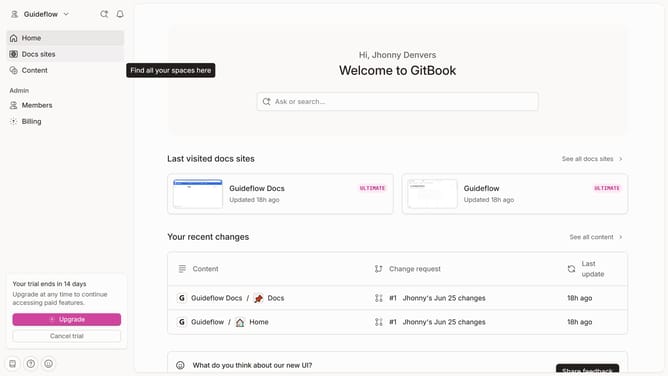
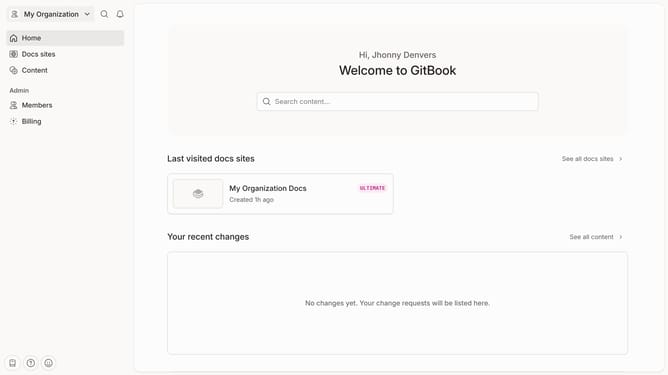
- First click on "Docs sites" in the left sidebar
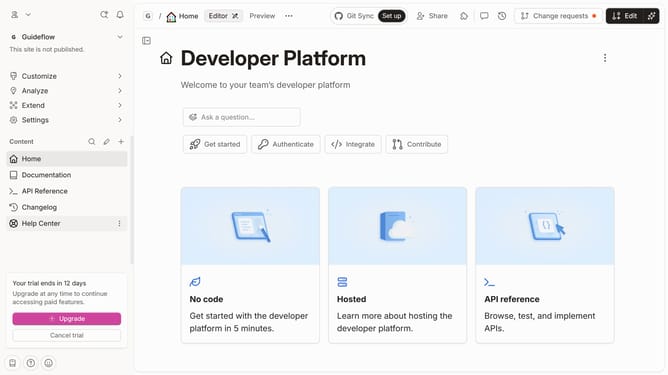
- Then click on the doc site card to open site settings
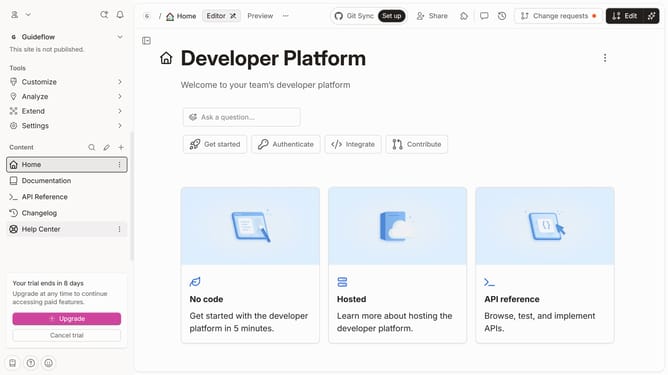
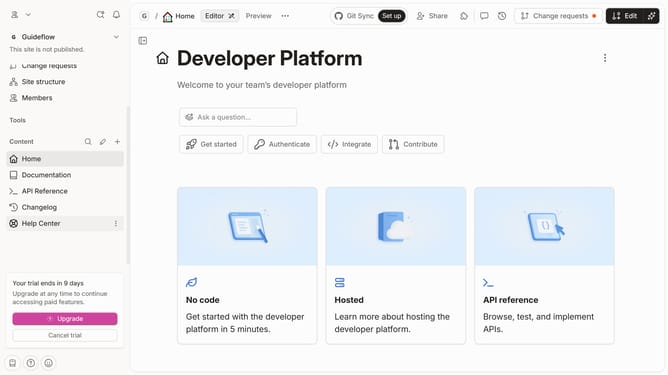
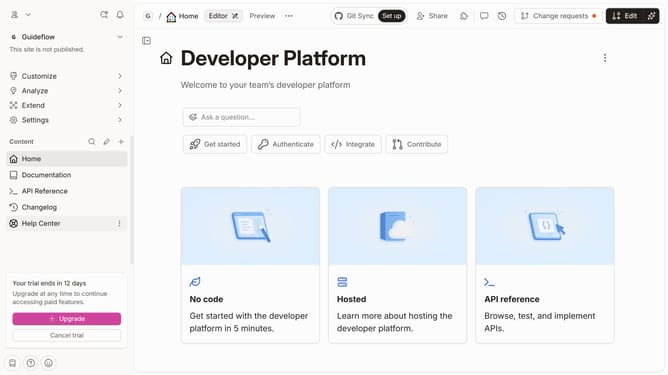
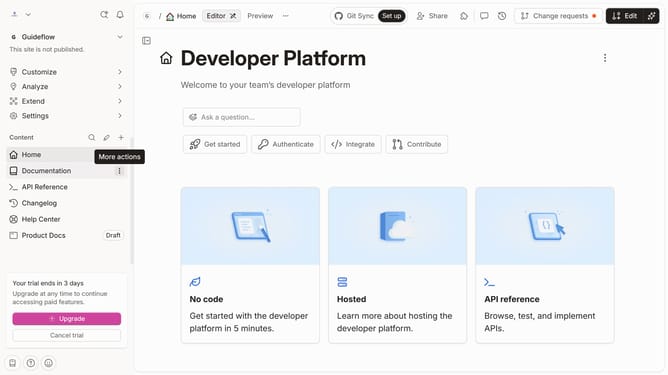
- Next, click on "Customize" in the left sidebar
- Then select "Layout" from the "Customize" left side menu
- In the Customization section, click on the "Link" input field
- Then click on an item that appears below the search bar
- Finally click on the "Save" button
Why should you add a link in the announcement in a docs site in Gitbook
GitBook is an intuitive platform designed for creating and sharing engaging documentation effortlessly.
Adding a link in the announcement on a docs site in GitBook enables instant access to essential resources. This feature enhances communication, allowing users to direct their audience to additional information or updates seamlessly.
By leveraging linked announcements, teams can maintain clear, organized instructions, boosting user engagement and understanding. This improves both the accessibility and the overall experience for readers.
Last update