How to rename a tab in help center in Gitbook
Here is how to rename a tab in help center in gitbook
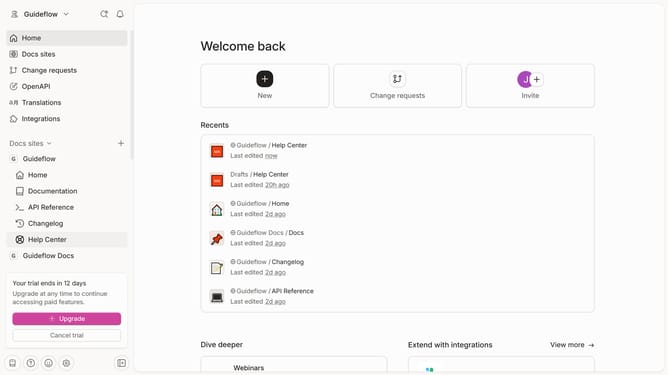
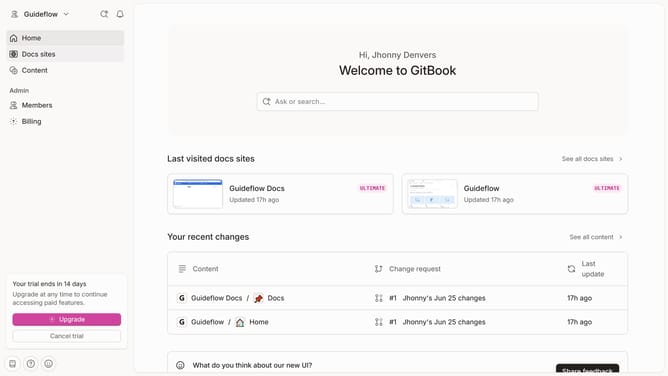
- First click on "Help Center" item in the left sidebar
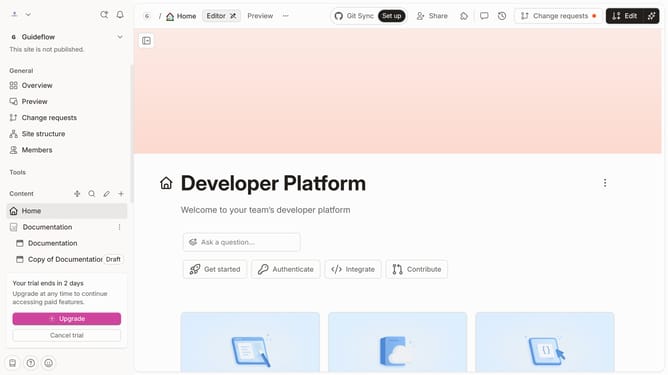
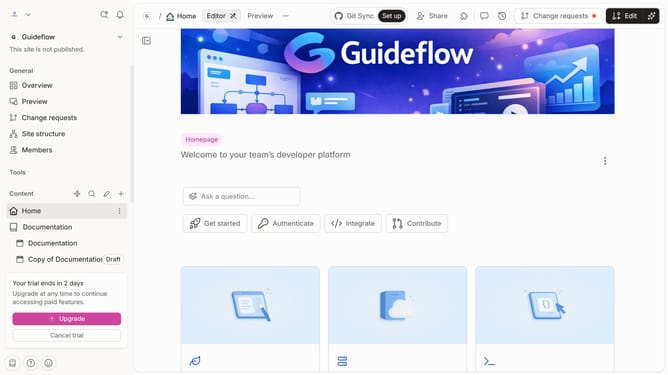
- Then click on the "Edit" button in the top header
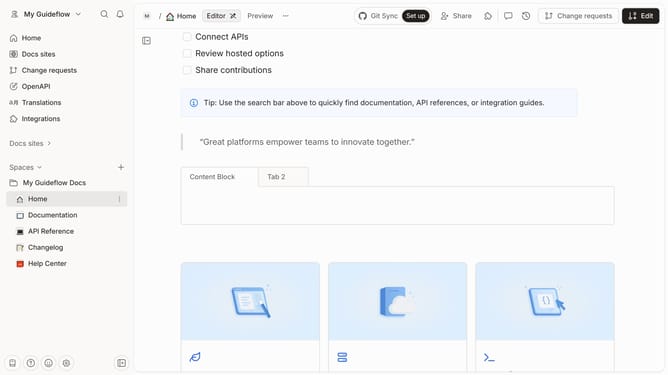
- Next, click on the name of the tab and edit it
- Finally click on the "Merge" button
Why should you rename a tab in help center in Gitbook
Gitbook is a versatile platform designed to effortlessly document and share knowledge.
Renaming a tab in the help center in Gitbook is an intuitive feature that enhances navigation, tailoring documentation for specific audiences.
This feature allows for clear, customized labeling, ensuring users can find the information they need swiftly.
By simplifying access and improving organization, renaming tabs enhances the overall user experience, making information retrieval seamless and efficient.
Last update