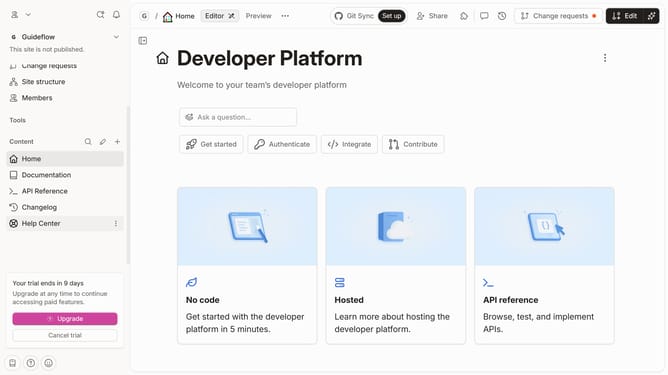
How to disable announcement in a docs site in Gitbook
Here is how to disable announcement in a docs site in gitbook
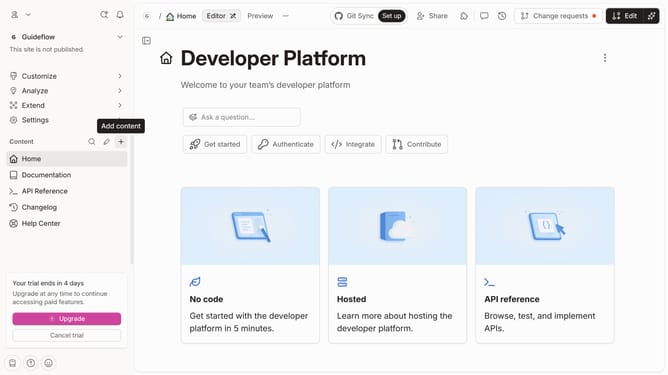
- First click on "Docs sites" in the left sidebar
- Then click on the doc site you want to manage
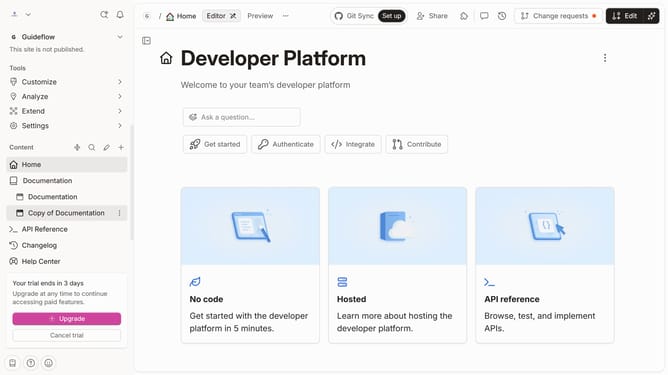
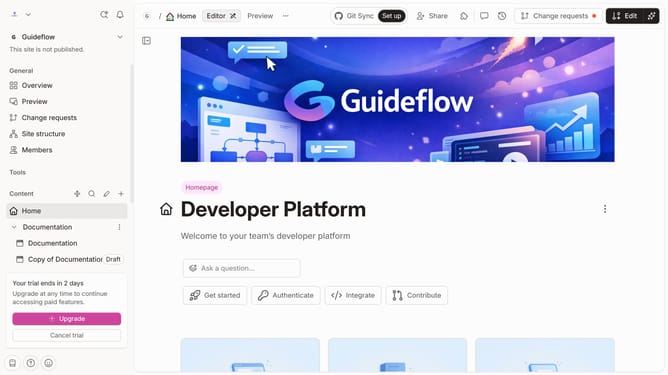
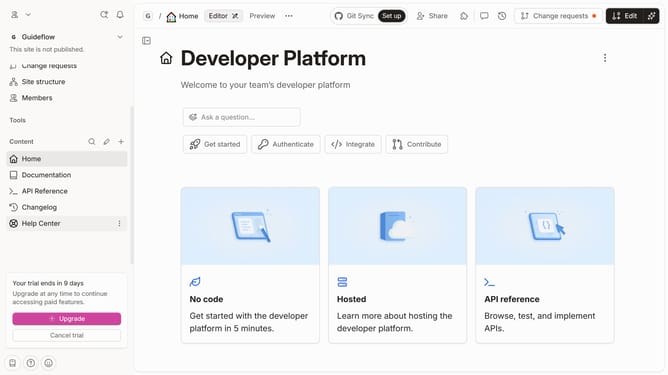
- Next, click on "Customize" in the left sidebar under Tools
- Then select "Layout" from the expanded Customize menu
- After that, toggle the switch to enable "Announcement"
- Finally click on the "Save" button
Why should you disable announcement in a docs site in Gitbook
Gitbook is a dynamic platform designed to streamline your documentation process with user-friendly features.
One of these standout features is the ability to disable announcements on your docs site. By controlling which announcements are shown, you can ensure your users are not overwhelmed with notifications they don't need.
This feature promotes a more focused and distraction-free experience for your audience, enhancing overall user satisfaction and engagement.
Utilizing this capability leads to smoother navigation and cleaner presentation of your content, allowing your critical messages to truly stand out.
Last update