How to set table column alignment in help center in Gitbook
Here is how to set table column alignment in help center in gitbook
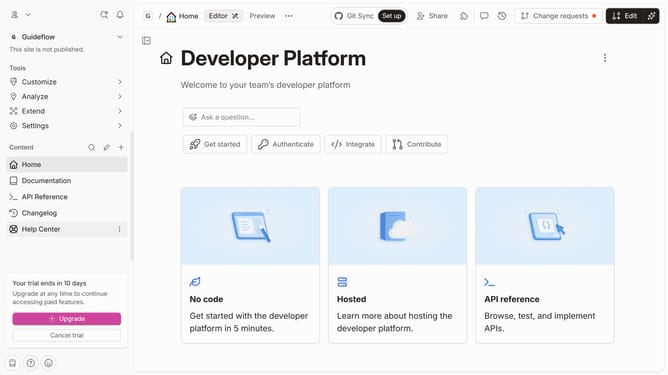
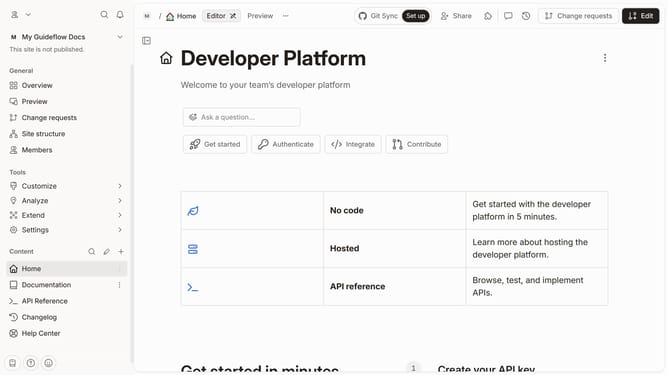
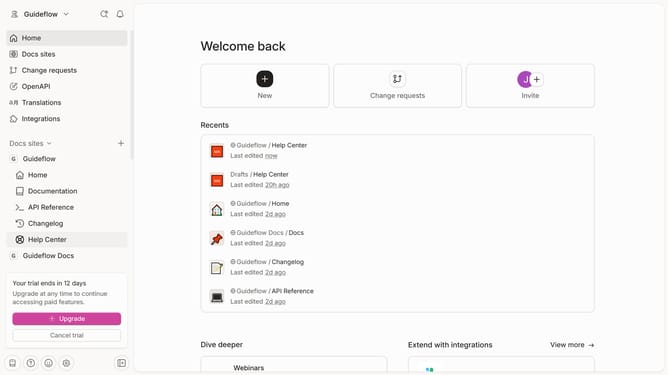
- First click on "Help Center" in the sidebar
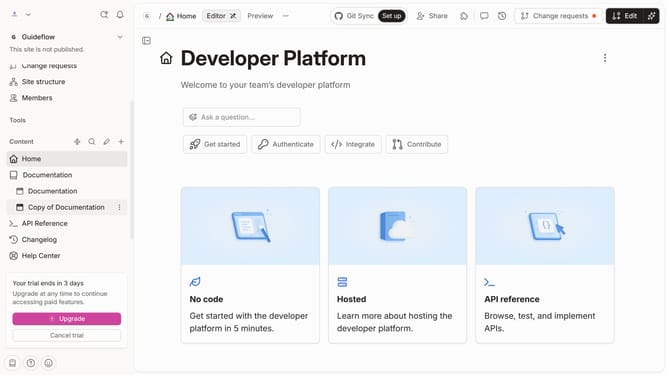
- Then click on the "Edit" button in the top menu
- Next, click on the three dots icon under the column header
- Then, click on the "Vertical alignment" option shown in the dropdown
- Select from the vertical alignment options
- Finally click on the "Merge" button in the top menu
Why should you set table column alignment in help center in Gitbook
Gitbook is a collaborative platform designed to create and share documentation effortlessly.
In Gitbook, setting table column alignment in the help center is a powerful feature that ensures your documentation is not only informative but also visually appealing. By aligning table columns, you can organize content in a way that is easy to read and understand for your audience.
This feature's flexibility lets you customize data presentation, making information more accessible and engaging while enhancing the overall user experience. Proper alignment imbues your documentation with professionalism and clarity.
Last update