How to show hidden column in a table in homepage in Gitbook
Here is how to show hidden column in a table in homepage in gitbook
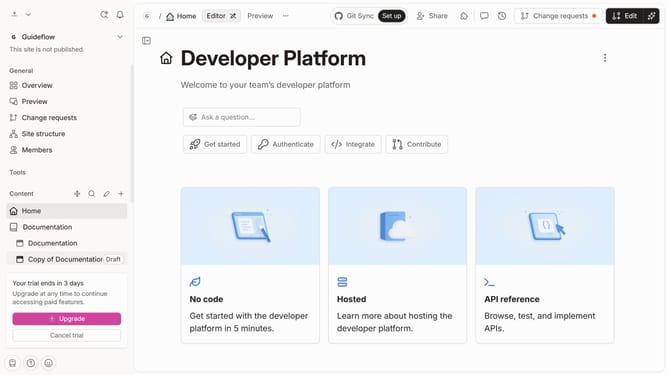
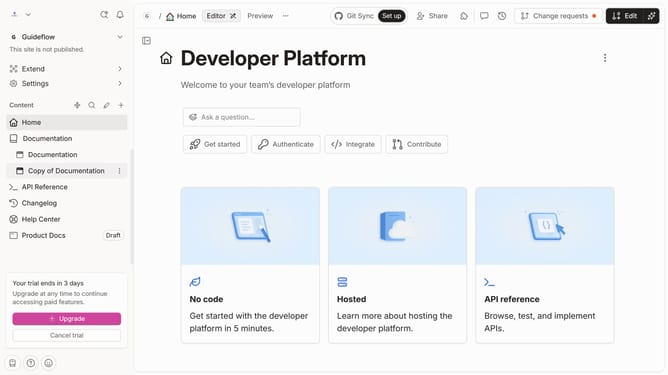
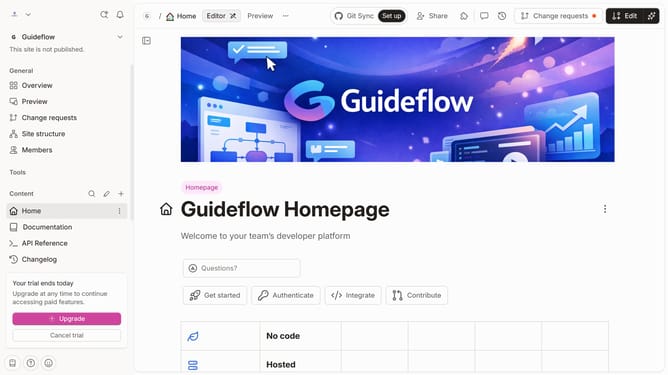
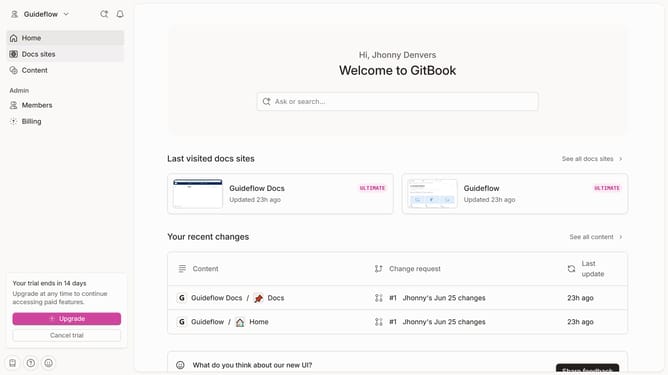
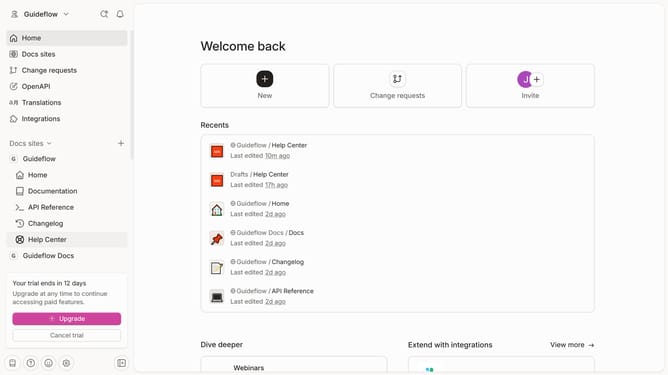
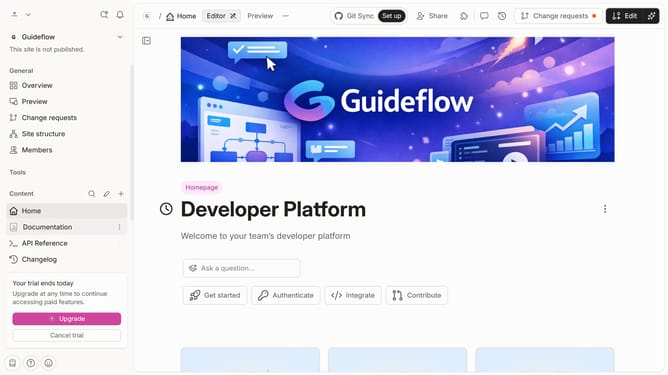
- First click on the "Home" item in the left sidebar
- Then click on the "Edit" button in the header
- Next click on the option block menu icon
- After that, click on "Visible columns"
- Then select the checkbox of the column that you wanted to be visible
- Finally click on the "Merge" button in the header
Why should you show hidden column in a table in homepage in Gitbook
GitBook is a collaborative platform designed to enhance team documentation efforts, making information accessible and structured.
One valuable feature in GitBook is the ability to show hidden columns in a table on the homepage. This function allows users to reveal essential data without overloading the interface initially.
Utilizing this feature ensures that users maintain a clean and user-friendly layout while still having the control to display detailed information when necessary. This approach fosters better readability and a tailored user experience, increasing engagement and understanding.
Last update