How to hide pagination of a content in a docs site in Gitbook
Here is how to hide pagination of a content in a docs site in gitbook
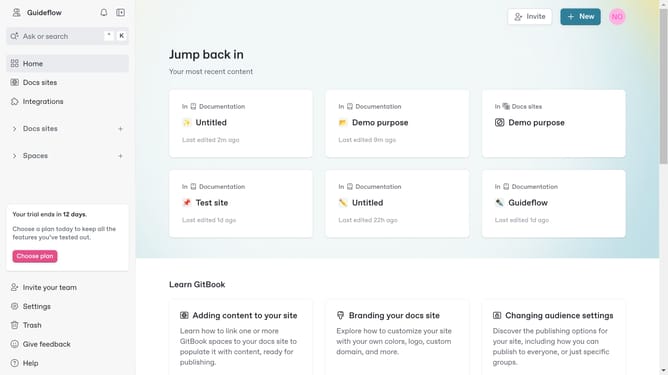
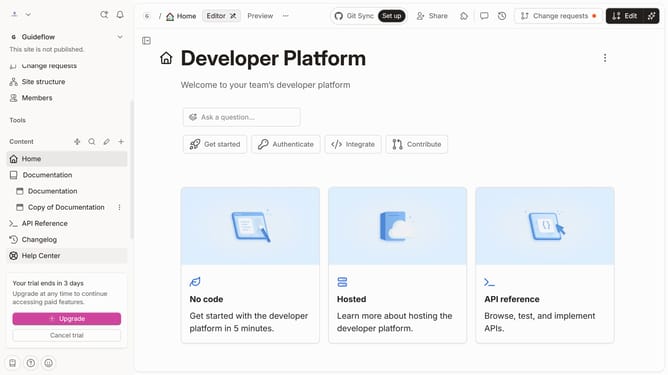
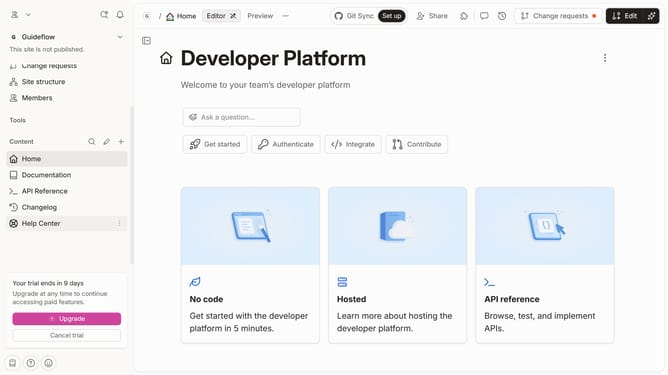
- First click on the content you want to manage in the left sidebar
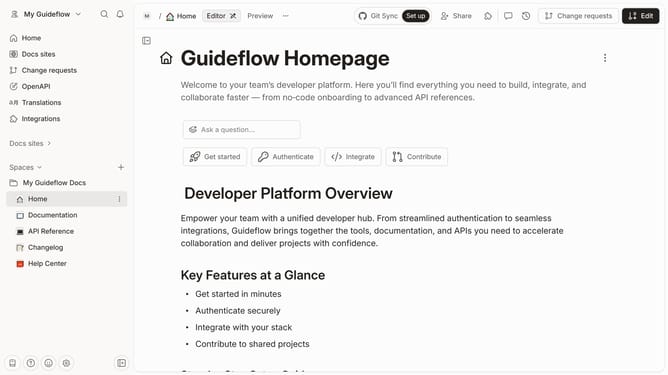
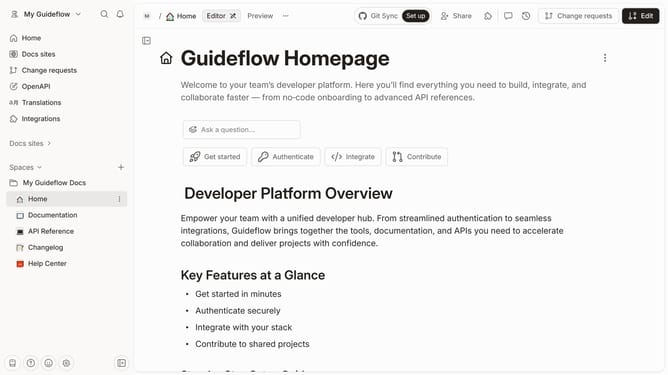
- Then, click on the "Edit" button in the header
- Next, click on "Page options" in the editor menu
- Then, click on the toggle switch OFF for "Pagination"
- Finally, click on the "Merge" button in the header
Why should you hide pagination of a content in a docs site in Gitbook
Gitbook is a versatile platform designed to simplify the creation and management of documentation.
One remarkable feature is the ability to hide pagination in your docs. This not only streamlines the reading experience but also keeps the interface clean and user-friendly.
Hiding pagination can be particularly beneficial for users who wish for uninterrupted content flow, making it easier to focus on information rather than navigation.
By offering a more seamless reading journey, Gitbook enhances the overall accessibility and appeal of your documentation.
Last update