How to hide table header in help center in Gitbook
Here is how to hide table header in help center in gitbook
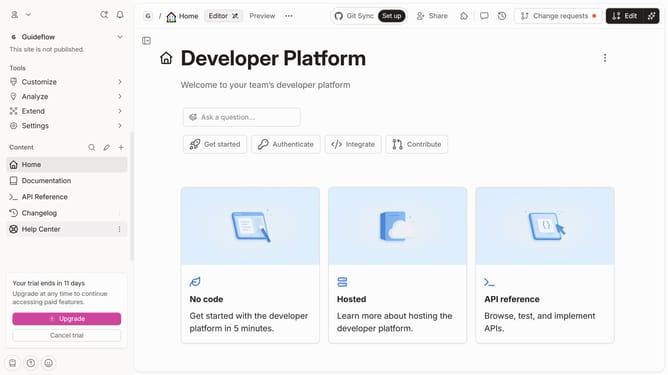
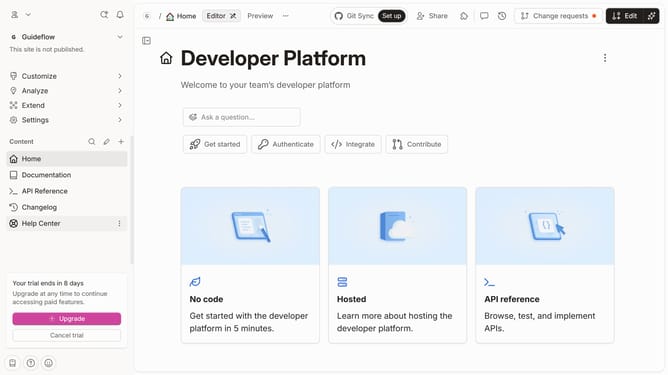
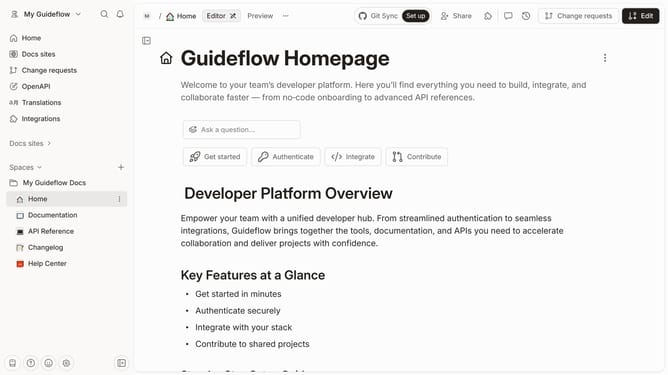
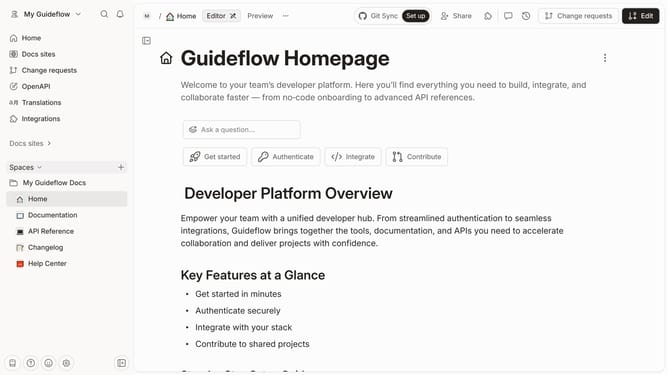
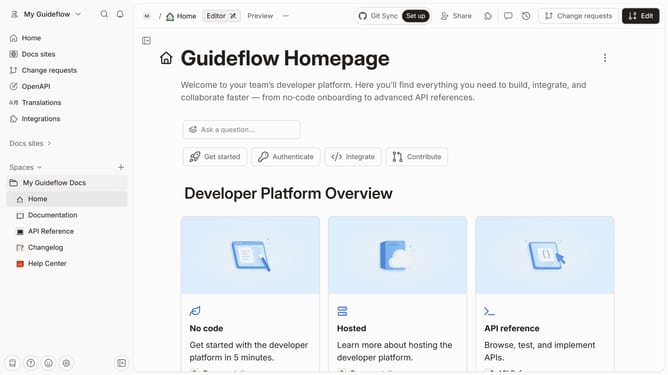
- First click on "Help Center" in the left sidebar
- Then click on "Edit" button in the top menu
- Then click on the block options icon to show more options
- Then select "Show header" option
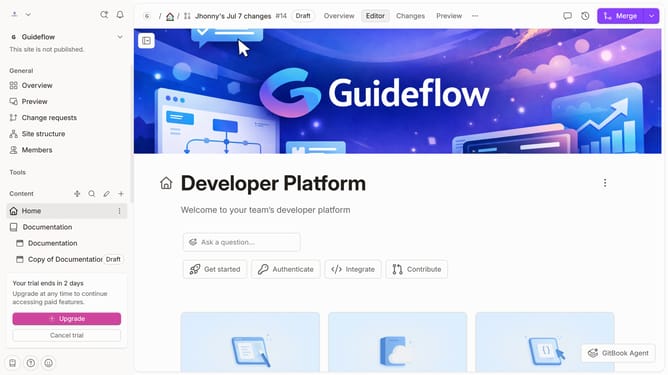
- Finally click on "Merge" button
Why should you hide table header in help center in Gitbook
GitBook is a powerful platform designed to help teams collaborate on documentation effortlessly.
In GitBook, you have the flexibility to hide table headers in the help center if your content requires a cleaner interface.
This feature can make your tables appear more streamlined and can eliminate unnecessary distractions for readers.
Utilizing this function can enhance user experience by providing content that is easier to digest, especially for tables where headers might be redundant.
Last update