How to insert a hint in homepage in Gitbook
Here is how to insert a hint in homepage in gitbook
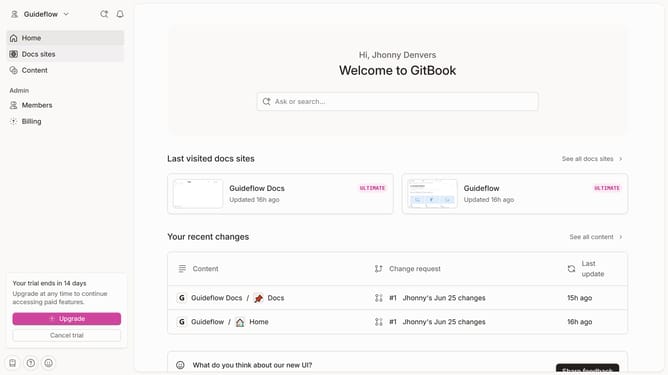
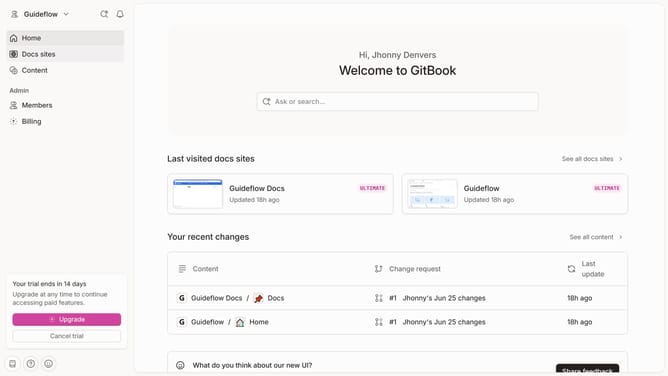
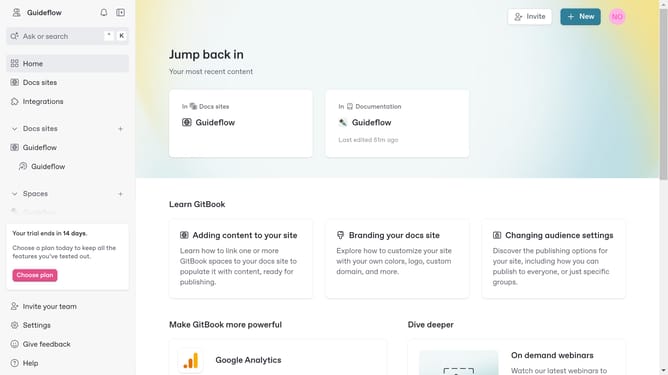
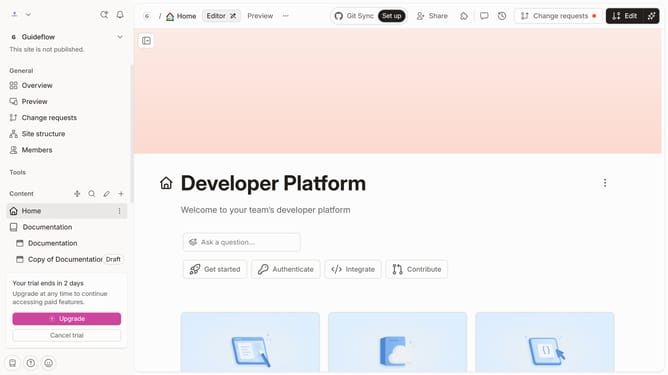
- First click on the "Home" item in the left sidebar menu
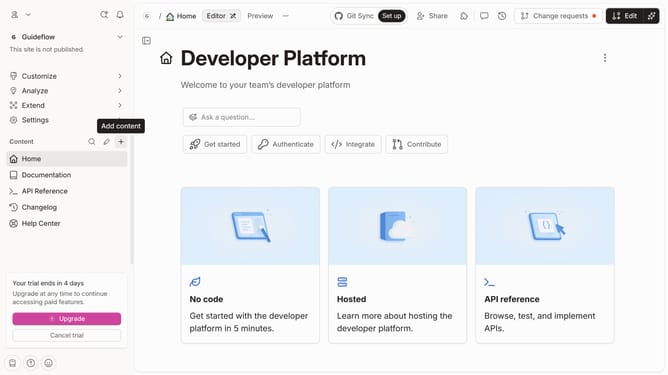
- Then click on the "Edit" button in the top right corner
- Then click on the "Click for block options" icon
- Then select "More blocks" from the dropdown menu
- Next select "Hint" from the More blocks submenu
- Then click on the "Hint" block that was just added and edit it
- Finally click on the "Merge" button in the top right corner
Why should you insert a hint in homepage in Gitbook
Gitbook is a dynamic platform designed to transform your knowledge-sharing experience.
Inserting a hint on your Gitbook homepage enhances navigational clarity and guides your readers seamlessly through content.
This feature empowers creators to highlight essential information, ensuring users grasp key points effortlessly.
Utilizing hints optimizes user engagement and fosters a more intuitive reading environment.
Last update