How to remove cover image for homepage in Gitbook
Here is how to remove cover image for homepage in gitbook
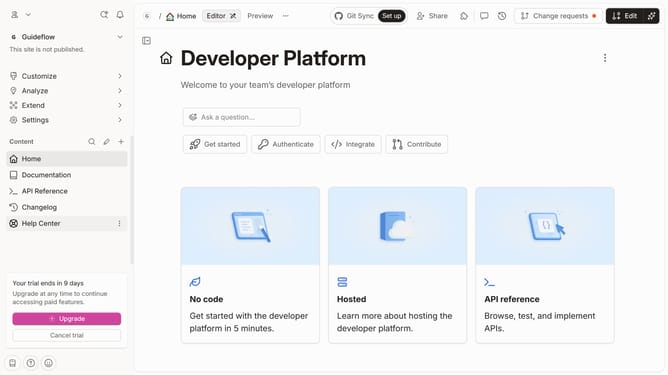
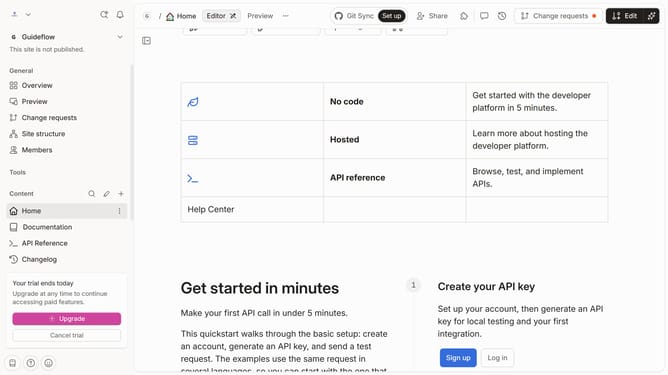
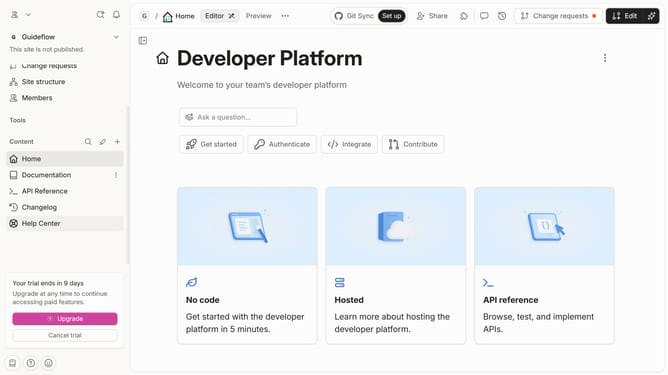
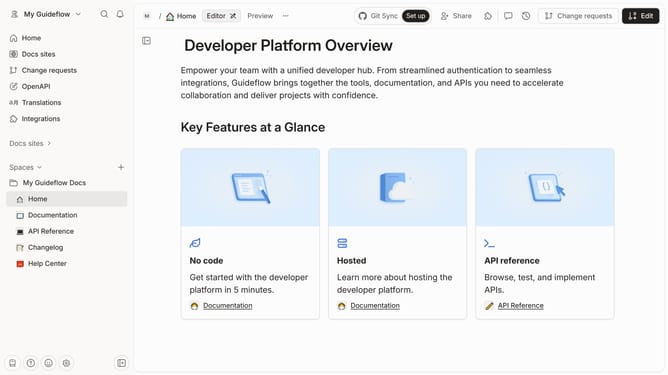
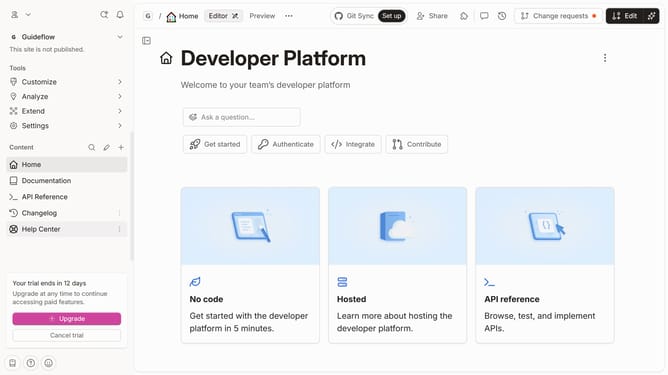
- First click on the "Home" item in the left sidebar
- Then click on the "Edit" button in the top header
- Next, select "Cover options" from the dropdown menu
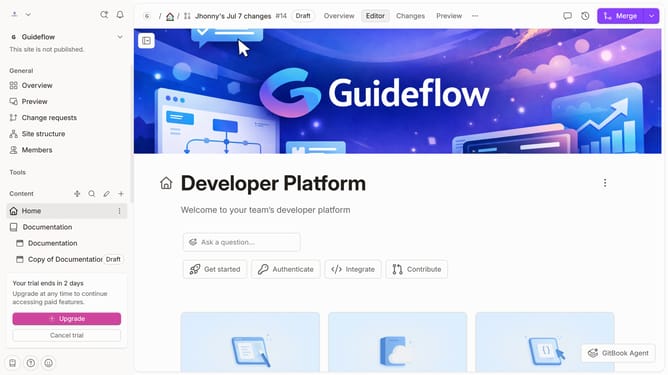
- After that, click on the "Remove cover" button
- Finally, click on the "Merge" button in the top header
Why should you remove cover image for homepage in Gitbook
Gitbook is the perfect online platform for creating and sharing rich, interactive documentation.
Removing the cover image from your homepage provides a sleeker, more focused presentation of content.
This feature allows for a cleaner layout, enhancing readability and user engagement.
By eliminating unnecessary visuals, you prioritize the core message and streamline your viewers' experience.
Last update