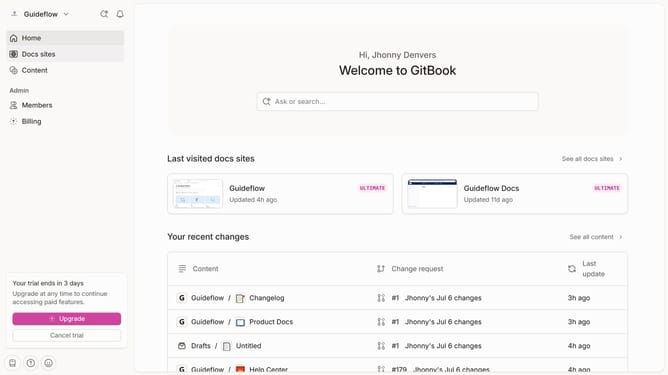
How to hide cover image for homepage in Gitbook
Here is how to hide cover image for homepage in gitbook
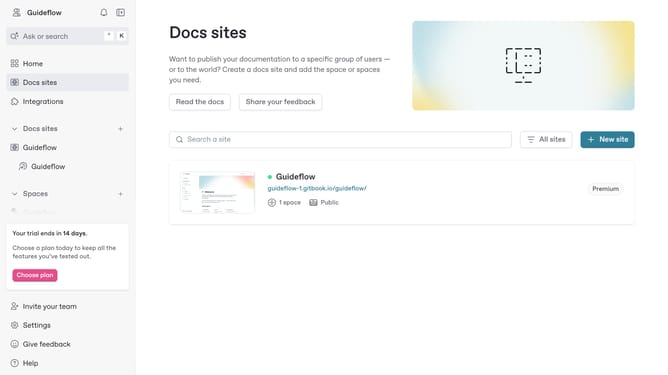
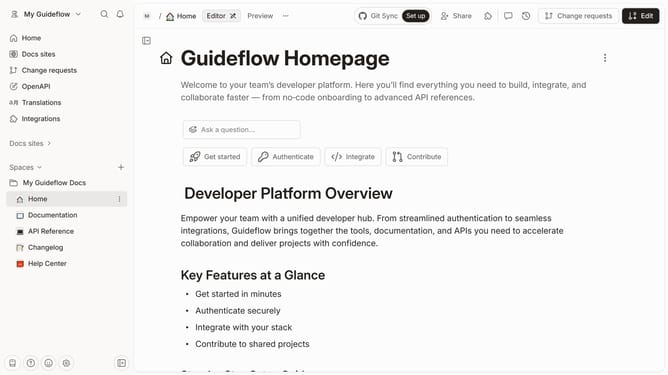
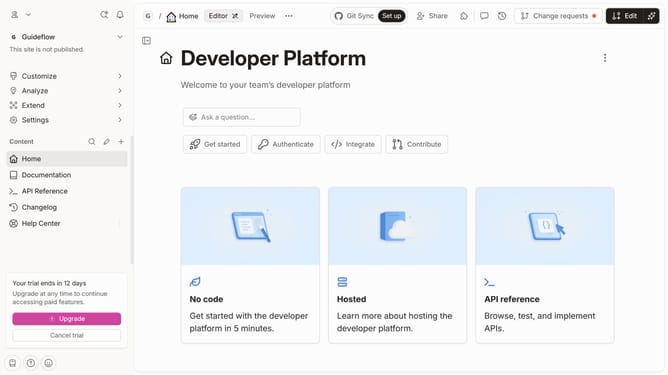
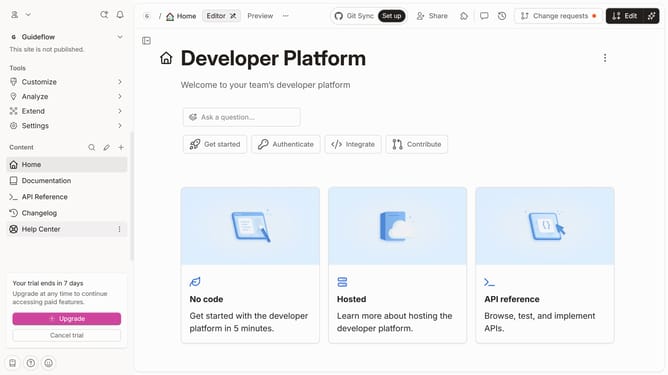
- First click on the 'Home' item in the sidebar
- Then click on the 'Page options' button
- Next click on the toggle switch OFF next to "Cover image"
- Finally click on the 'Merge' button in the header
Why should you hide cover image for homepage in Gitbook
GitBook is a modern documentation platform designed to support seamless collaboration and clear communication.
A useful feature in GitBook is the ability to hide the cover image on your homepage. This allows a more focused presentation where the content takes center stage without distraction.
By opting to hide the cover image, you can maintain a clean and professional look, emphasizing text and other key elements, which can enhance readability for your audience. Taking advantage of this feature ensures your documentation remains aesthetically streamlined.
Last update