How to enable Gitbook AI in Gitbook
Here is how to enable gitbook ai in gitbook
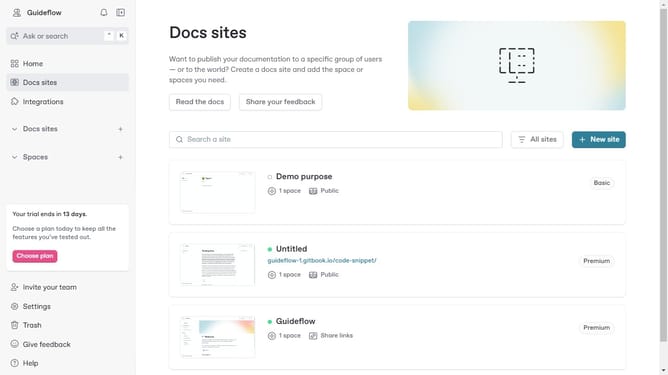
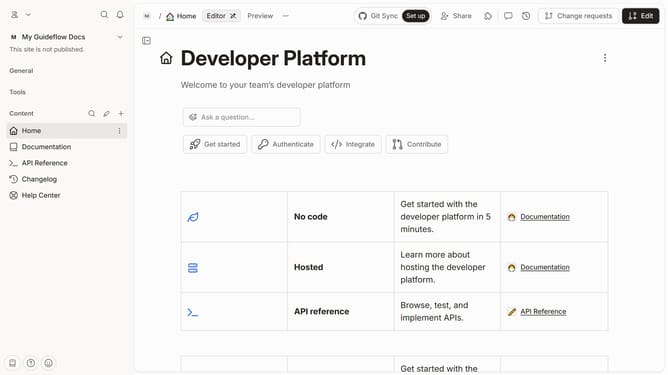
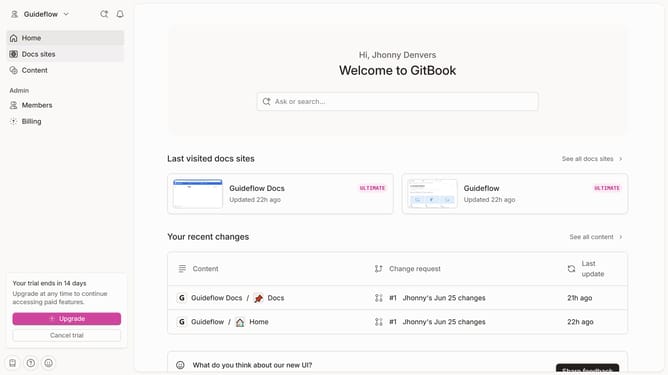
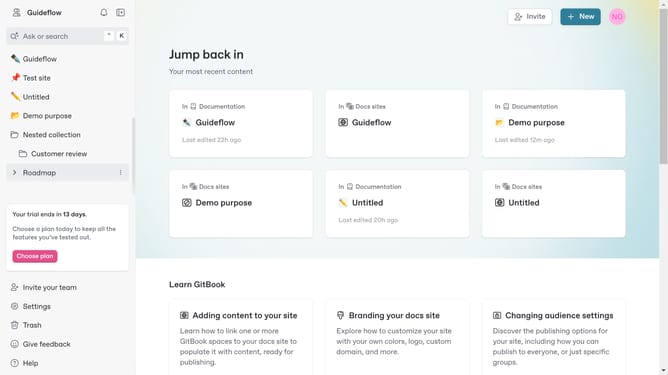
- First click on the dropdown icon in the top header
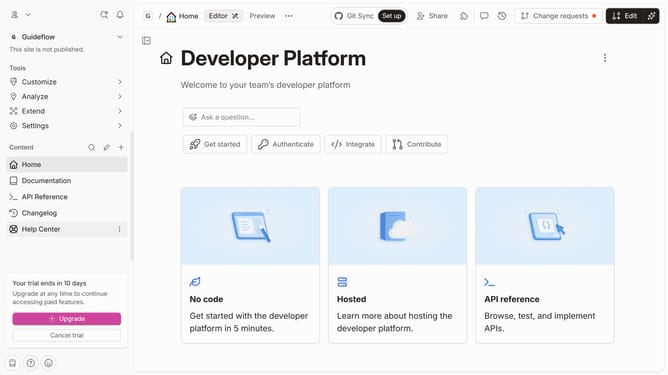
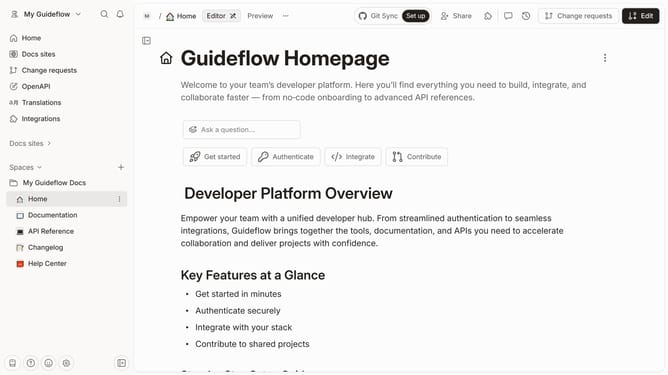
- Then click on "Settings" in the profile menu
- Finally click on the toggle ON switch for "Enable GitBook AI features"
Why should you enable Gitbook AI in Gitbook
GitBook is a modern platform for documentation and collaboration.
Enabling GitBook AI within your workspace can significantly elevate your documentation experience.
By turning on this feature, you unlock smart suggestions and automation, streamlining content creation and enhancing the quality of your work.
This means you spend less time on mundane tasks and more on innovation and creativity, resulting in more engaging and dynamic content for your audience.
Last update