How to move a collection in Gitbook
Here is how to move a collection in gitbook
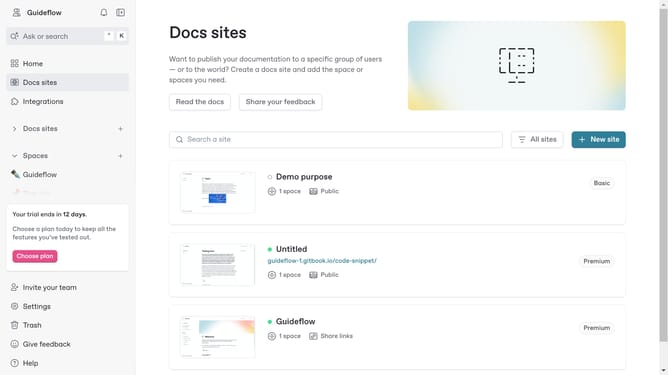
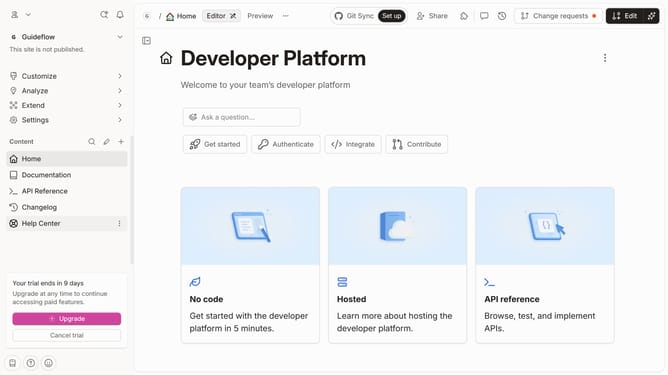
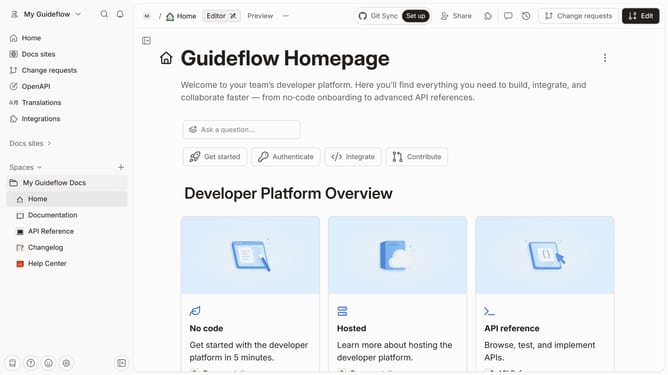
- In the left sidebar, click the three dots menu button next to the collection you want to move
- In the dropdown menu, click on the "Move collection to..." option
- Select a destination for your collection
Why should you move a collection in Gitbook
GitBook is a versatile platform designed to create, manage, and share knowledge effectively.
Moving a collection in GitBook allows users to reorganize their content seamlessly, enhancing collaboration and ease of access.
By rearranging collections, teams can streamline their workflow, ensuring that relevant information is always easy to find. This feature not only saves time but also improves overall productivity by allowing teams to align their documentation structure with evolving project needs.
Last update