How to add a paragraph in homepage in Gitbook
Here is how to add a paragraph in homepage in gitbook
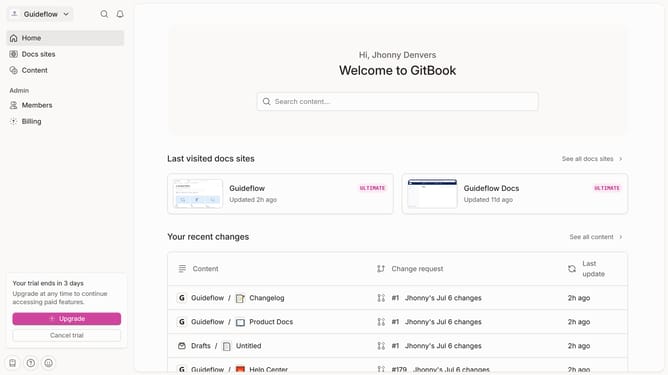
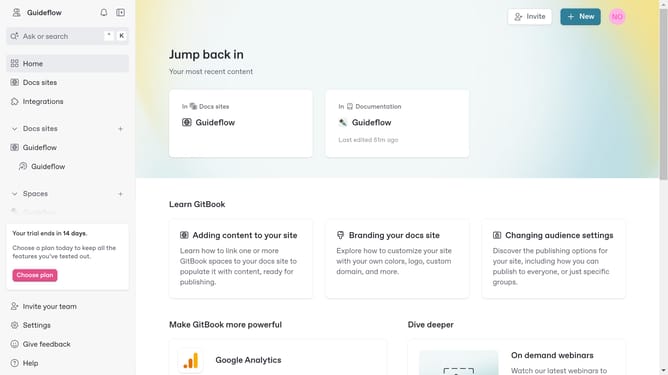
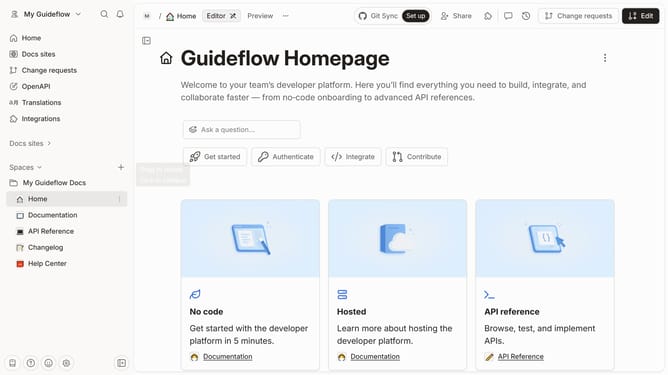
- First click on the "Home" link in the left sidebar
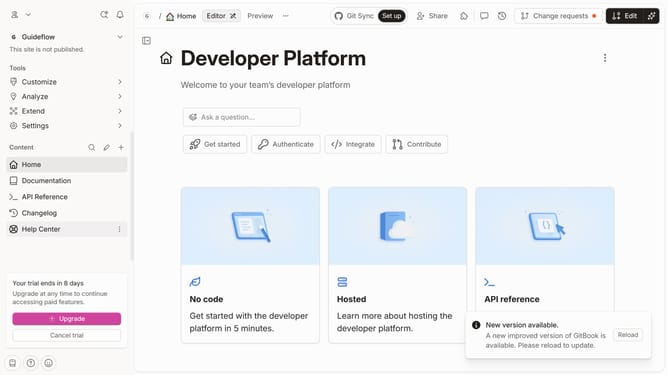
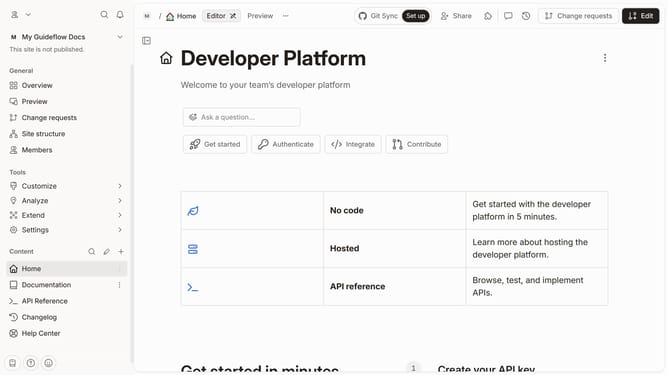
- Then click on the "Edit" button in the top right corner
- Next, click on the block options icon to reveal block options
- Then select "Paragraph" from the dropdown menu
- lick on the input area and enter your text
- Finally, click on the "Merge" button in the top right menu bar
Why should you add a paragraph in homepage in Gitbook
GitBook is a modern documentation platform that simplifies the creation and sharing of knowledge.
Adding a paragraph to your homepage in GitBook is a straightforward feature that enhances your document's presentation. This allows you to easily integrate new ideas or updates, ensuring your readers have access to the most current information.
By streamlining the process of modifying content, GitBook empowers users to maintain dynamic and engaging documentation. This feature supports seamless communication, fostering a deeper connection with your audience.
Last update