How to add icons and emojis to pages in Gitbook
Here is how to add icons and emojis to pages in gitbook
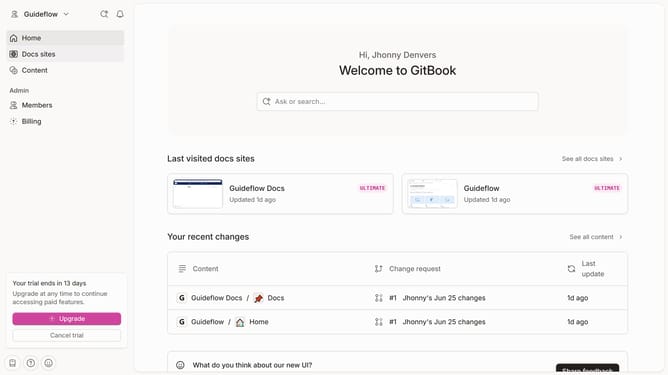
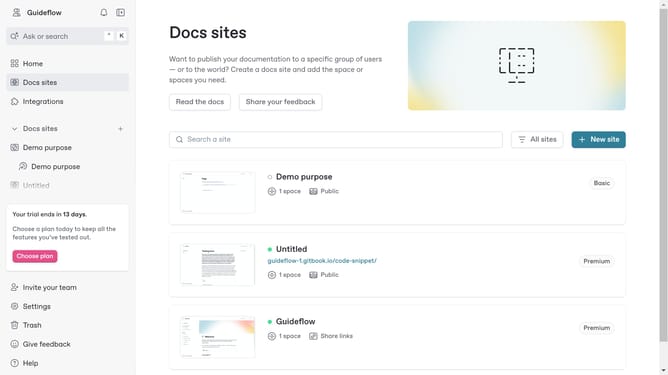
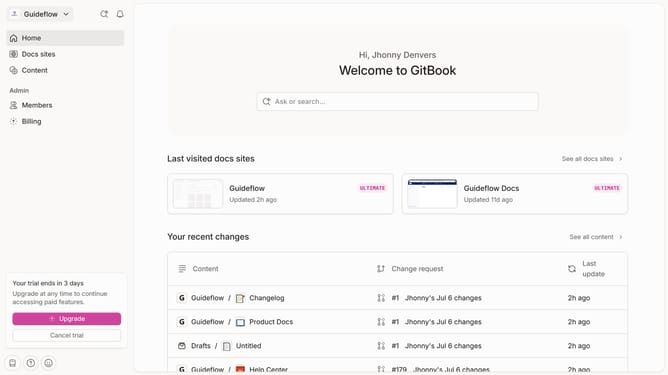
- First click the site card you want to use in the main content area
- Then click on the "Start editing content" link in the site overview section
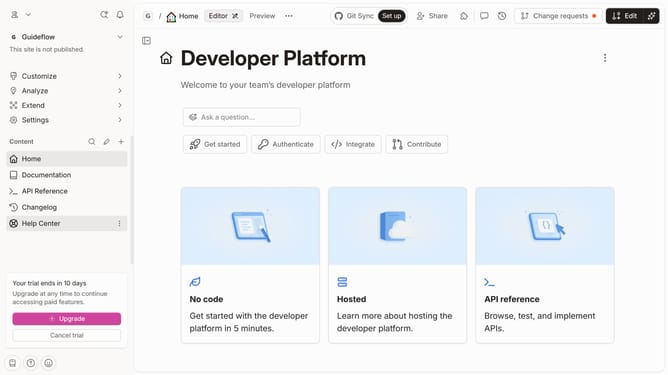
- Next click on the page icon section near the page title
- In the "Icons" tab you can choose an icon you want to use
- Here in the "Emojis" tab you can choose an emoji to use for your page
Why should you add icons and emojis to pages in Gitbook
Gitbook is an intuitive platform designed for creating stunning documentation that empowers teams to share knowledge effortlessly.
Enhancing pages with icons and emojis in Gitbook brings a vibrant and engaging element to your documents, fostering better readability and user interaction.
Incorporating these visual elements helps in breaking down complex information, making content digestible and memorable.
By using icons and emojis, teams can convey emotions and highlight important sections, enhancing communication and collaboration.
Last update