How to add a link in a help center category in Gitbook
Here is how to add a link in a help center category in gitbook
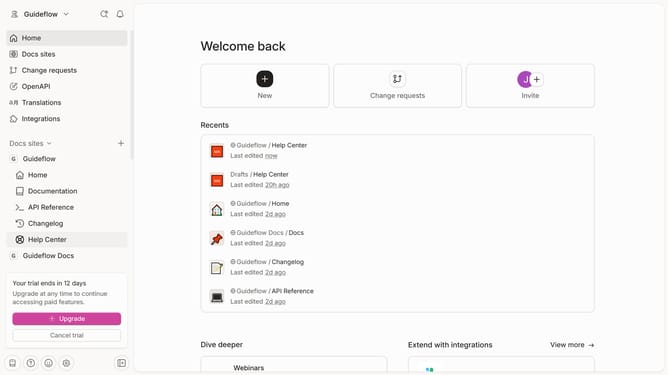
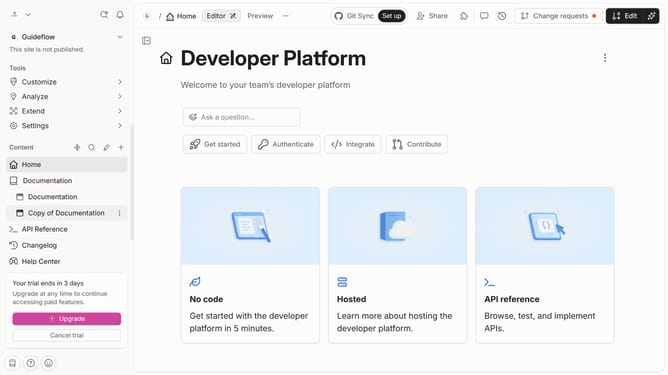
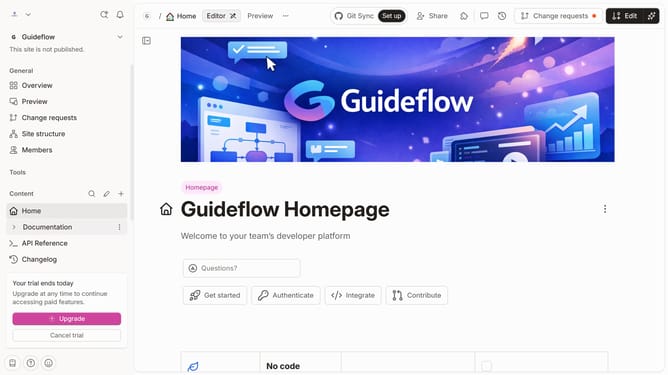
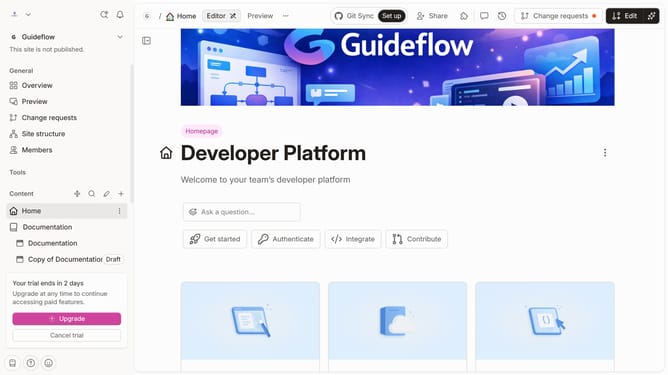
- First click on "Help Center" in the left sidebar
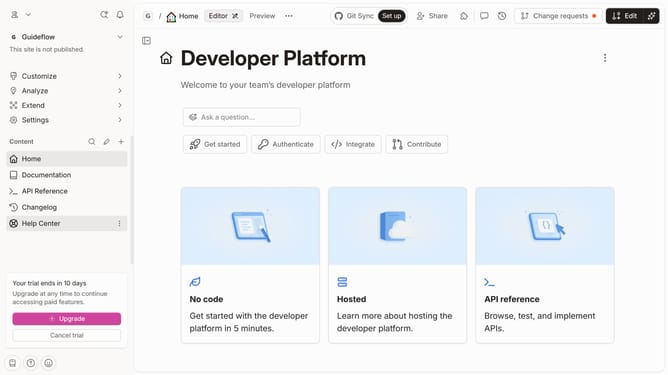
- Then click on the "Edit" button in the header
- Next click on "Link content" in the main content area
- Then type a URL or search in your input field
- Next click on the link to confirm the link you entered
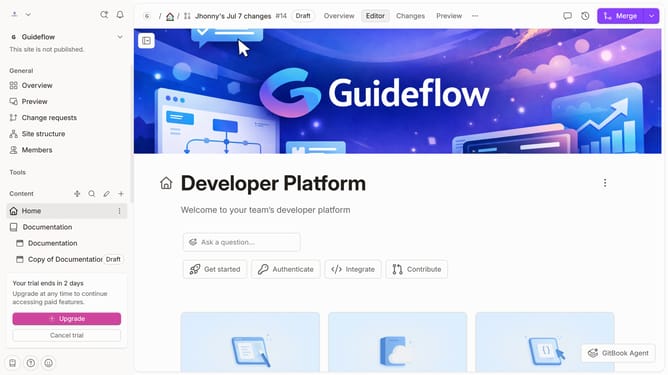
- Finally click on the "Merge" button in the header
Why should you add a link in a help center category in Gitbook
GitBook is a versatile platform designed to streamline the creation and management of online documentation.
Adding a link in a help center category in GitBook exemplifies its intuitive features, enhancing the user experience by providing easy navigation. This seamless integration ensures that users can quickly access relevant information, increasing the efficiency of finding solutions.
Utilizing this feature not only improves the overall organization of content but also boosts user engagement, making the help center more effective and dynamic.
Last update