How to add a link field in a help center category in Gitbook
Here is how to add a link field in a help center category in gitbook
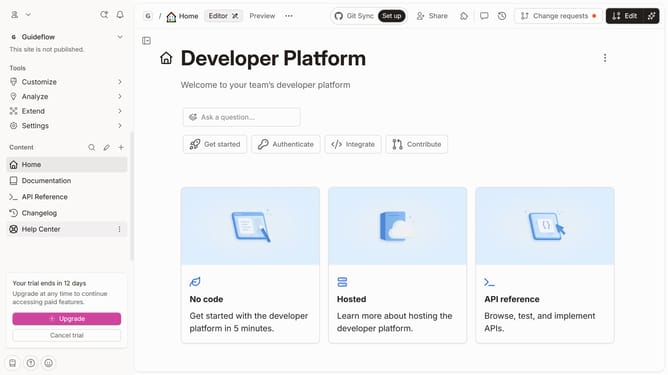
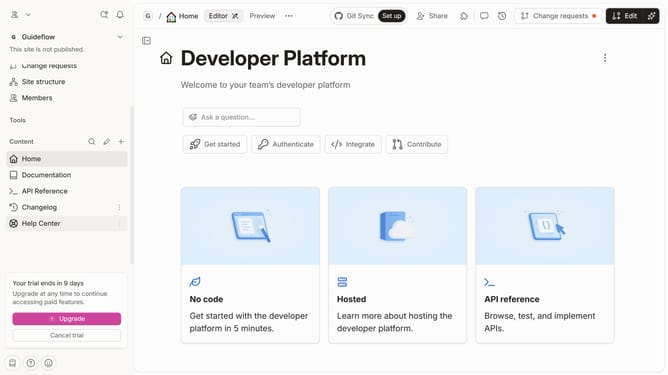
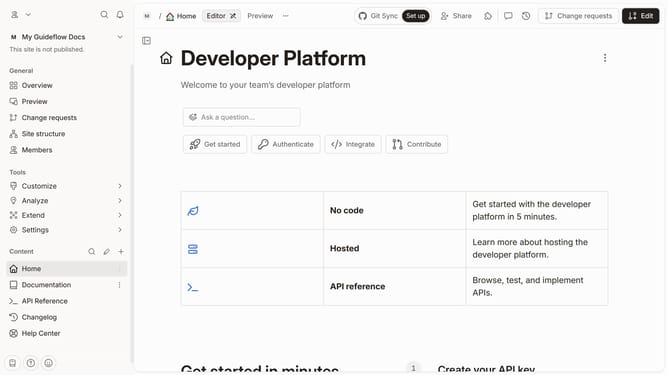
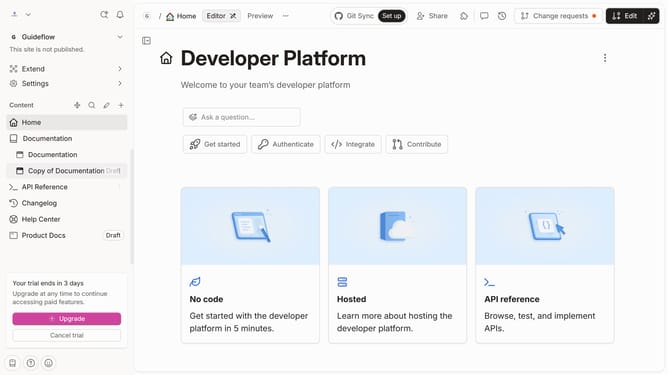
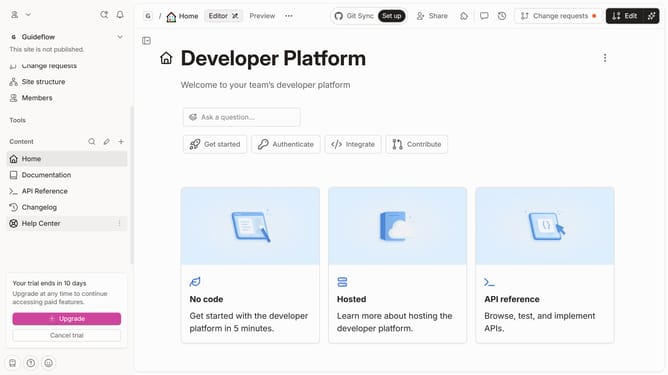
- First, from the sidebar, click on "Help Center" link
- Then, click on the "Edit" button in the header
- Next, click on the "+ Add field" button
- After that, select the "Link" option from the dropdown menu
- Finally, click on the "Merge" button in the header
Why should you add a link field in a help center category in Gitbook
GitBook is a collaborative documentation platform that streamlines the creation and sharing of organized, accessible content.
Adding a link field to your help center category in GitBook enhances user navigation by connecting related content effortlessly, fostering a seamless experience.
This feature is invaluable for guiding users to additional resources, troubleshooting guides, or related topics, cultivating a comprehensive self-service journey.
Quick implementation and improved user satisfaction make it a potent tool for efficient information distribution.
Last update