How to show table header in help center in Gitbook
Here is how to show table header in help center in gitbook
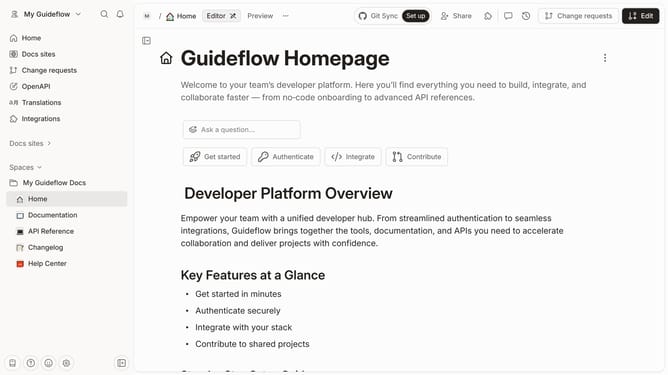
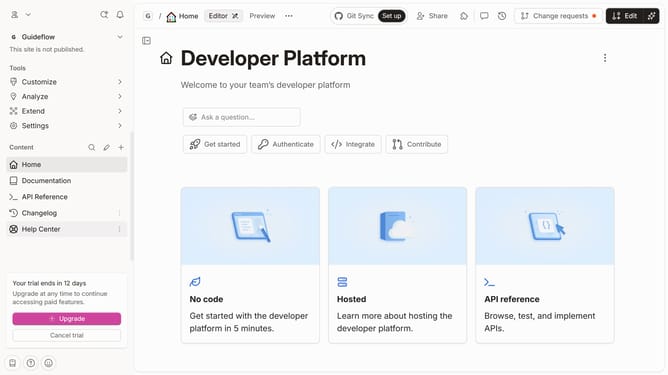
- First click on "Changelog" in the left sidebar
- Then click on the "Edit" button in the top header
- Next, click on the block options icon
- Then click on "Header options" in the dropdown menu
- After that, click on "Show header" from the submenu
- Finally click on the "Merge" button in the top header
Why should you show table header in help center in Gitbook
Gitbook is an intuitive platform designed to seamlessly document and share knowledge.
One powerful feature is the ability to show table headers in the help center. This feature ensures that information remains organized and accessible, enhancing the user experience by maintaining clarity within documentation.
Utilizing table headers in your help center benefits both the content creator and the reader. It offers a structured approach, helping users quickly locate relevant details and improving overall navigation within the document.
Last update