How to add a new tab in homepage in Gitbook
Here is how to add a new tab in homepage in gitbook
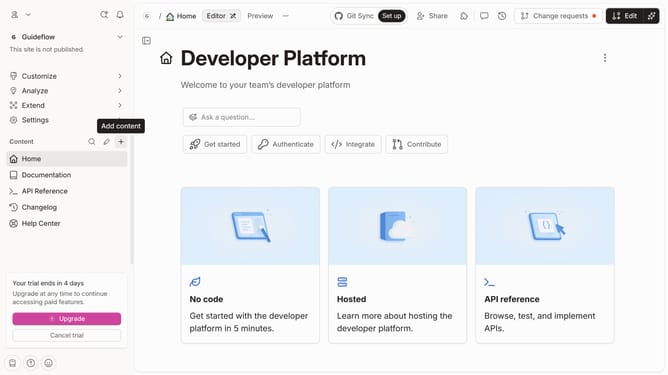
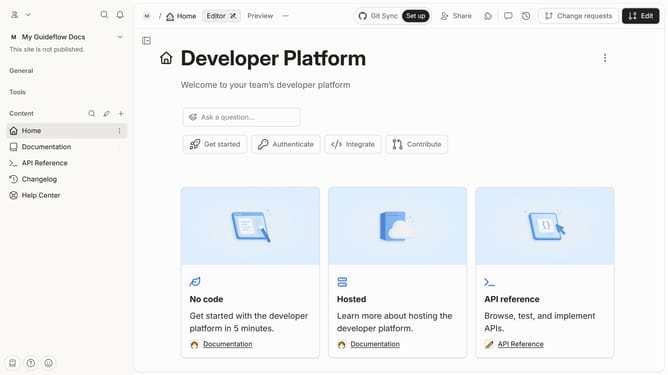
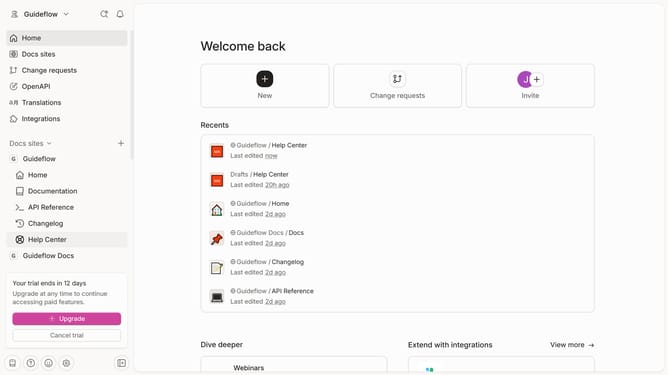
- First, click on the "Home" link in the left sidebar
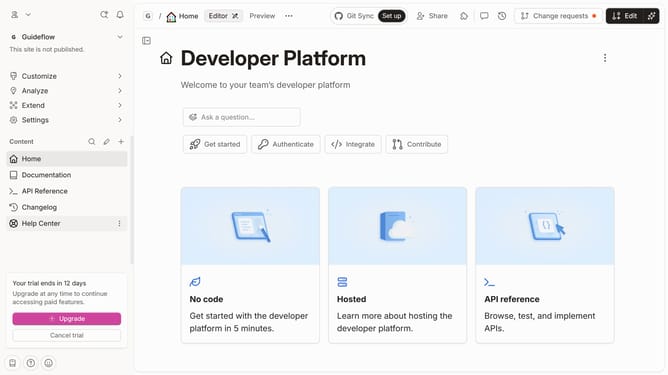
- Then, click on the "Edit" button in the header
- Next, click on the "Insert tab" button
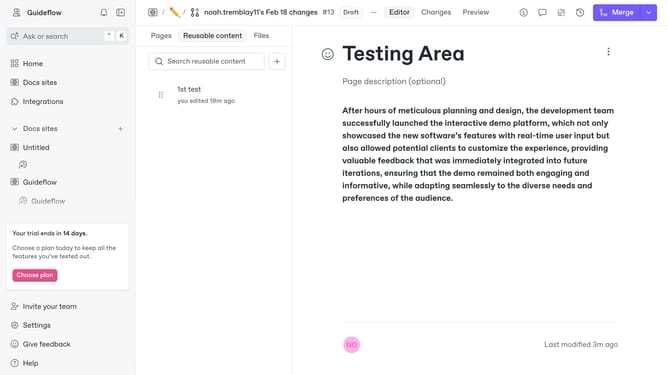
- Finally, click on the "Merge" button in the header
Why should you add a new tab in homepage in Gitbook
GitBook is a user-friendly platform designed to create and share beautiful documentation effortlessly.
Adding a new tab to your homepage in GitBook allows users to streamline their content organization and enhance navigation.
This feature helps in customizing your project's layout according to specific needs, making information more accessible for your audience.
By optimizing content presentation, GitBook empowers creators to maintain clarity and improve the overall user experience.
Last update