How to add column before in homepage in Gitbook
Here is how to add column before in homepage in gitbook
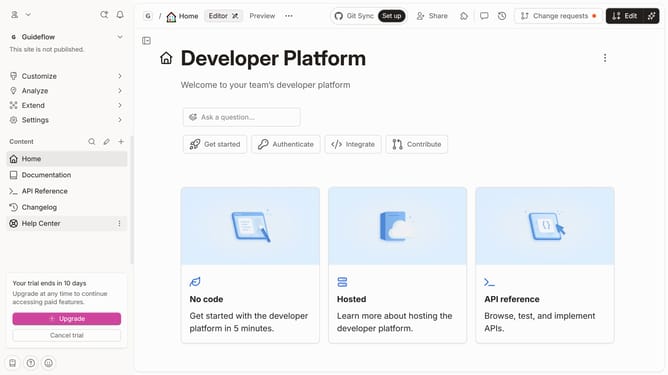
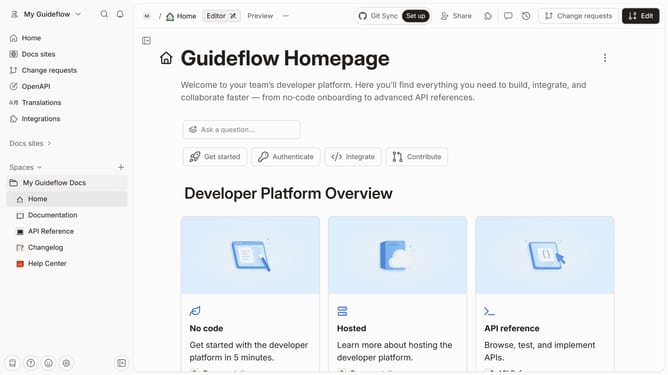
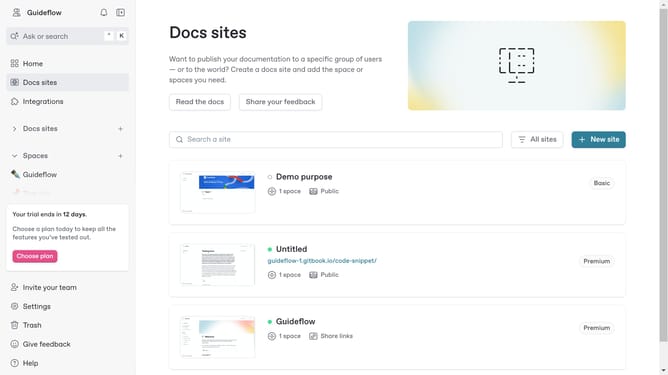
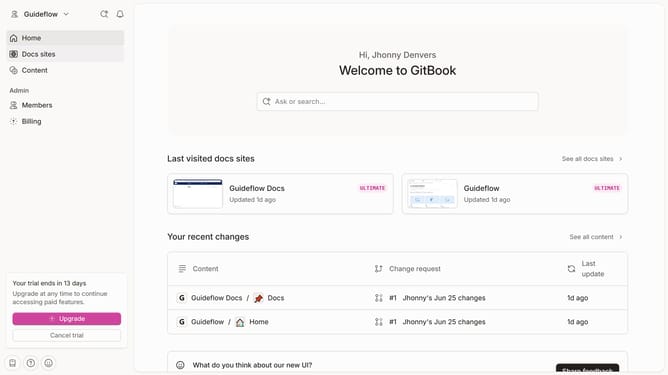
- First click on "Home" option in the left sidebar
- Then click on the "Edit" button in the top right corner of the header
- Next click on the options menu within the main content
- Then select "Insert column before" from the dropdown menu
- Finally click on the "Merge" button in the top right corner of the header
Why should you add column before in homepage in Gitbook
GitBook is a collaborative platform designed for creating and sharing documentation effortlessly.
Adding a column before the homepage in GitBook allows you to organize content with additional structure, enhancing overall readability and access to information.
This feature is particularly beneficial as it enables teams to present complex information succinctly, facilitating better navigation for users.
By employing this feature, users can enhance their documentation by making it more intuitive and user-friendly, ultimately leading to a more efficient information dissemination process.
Last update