How to rename options in selector field in a help center category in Gitbook
Here is how to rename options in selector field in a help center category in gitbook
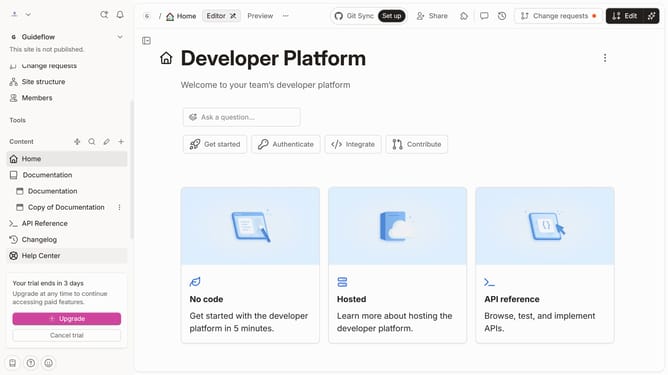
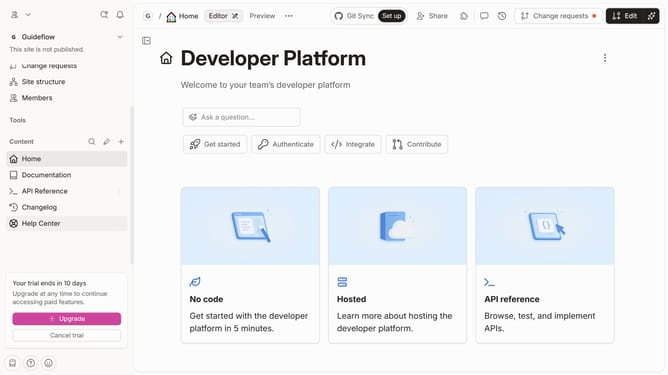
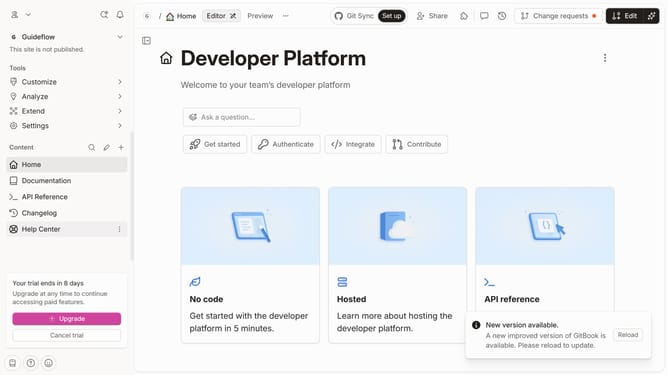
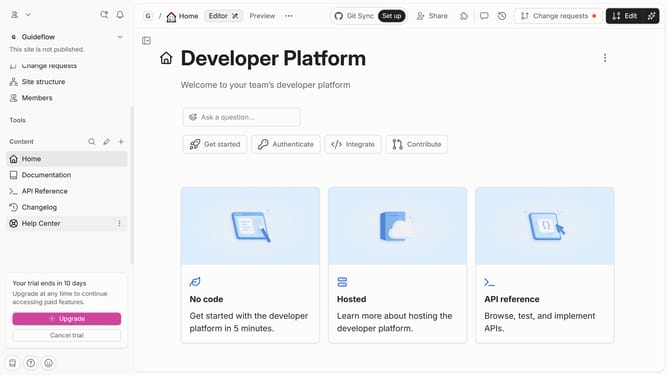
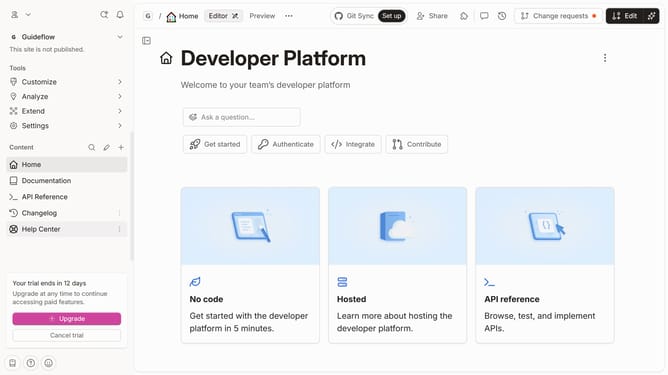
- First, click on the "Help Center" item in the left sidebar
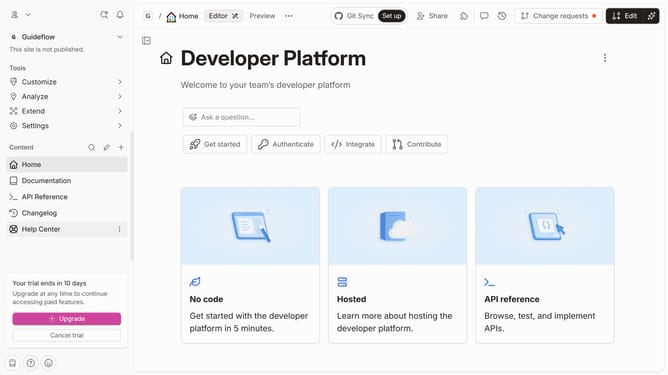
- Then, click on the "Edit" button in the header
- Next, click on the three dots icon to open more options
- After that, click on "Manage options"
- Then, click on the arrow next to the option you want to rename to expand the submenu
- Next, click on the "Rename" option
- Then click on the text input field and enter the new option name
- Finally, click on the "Save" button
Why should you rename options in selector field in a help center category in Gitbook
Gitbook is a modern documentation platform designed to streamline the creation and sharing of knowledge.
One of its intuitive features allows users to rename options in selector fields within help center categories. This flexibility is vital for tailoring the user interface to better suit the specific needs and terminology of your audience.
Renaming options enhances clarity and improves user experience by making navigation more intuitive. By customizing these elements, you can ensure that users find relevant information quickly, fostering increased satisfaction and engagement.
Last update