How to add a rating field in a help center category in Gitbook
Here is how to add a rating field in a help center category in gitbook
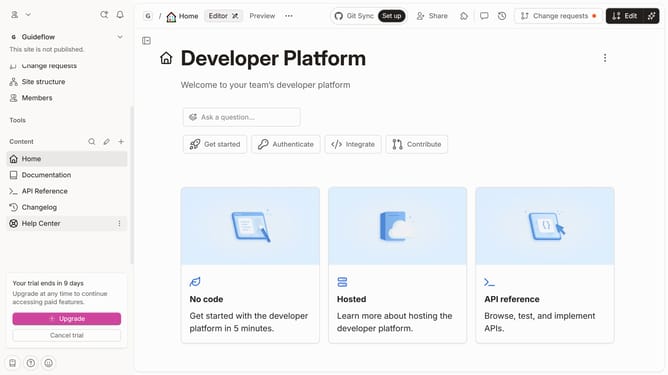
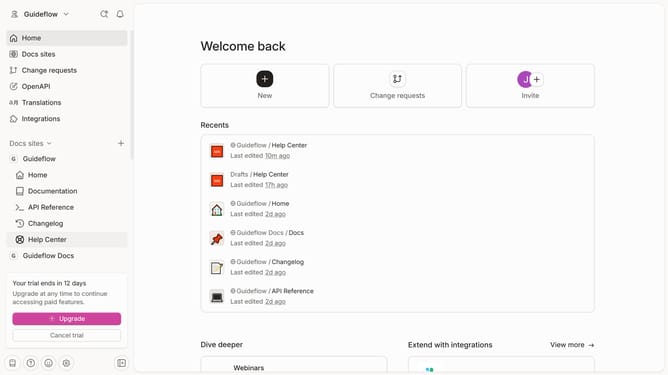
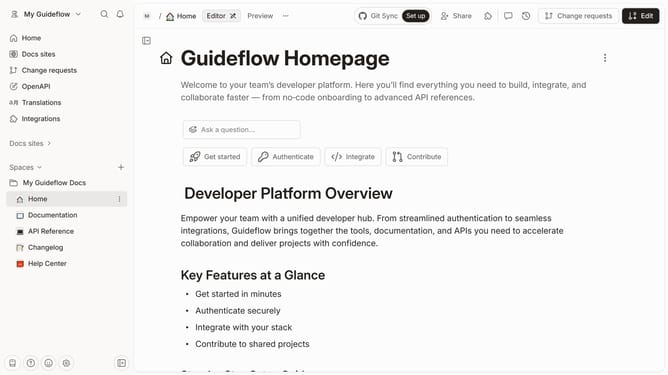
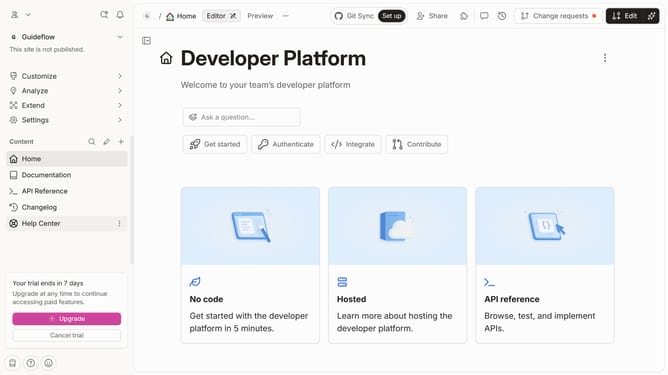
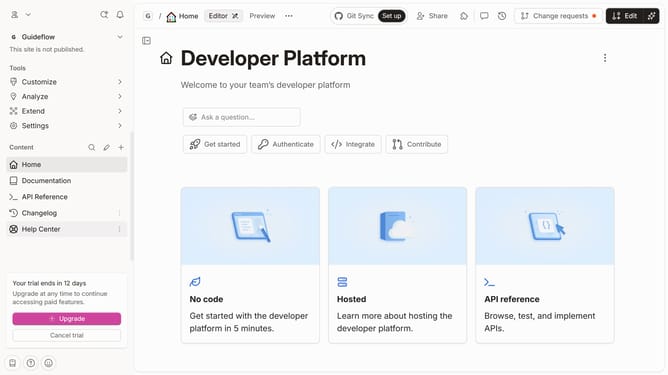
- First click on "Help Center" link in the sidebar
- Then click on "Edit" button in the top menu
- Then click on "+ Add field" button
- Then click on "Rating" option from the dropdown
- Finally click on "Merge" button in the top menu
Why should you add a rating field in a help center category in Gitbook
GitBook is an intuitive platform designed to capture and share knowledge effortlessly.
Adding a rating field in a help center category in GitBook enhances user interaction by allowing feedback directly within the platform.
It offers insight into user experience, helping content creators to identify which articles meet user needs and which may require improvement.
Ultimately, this feature supports continuous content enhancement, promoting a user-centric approach to knowledge sharing.
Last update