How to bold help center category title in Gitbook
Here is how to bold help center category title in gitbook
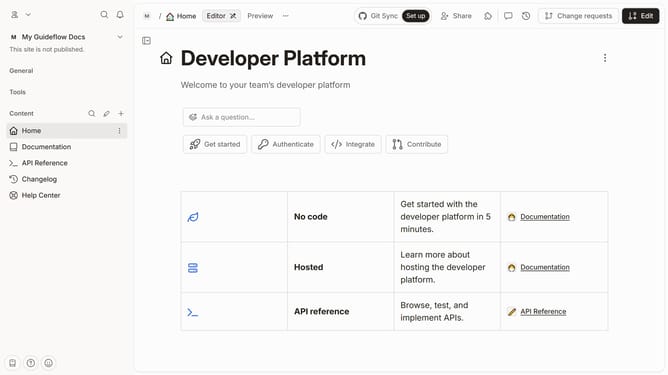
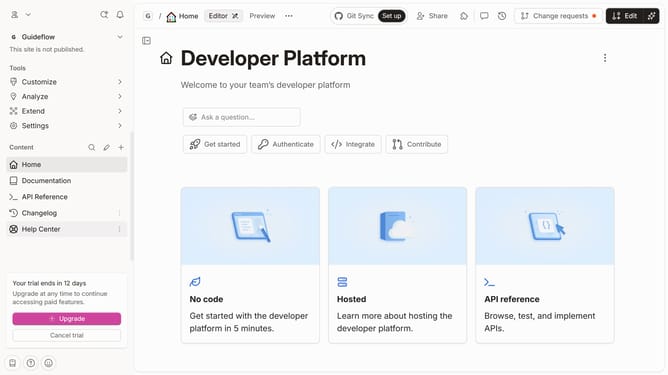
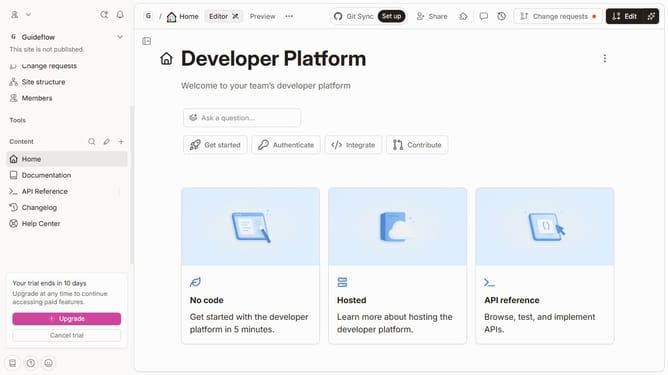
- First click on the "Help Center" option in the left sidebar
- Then click on the "Edit" button in the header
- Next, click on the header text input area
- After that, click on the "B" button in the formatting toolbar
- Finally, click on the "Merge" button in the header
Why should you bold help center category title in Gitbook
GitBook revolutionizes the way teams document and share knowledge, offering an intuitive and collaborative platform for creating stunning documentation.
Boldly emphasizing help center category titles can drastically improve readability, catching users' attention while guiding them effortlessly through content.
This feature not only enhances the structure and navigation of documentation but also ensures that crucial categories stand out, leading to an improved user experience and satisfaction.
Such visually distinct titles ensure clarity and efficiency as users access information, thus bolstering overall engagement and retention.
Last update