How to create a share link for your docs site in Gitbook
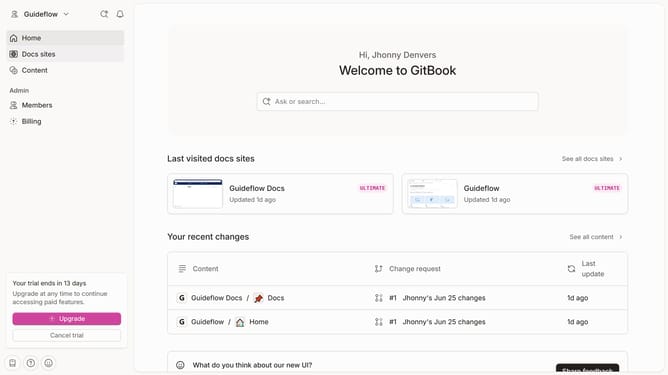
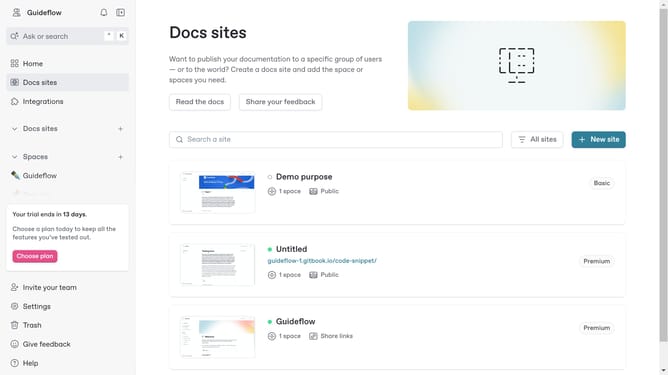
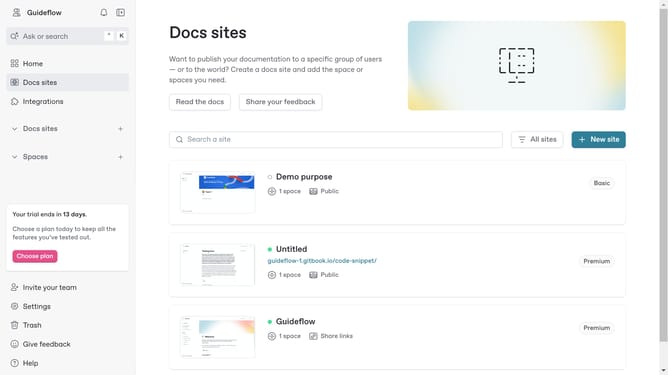
Here is how to create a share link for your docs site in gitbook
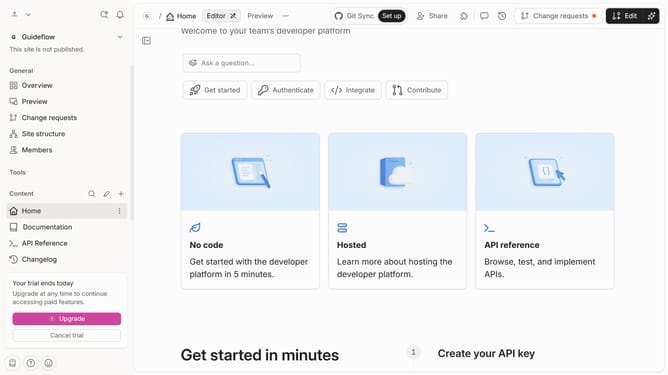
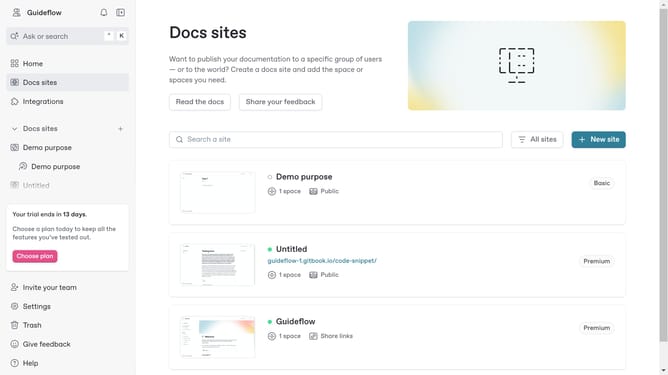
- First click on "Setting" in the top navigation menu
- Then click on "Audience" in the left sidebar settings menu
- Next select the "Share links" option in the Audience settings panel
- Click the "Update audience" button to apply the changes
- Click on the "Create share link" button to generate a new link
- In the modal window, click the text input field to name your share link
- Finally click the "Create" button to create your link
Why should you create a share link for your docs site in Gitbook
Gitbook is a modern platform designed to effortlessly document and share knowledge.
Creating a share link for your docs site in Gitbook comes with remarkable ease. This feature allows you to distribute valuable information with collaborators or clients in a simple, efficient manner.
Utilizing share links ensures that your audience has quick access to the latest updates and insights without any hassle. It enhances collaboration, facilitates seamless communication, and boosts productivity, making your documentation more impactful.
Last update